
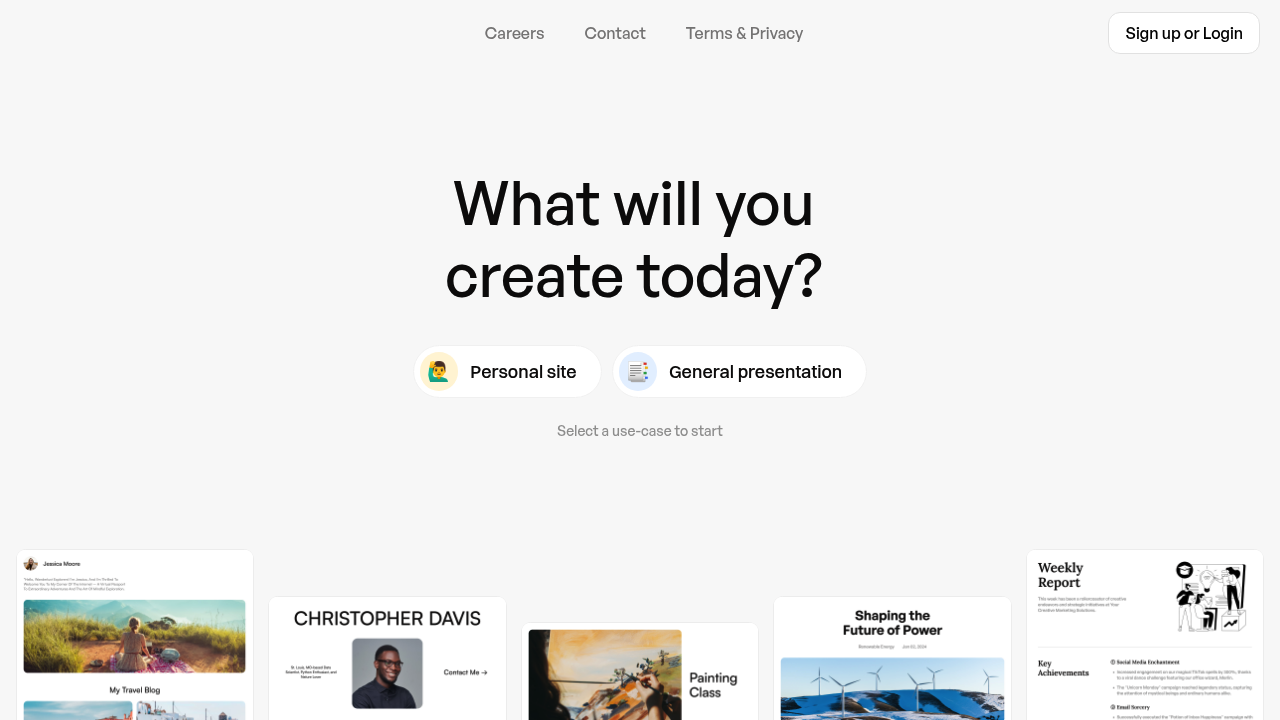
Prezo is an AI workspace for creating presentations, documents and websites from your own material. Its main idea is the Orb, described as an AI smart folder for all your files: you drop files in, then talk to them, search them and create from them. The starting screen asks what you want to make today and offers choices such as a personal site and a general presentation, so the same workspace covers slides, written documents and simple web pages. Everything lives in one online workspace, so your files and the things you make from them stay together.
It is aimed at people who already have source material scattered across files and want to turn it into something shareable without starting from a blank slide. Students preparing talks, professionals building decks from reports, freelancers who want a quick personal site and small teams assembling documents can all use it. Sign-up or login is required to begin, so it suits users who are comfortable keeping their content in an online workspace.
Typical workflows include dropping in a report or notes, asking questions about the content, and then generating a presentation from it. Someone building a portfolio can start from the personal site option, while a consultant can create a general presentation for a client meeting. Because the Orb keeps files together as a workspace for your ideas, repeated projects can draw on the same folder of references rather than uploading material again each time you need a new deck or document. A student can drop in lecture notes and produce a talk, while a freelancer can turn a résumé and project files into a personal site.