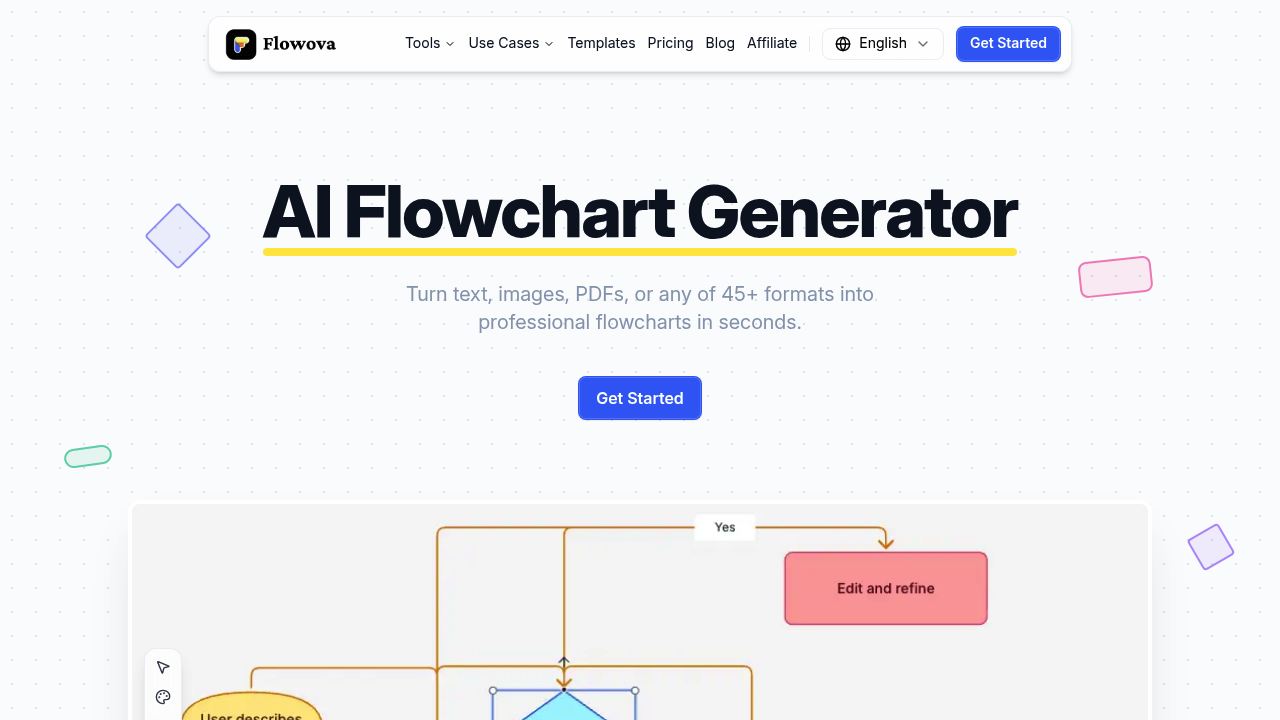
Flowchart creation typically demands either design skills or hours wrestling with diagramming software. Flowova AI removes both requirements by converting text descriptions, images, PDFs, Word documents, Excel spreadsheets, PowerPoint presentations, Markdown files, JSON data, CSV tables, and URLs into professional flowcharts within seconds. This tool accepts 45 different input formats, including 11 image types ranging from standard JPG and PNG to modern formats like HEIC and AVIF.
The generation process starts with uploading any supported file or pasting text. The AI analyzes the content, identifies workflow steps or process elements, selects appropriate shapes for each component, and creates connections that reflect logical flow. Real-time preview shows the flowchart taking shape during generation. Users can mix multiple file formats in a single upload session, letting them combine information from a PDF report, an Excel dataset, and a Word document into one unified flowchart.
After initial generation, the AI Chat Agent handles refinements through natural language conversation. Users can request changes like "add a decision point after step three" or "group the validation steps together" without touching the visual editor. The agent understands context and modifies the flowchart accordingly while maintaining proper flow logic.
The visual editor provides 18 shapes and 5 edge styles for manual adjustments. Drag-and-drop repositioning works alongside one-click auto layout that reorganizes nodes into clean arrangements. Frames and grouping keep related nodes visually connected. Flowova includes 40 color themes that apply consistent styling across entire diagrams. Keyboard shortcuts speed up repetitive editing tasks.
Export options include PNG, SVG, and Mermaid code format. The Mermaid support offers full round-trip capability, meaning users can import existing Mermaid diagrams, edit them visually in Flowova, then export back to Mermaid without losing formatting or structure. This creates a workflow bridge to Notion and other platforms that support Mermaid syntax. Sharing works through public links that don't require recipients to create accounts.
The free plan covers AI flowchart generation across all 45 input formats, access to the full shape library, all 40 color themes, one-click auto layout, and PNG exports. It doesn't require a credit card. Exports include watermarks and AI generations are limited. The Pro plan costs $5 monthly, currently discounted 50% from the standard $10 rate when billed annually at $60. Pro removes watermarks, provides unlimited AI generations and chat interactions, supports files up to 30MB, allows uploading 20 files simultaneously, adds SVG and Mermaid exports, and enables Expert Mode for creating more detailed flowcharts with finer control over element placement and connections.
Free users face several constraints beyond the watermarks. They cannot export to SVG or Mermaid formats, restricting integration options with other tools. File size limits prevent processing larger documents. Single-file uploads slow down workflows when information spans multiple sources. Text length restrictions affect complex diagrams with extensive descriptions. Expert Mode remains locked, limiting precision for users with specific layout requirements.
This tool targets business analysts documenting processes, educators visualizing concepts, HR teams mapping workflows, marketers planning campaigns, and technical teams charting system architectures. Anyone needing to transform written or tabular information into visual diagrams benefits, particularly those without formal design training or time for manual diagram construction. The 40 templates provide starting points for common flowchart types. Cloud sync and auto-save prevent work loss across sessions.