
Eraser logo
AI Diagram Generator FREEMIUM from $15/mo

Eraser

Eraser is an AI diagramming tool for technical and process teams that generates diagrams from text prompts, code, or uploaded files.

You can paste a prompt, drop in Terraform, reference a Git repository, or upload PDF, Word, Excel, Draw.io and Visio files, and the result lands on an editable canvas with diagram-as-code, Markdown notes and an AI chat…

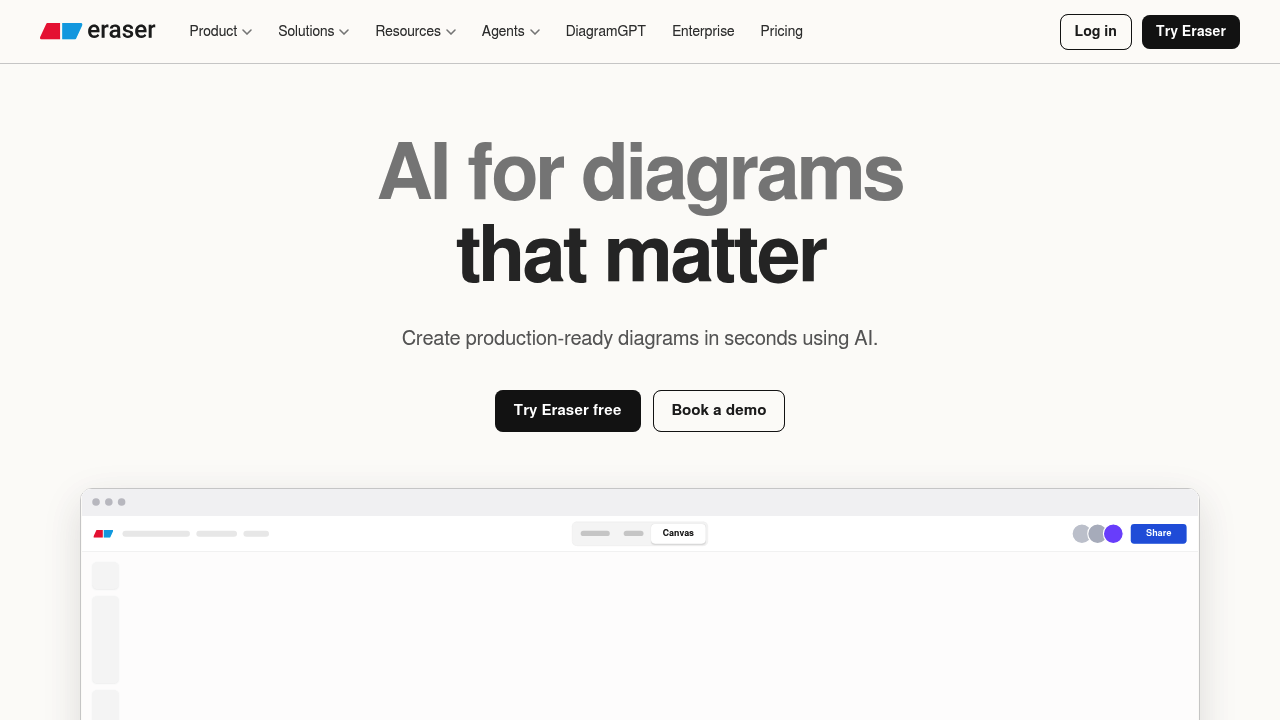
Eraser screenshot

Eraser is an AI diagramming tool for technical and process teams that generates diagrams from text prompts, code, or uploaded files. You can paste a prompt, drop in Terraform, reference a Git repository, or upload PDF, Word, Excel, Draw.io and Visio files, and the result lands on an editable canvas with diagram-as-code, Markdown notes and an AI chat for iteration. Pricing is per member: Free at $0, Starter at $20 monthly or $15 billed annually, and Business at $60 monthly or $45 billed annually, with custom Enterprise terms.

The product is built for software engineers, solutions architects, platform and security teams, and consultants who document systems and need diagrams that stay consistent. Teams define naming rules, colors, templates and reference architectures so every diagram follows house style. Starter adds private files, 40 AI diagrams and 90-day history, Business adds 250 AI diagrams, SAML SSO and reference diagrams, and Enterprise adds flexible deployment. Unlimited guests are allowed on every plan, which helps when sharing with clients or stakeholders outside the team.

An architect can describe a GCP deployment or paste infrastructure code and get a cloud architecture diagram in seconds. A business analyst can write out an insurance claims process and receive a BPMN diagram. Engineers can keep maps of whole systems with C4 drill-downs from context to containers and components, synced with code and cloud accounts. Teams building AI agents can use the open source toolkit, MIT licensed and self-hostable, with an MCP server for creating, searching, updating and exporting diagrams from other apps. Integrations include GitHub, Notion, Confluence and VS Code, and diagrams export to PDF, PNG, SVG and Markdown. The company reports 5,000+ customers and SOC 2 Type 2 certification.


Eraser alternatives

See all →

Frequently asked

6 questions
What input can Eraser turn into a diagram?
Text prompts, code such as Terraform, files like PDF, Word, Excel, Draw.io and Visio, images, and Git repositories. The AI result opens on a full canvas where you can refine it by hand or keep iterating in chat.
Who is Eraser designed for?
Architecture, platform, security and process teams are the main audience, along with consultants and engineers who document systems. Teams can standardize notation and styles so all diagrams look alike.
Can Eraser create a cloud architecture diagram from code?
Infrastructure code such as Terraform or a referenced repository can be turned into a laid-out diagram. It can also build GCP-style architecture diagrams from a description, and layout instructions are respected.
How much does Eraser cost?
Free is $0 per member with 3 files and 3 AI diagrams. Starter is $20 per member monthly or $15 billed annually, and Business is $60 monthly or $45 annually. Enterprise pricing is custom.
What are the limits on Eraser's free plan?
Only 3 files, 3 AI diagrams and 7-day version history are included on the free plan, with no private files, custom icons or SAML SSO. API calls are usage-based on paid plans. Guests are unlimited on every plan.
How does Eraser connect to other tools?
GitHub, Notion, Confluence and VS Code integrations exist, along with OAuth, API tokens and an MCP server. The agent toolkit is open source under the MIT license and can be self-hosted.

Reviews (0)

Write review

No reviews yet. Be the first to share your experience.