
AI Diagram Maker logo

AI Diagram Maker

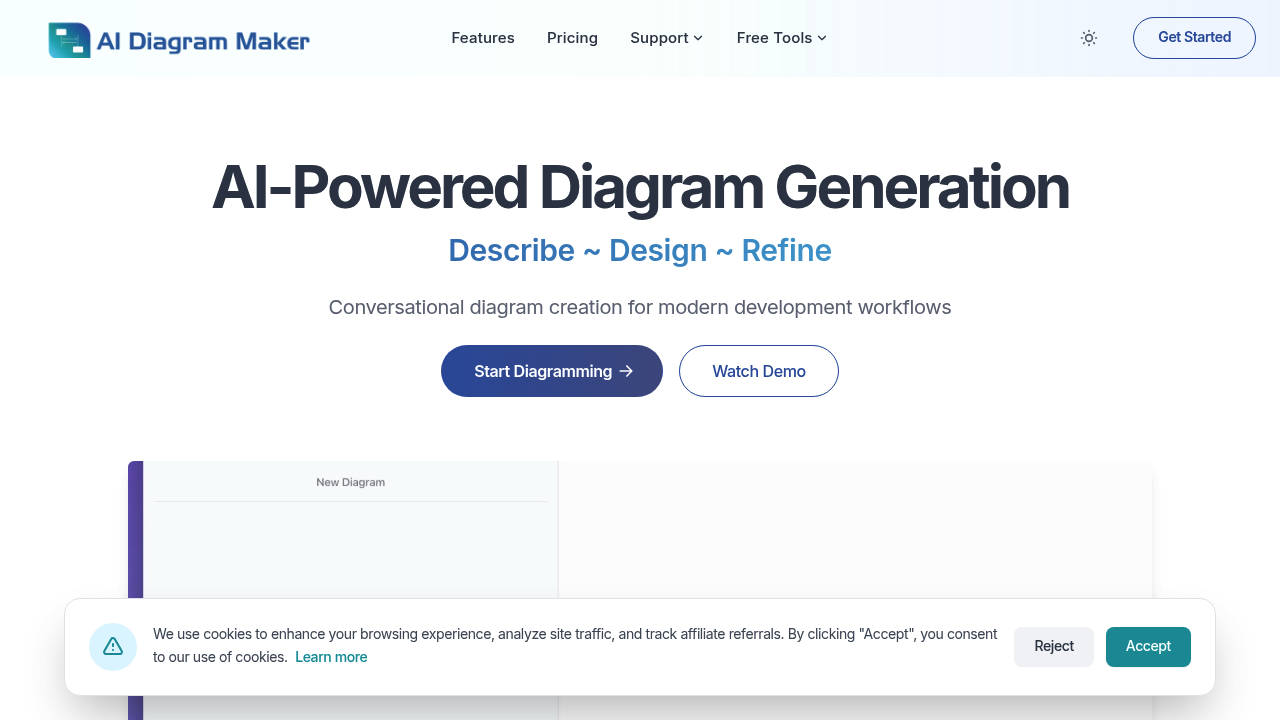
The AI Diagram Maker is an intelligent tool designed to help users generate various types of diagram

72 views
AI Diagram Maker screenshot

Sketching system diagrams on your phone screen? Good luck with that. AI Diagram Maker tackles this mobility problem by generating software architecture and flow diagrams through AI prompts instead of finger-drawn boxes and arrows.

It targets software developers and architects who need visual representations of their systems. Skip the drag-and-drop interface completely. You describe what you want. AI Diagram Maker builds the diagram for you.

Picture a senior backend engineer documenting a microservices setup for a new team member. Rather than opening a desktop drawing app and spending an hour connecting service boxes, they type out the architecture description. Clean diagram appears instantly.

Learning curve stays minimal. No design skills required. You won't master complex diagramming software or memorize symbol libraries because there aren't any to learn.

This approach works better for some diagram types than others. Flow charts translate well from text descriptions. System architectures too. More specialized technical diagrams might need traditional tools where you control every element.

AI Diagram Maker strips away the visual complexity that makes traditional diagramming tools frustrating on mobile devices. You get diagrams without wrestling with tiny interface elements — or trying to draw straight lines with your thumb. Less granular control over the final output, but most developers will find that acceptable for quick documentation and communication needs.


Frequently asked

7 questions
What types of diagrams work best with AI Diagram Maker?
Flow charts are perfect -- they translate super well from text to visuals. System architectures work great too. Basic network diagrams? Yep, those come out nicely. But if you need really specialized technical diagrams with custom symbols, you'll probably want traditional tools where you control every little detail.
How detailed do my text descriptions need to be for good results?
Don't write a novel! Just hit the key components and how they connect. Say you're doing a microservices diagram -- mention the services by name and their connections. The AI fills in standard symbols and layouts (that's its job), so focus on structure rather than colors or exact positioning.
Can AI Diagram Maker handle complex enterprise architectures?
It does well with moderately complex systems. Break them into logical sections in your description though. For massive enterprise architectures with dozens of components, describe subsystems separately -- you'll get better results. The tool's really good at clear, readable diagrams rather than cramming everything into one huge visual mess.
Do I need design experience to get professional-looking diagrams?
Nope, that's literally the whole point! You describe the logic and connections in plain text. The AI handles all the visual design decisions. No symbol libraries to learn, no alignment tools, no color schemes to worry about.
How does this compare to using Visio or Lucidchart on mobile?
Traditional tools make you drag tiny boxes around and draw connections with your finger -- pretty painful on a phone screen. AI Diagram Maker skips all that. You just type what you want and boom, you get the diagram. Sure, you lose some control over exact placement and styling, but you gain speed and actually being able to use it on mobile.
What's the turnaround time from description to finished diagram?
Almost instant after you hit submit. No waiting around for complex processing or anything. Need revisions? Just adjust your description and regenerate quickly.
Can I export diagrams from AI Diagram Maker to other tools?
The tool focuses on quick generation rather than tons of export options. You'll want to check what formats they actually support if you need to import diagrams into specific documentation systems or presentation software.

Traffic

Estimated monthly website visits · last 0 months

Not enough historical data for a chart yet.

Data from SimilarWeb · Updated monthly.

Reviews (0)

Write review

No reviews yet. Be the first to share your experience.

Similar tools

See all →