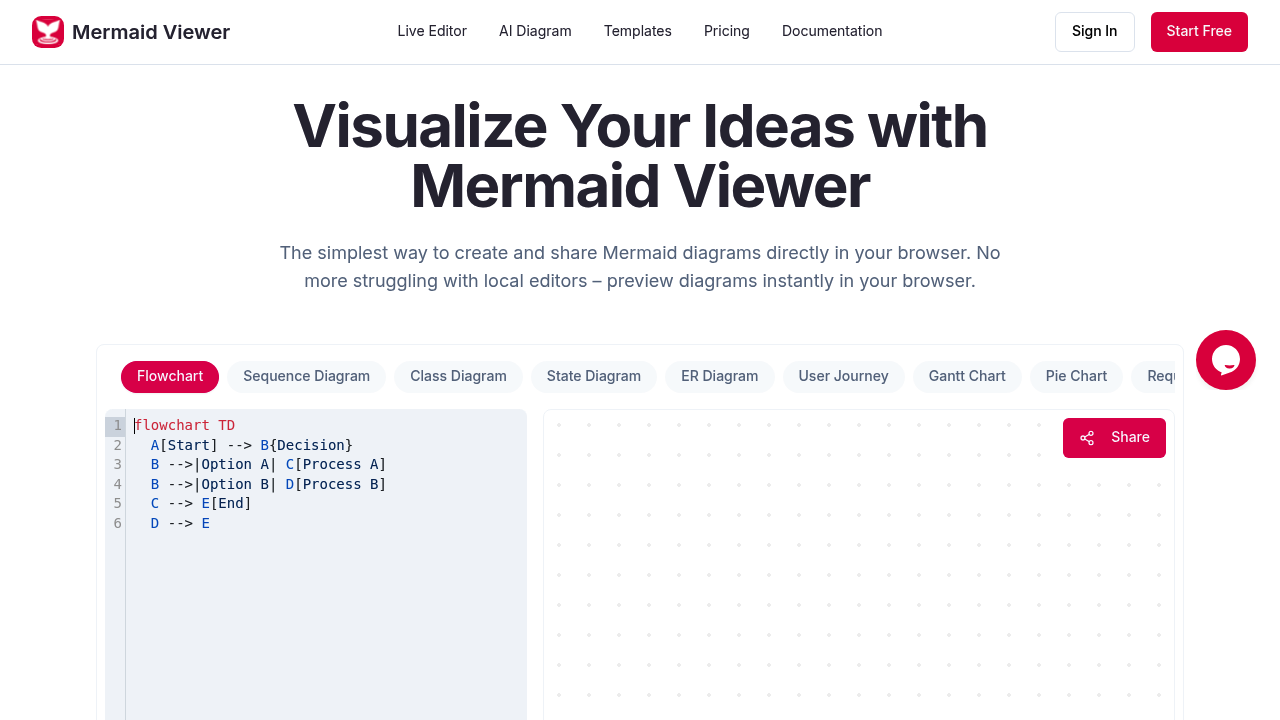
Mermaid Viewer runs entirely in your browser. The architecture keeps diagram data local rather than sending it to remote servers. When you type Mermaid syntax into the editor, the preview updates immediately without requiring a render button. This live feedback loop means you see your flowcharts, sequence diagrams, and entity relationship diagrams take shape as you write the code.
The AI component accepts plain language descriptions and converts them into Mermaid syntax. Instead of memorizing diagram markup, you can describe what you need and get working code. The system uses a large language model to interpret your intent and generate the appropriate syntax for nodes, edges, and relationships. Free accounts get 5 AI conversations daily. Starter plans bump that to 500 monthly. Pro removes the cap entirely.
Syntax error highlighting catches malformed code as you type. The editor suggests corrections when it detects issues with your Mermaid markup. This reduces debugging time. Version history tracks changes over time, though free accounts don't get this feature. Starter plans store 30 versions. Pro accounts keep 100.
Export functionality converts diagrams to SVG, PNG, or Markdown. You control DPI settings for raster formats and can toggle between dark and light themes before export. Free accounts get low-resolution PNG with watermarks. Starter removes watermarks and increases resolution. Pro adds JPEG, PDF, and SVG formats.
The collaboration model uses shared editor links. Multiple people can work on the same diagram simultaneously. Changes appear in real time for all participants. This works through the browser without requiring separate collaboration servers.
Docker deployment lets teams run private instances with role-based access control. This matters for organizations with strict data residency requirements. The VS Code plugin brings the editor into your development environment, though details about its specific capabilities aren't clear from the available information.
Free accounts max out at 3 diagrams. That's restrictive for anything beyond casual use. Starter accounts get 30 diagrams for 69.99 dollars annually. Pro accounts remove diagram limits at 119.99 dollars yearly. Annual billing saves 17 percent compared to monthly. There's a 30 day money back guarantee.
Pro accounts add personal notes and annotations to diagrams. They also get advanced sharing with statistics that track how people interact with your diagrams. Priority support comes with Pro as well.
The privacy architecture means your diagram data doesn't leave your browser unless you explicitly share or export. No signup required to start. You can create and preview diagrams immediately. This reduces friction but also means no cloud backup unless you manually save your work.
The free tier's 5 daily AI conversations run out quickly if you're designing multiple diagrams. The 500 monthly limit on Starter might work for occasional use but constrains heavier workflows. The 3 diagram cap on free accounts is particularly limiting. Even small projects often need more than three visual documents.
Mermaid Viewer doesn't specify what happens to diagrams when you hit plan limits. Whether older diagrams become inaccessible or read-only isn't documented. The version history limits also raise questions about what happens to older versions once you exceed 30 or 100 saved states.