
ERBuilder logo
AI Diagram Generator FREE TRIAL from $139/mo

ERBuilder

ERBuilder is a data modeling application from Softbuilder, and its generative AI feature turns plain-language descriptions into entity-relationship diagrams.

You type a few sentences about a data model, user stories or requirements, and the diagram appears for review and adjustment in the interface. The same feature can update an existing model: describe the change and the…

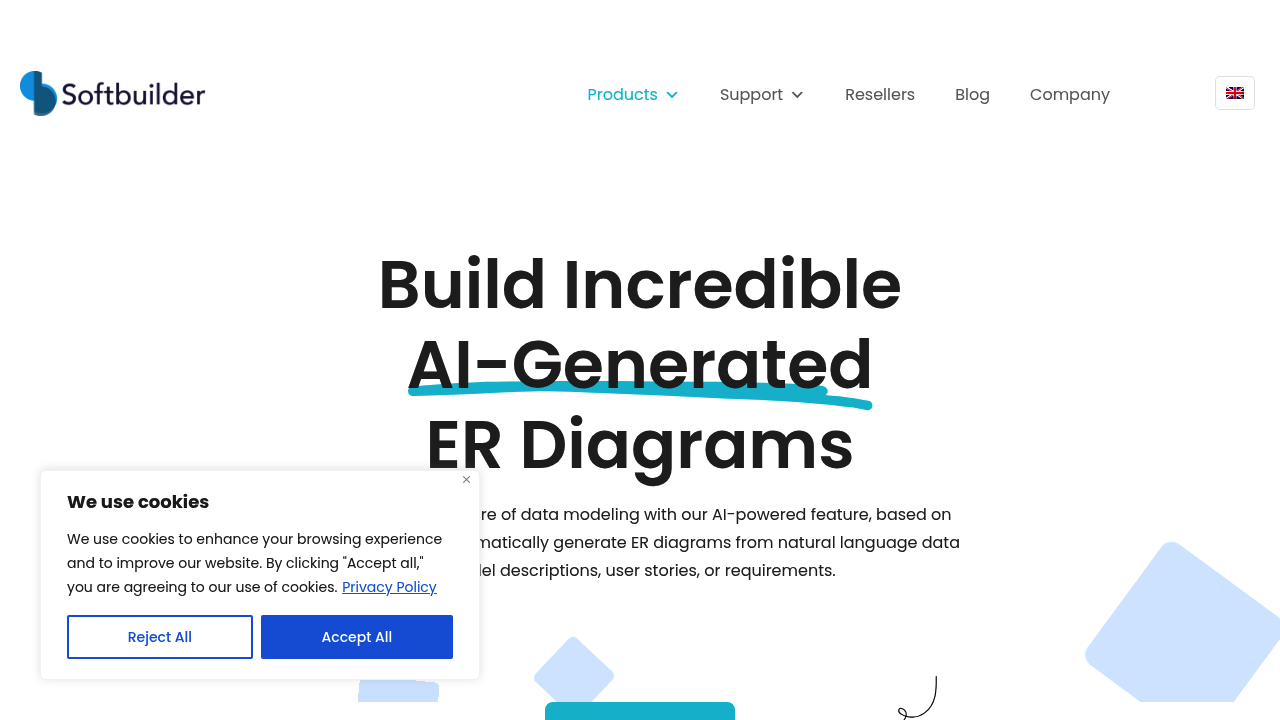
ERBuilder screenshot

ERBuilder is a data modeling application from Softbuilder, and its generative AI feature turns plain-language descriptions into entity-relationship diagrams. You type a few sentences about a data model, user stories or requirements, and the diagram appears for review and adjustment in the interface. The same feature can update an existing model: describe the change and the AI proposes modifications to the current ERD, which you approve or reject. The AI feature is activated with a purchased generative AI key, and a 15-day free trial with no credit card is offered.

ERBuilder serves people who design and document databases. Database architects and data modelers can use it to get a first-draft schema quickly. Developers who receive requirements as user stories can convert them into an ER diagram before writing tables. Business analysts can sketch a data model from a requirements document and hand it to engineers. Teams that maintain legacy databases can describe new needs in words and see which entities and relationships should change, instead of redrawing diagrams by hand.

A typical session begins by activating the generative AI feature, then pasting a short description such as a customer ordering system with products, orders and payments. ERBuilder produces the entities and relationships, and you refine them in the visual editor. Later, when a new requirement arrives, for example adding subscriptions or loyalty points, you enter the new description and review the suggested changes to the existing model. The product also covers data model documentation, validation and exploration, so the generated diagram can move into the usual modeling workflow. A feature matrix, price list and demo request are available.

ERBuilder alternatives

See all →

Frequently asked

6 questions
How does ERBuilder generate diagrams?
You enter a few sentences describing a data model, user stories or requirements. The generative AI then produces an entity-relationship diagram that you can inspect and adjust.
Who uses ERBuilder's AI diagram feature?
Database designers, data modelers, developers and analysts who start from written requirements. It reduces the manual work of drafting a first ERD.
Can ERBuilder change an existing data model?
Describe the new requirements and the AI suggests modifications to the current ERD. You review and approve each suggestion in the interface before it is applied.
Is there a free trial for ERBuilder?
A free 15-day trial is offered, and no credit card is required. The generative AI feature itself is activated with a purchased key.
What should I check in a generated diagram?
The output is a starting point, so review entities, relationships and attributes against your requirements. The interface lets you modify anything the AI produced.
How do I turn on the AI feature in ERBuilder?
Activate it through the user interface with a purchased generative AI key. After that, open the input window and enter your description.

Traffic

Estimated monthly website visits · last 9 months

5.4K visits/mo
Monthly visits
5.4K
↓ 6.3% MoM
Global rank
#3,419,998
RU #404,931
Category rank
#11
AI Diagram Generator
16K 13.3K 10.7K 8.1K 5.4K Nov 2025: 10.9K visits Nov 2025 Dec 2025: 12.8K visits Dec 2025 Jan 2026: 16K visits Jan 2026 Feb 2026: 7K visits Feb 2026 Mar 2026: 8.8K visits Mar 2026 Apr 2026: 8.8K visits Apr 2026 May 2026: 6.4K visits May 2026 Jun 2026: 5.8K visits Jun 2026 Jul 2026: 5.4K visits Jul 2026

Reviews (0)

Write review

No reviews yet. Be the first to share your experience.