
Lucidchart AI logo

Lucidchart AI

Lucid AI is the set of AI features built into Lucidchart and Lucidspark, Lucid's diagramming and collaborative whiteboard products.

It generates diagrams from text prompts and lets you iterate on them until the visual is right. The Lucid AI agent is aware of your canvas, so answers and outputs reflect what is already on it. Beyond diagrams, it…

Lucidchart AI screenshot

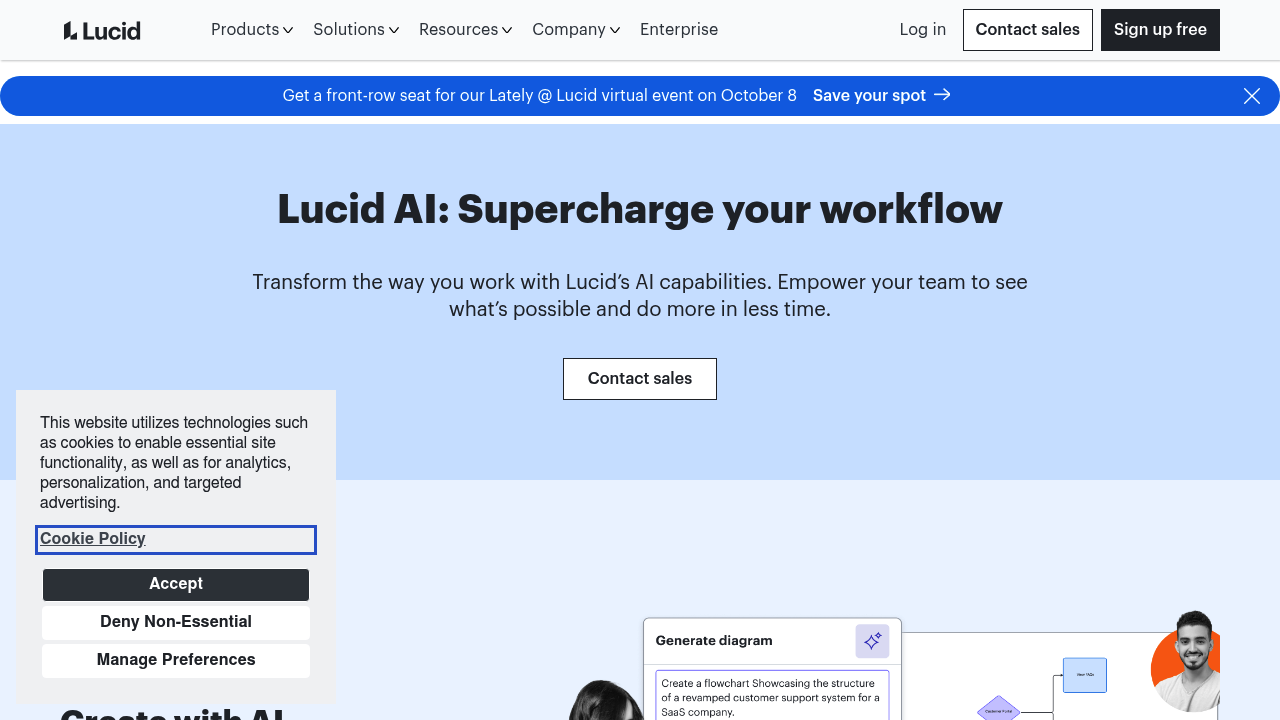
Lucid AI is the set of AI features built into Lucidchart and Lucidspark, Lucid's diagramming and collaborative whiteboard products. It generates diagrams from text prompts and lets you iterate on them until the visual is right. The Lucid AI agent is aware of your canvas, so answers and outputs reflect what is already on it. Beyond diagrams, it creates brainstorming boards, summarizes content, writes conditional formatting rules and builds mind maps. Process Capture records your screen while you work and produces an editable process diagram and a written SOP.

Process owners, operations managers, business analysts and team leads get the most from it, because it removes the blank-canvas problem and drafts documentation automatically. Facilitators running retrospectives and workshops can start with a populated board instead of empty frames. Developers and technical teams can use AI Prompt Flow to test models, prompts and inputs on the canvas using their own API key. Admins will also note that AI use is optional, and that customer data is not used to train third-party generative models.

Typical scenarios include documenting how a process really runs by recording it and refining the generated diagram, answering clarifying questions from the Process Agent to define triggers, owners and steps, and turning a messy brainstorm into themed groups by sorting ideas into containers. Teams add summaries to diagrams so colleagues can get aligned quickly, and use conditional formatting to highlight patterns in data-backed diagrams. Integrations extend this to Slack and Microsoft Graph Connector, and the Lucid MCP server connects diagrams to other AI tools so they can be found, edited, shared and referenced.

Lucidchart AI alternatives

See all →

Frequently asked

6 questions
What can Lucid AI generate?
It can generate diagrams from text prompts, populate boards with frames and sticky notes, build mind maps, and create documentation. It can also write conditional formatting rules and summarize canvas content. The agent understands what is already on your canvas.
Who is Lucid AI intended for?
Teams that map processes and collaborate visually, including operations, business analysis, product and engineering groups. Facilitators use it for brainstorms and retrospectives. Admins get an opt-out, since the AI features are optional.
How does Process Capture work?
You record your screen while you work, and the Process Agent generates an editable process diagram and a written SOP within seconds. The agent can also ask clarifying questions about triggers, owners and steps. This yields more accurate diagrams.
Is customer data used to train AI models?
Customer data is not used to train third-party generative AI models when using Lucid AI. AI capabilities are optional, and users can stop using them at any time. Lucid describes its AI models as handling sensitive data securely.
Can I test large language models inside Lucid?
With AI Prompt Flow you enter your own API key and interact with large language models visually on the Lucidchart canvas. You can compare different models, prompts and inputs. This suits technical teams exploring AI workflows.
How does Lucid AI connect to other tools?
Integrations include Slack and a Microsoft Graph Connector, and a Lucid MCP server lets other AI tools find, create, edit, share and reference diagrams. An AI diagramming course and quick guide are available to get started.

Reviews (0)

Write review

No reviews yet. Be the first to share your experience.