
Miro logo
AI Diagram Generator FREEMIUM from $8/mo

Miro

Miro is a visual collaboration workspace built around an infinite shared canvas where teams plan, research, diagram and run workshops together.

The canvas holds docs, tables, slides, kanban boards, timelines and diagrams, and built-in AI generates diagrams, tables and summaries, clusters sticky notes and runs AI workflows. More than 6,000 templates and 250+ app…

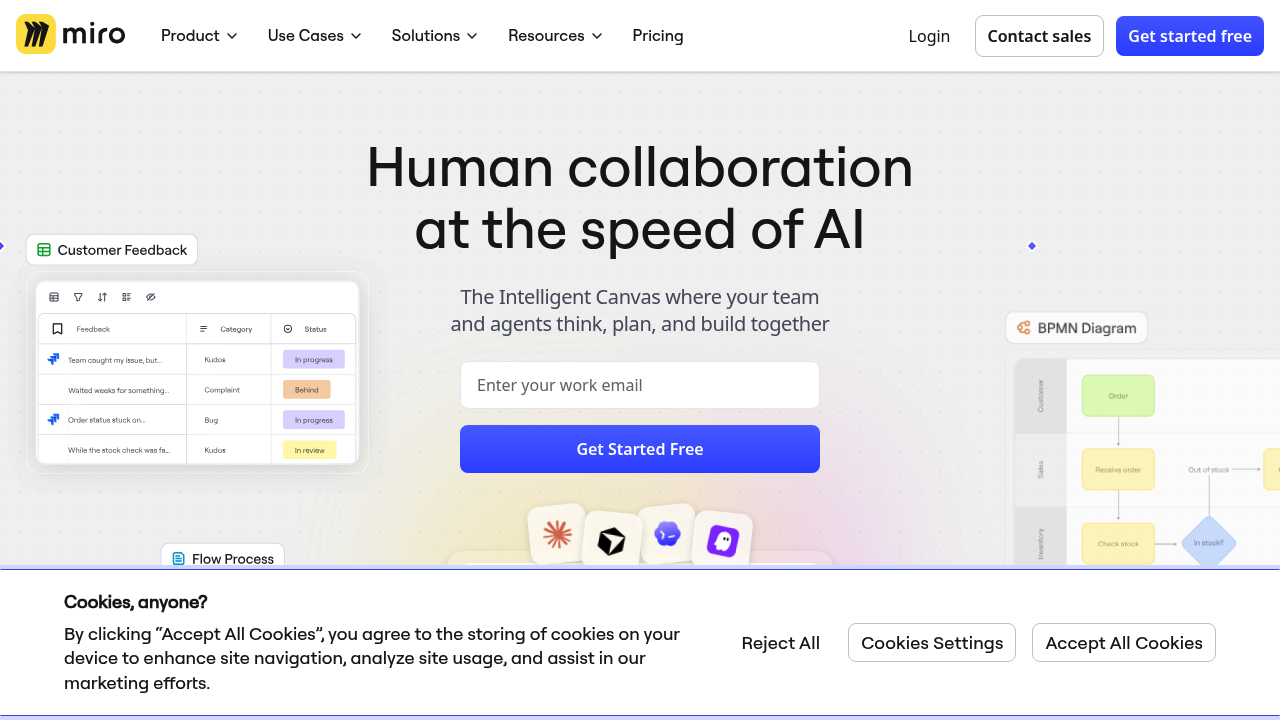
Miro screenshot

Miro is a visual collaboration workspace built around an infinite shared canvas where teams plan, research, diagram and run workshops together. The canvas holds docs, tables, slides, kanban boards, timelines and diagrams, and built-in AI generates diagrams, tables and summaries, clusters sticky notes and runs AI workflows. More than 6,000 templates and 250+ app integrations are available. A Free plan includes 3 editable boards, and the Starter plan costs $8 per member per month billed yearly.

Miro fits product teams, designers, researchers, project managers, agile coaches and facilitators who need a shared space for thinking. Operations and strategy leads use it to align stakeholders, while IT and security teams can evaluate its enterprise controls. The Starter plan adds unlimited private boards, visitor editing, high-resolution exports, timer and voting for workshops, and 25 AI credits per member each month. Larger organizations get enterprise security and scale options, and the company reports more than 100 million people and 250,000 companies using the product.

A product team can pull user research into one canvas, cluster the findings and turn them into a roadmap. A facilitator can run a workshop with timer, voting and private mode, then export frames as JPG or PDF. An engineer can ask Miro AI to map a process as a workflow diagram or visualize Mermaid code, and connect AI coding tools through the MCP server with up to 500 calls a day on Starter. Blueprints let teams templatize repeatable processes, and integrations with Microsoft, Slack, Google and Adobe bring files and notifications into the board. Customer examples include a planning process that retailers shortened by about half, according to the company.


Miro alternatives

See all →

Frequently asked

6 questions
What can you do on a Miro board?
Each board is an infinite canvas for docs, tables, slides, kanban, timelines and diagrams. Teams brainstorm, map workflows, plan roadmaps and run workshops together in real time. AI can generate diagrams, tables and summaries.
Who is Miro for?
Product teams, designers, researchers, project managers and workshop facilitators are the core users. Organizations of any size can adopt it, and enterprise security and scale options exist for large companies.
How can Miro support a team workshop?
Starter and above include timer, voting, private mode and notes for interactive sessions. Participants can edit boards without signing in through visitor editing, and finished frames export as high-resolution JPG or PDF.
How much does Miro cost?
Costs start at $0 for Free, which keeps 3 editable boards. Starter is $8 per member per month billed yearly and adds unlimited private boards and 25 AI credits per member monthly. Higher tiers exist for larger teams.
What does Miro's free plan restrict?
Unlimited boards can be created and shared on Free, but only the three most recent boards remain editable. Private boards, high-resolution exports and workshop tools such as timer and voting start on Starter. AI credits are also included only on paid plans.
Which tools does Miro integrate with?
Over 250 apps connect to Miro, including Microsoft, Slack, Google and Adobe, and embeds in meetings. An MCP server links Miro to AI tools so context flows both ways. Over 6,000 templates help new teams start quickly.

Reviews (0)

Write review

No reviews yet. Be the first to share your experience.