
Document360 logo

Document360

Document360 is knowledge base software for publishing product documentation, help centers, SOPs, user manuals and API docs.

Authors write in a collaborative editor, while readers get AI-powered search that answers questions from the articles and cites each source. An AI chatbot turns docs, tickets, files and FAQs into instant answers, and an…

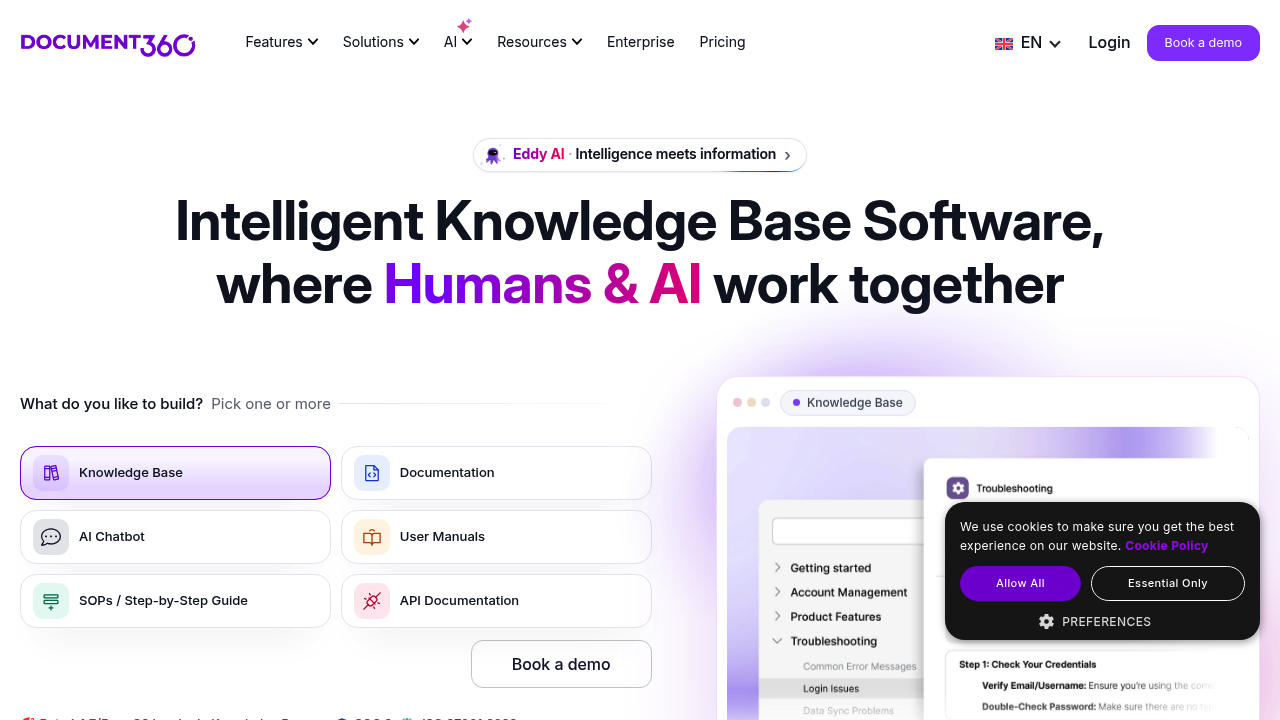
Document360 screenshot

Document360 is knowledge base software for publishing product documentation, help centers, SOPs, user manuals and API docs. Authors write in a collaborative editor, while readers get AI-powered search that answers questions from the articles and cites each source. An AI chatbot turns docs, tickets, files and FAQs into instant answers, and an AI writing agent drafts articles from videos and uploaded files inside the editor. An MCP server connects the knowledge base to external AI assistants.

Support leaders, technical writers, product managers and engineers are the core audience. Customer education and support teams use it to cut repeat tickets, while documentation owners at SaaS companies, IT consultancies, financial services firms, healthcare providers, schools, manufacturers and retailers use it to keep a single source of truth. It fits mid-size and enterprise teams that need SSO, SCIM, role-based access, audit logs and IP restrictions, and its review workflow suits companies with several editors and approvers.

Typical use cases include an external help center that deflects support tickets, an internal knowledge base for employee onboarding, step-by-step SOP libraries, and developer-facing API documentation. Teams moving from Confluence, Zendesk, Microsoft Word, SharePoint or Google Docs can import existing content instead of rewriting it. Analytics show which articles get traffic and where readers drop off, localization supports multilingual portals, and scheduled publishing, templates and category management keep large libraries organized. Customer stories on the vendor's pages cite results such as a 30% traffic increase to a documentation site and a 15% reduction in support tickets.

Document360 alternatives

See all →

Frequently asked

6 questions
How does AI search work in Document360?
Conversational search answers questions using the articles in your knowledge base and cites every source it draws from. An AI chatbot extends this to docs, tickets, files and FAQs. Readers get direct answers instead of scrolling through result lists.
Which teams use Document360?
Customer support, technical writing, product management and engineering teams are the main users. Industries listed include SaaS, IT and consulting, financial services, healthcare, education, manufacturing, retail and non-profits. Both customer-facing and employee-facing knowledge bases are supported.
Can Document360 be used for API documentation?
API documentation is one of the listed use cases alongside user manuals, SOPs and software documentation. Editors can add Mermaid diagrams and interactive decision trees to articles. Developers can also reach the knowledge base through its API and MCP server.
Can I move my existing documentation into Document360?
Import from PDF and Word is built in, and migration paths are listed for Confluence, Zendesk, Microsoft Word, SharePoint and Google Docs. A migration request form is available for larger moves. Existing articles can be brought across instead of rewritten.
What security and access controls are available?
Document360 offers SSO, SCIM, role-based access, IP restriction and audit logs. The company reports SOC 2 and ISO 27001:2022 certification. Content can be restricted so knowledge is locked down by default.
What languages does Document360 support?
The interface is offered in English, Portuguese (Brazil), French, Spanish and German. A localization feature lets teams publish knowledge bases in multiple languages. One customer used it to serve a foreign-language audience and reduced support tickets by 15%.

Reviews (0)

Write review

No reviews yet. Be the first to share your experience.