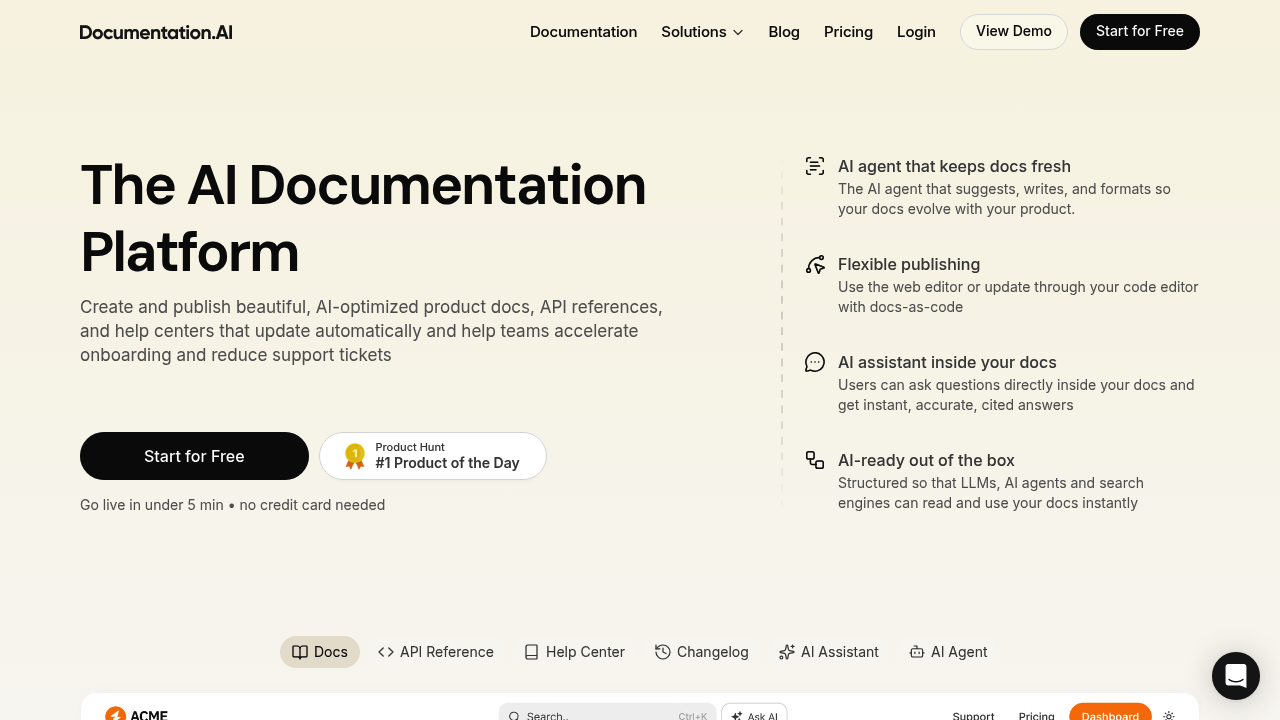
Product teams ship docs that fall out of date the moment code changes. Documentation.AI tries to fix that with an AI agent that monitors your product and actually tells you when documentation needs updating.
The system handles the full documentation workflow. You get a web editor if you prefer visual editing, or you can work in Markdown with docs-as-code. The AI agent doesn't just sit there waiting for commands. It watches product changes, scans support tickets, and reads user feedback to flag outdated content. Then it suggests rewrites, formats them, and can even draft entire sections.
What makes this different from just throwing docs into a CMS? The Model Context Protocol integration connects directly to code editors like Cursor and Windsurf. Your coding assistant can suggest documentation updates right from your development environment when it detects changes in your codebase. That's particularly useful if your team lives in their IDE.
Readers get an embedded AI assistant that answers questions using your documentation as source material. It cites its answers, so people aren't just trusting a chatbot. The content is structured specifically for large language models to parse, and it auto-generates llms.txt files so AI agents can discover your docs. You're making your documentation readable by both humans and the next wave of AI tools that'll be searching for product information.
The interactive API playground lets developers test endpoints without leaving your docs. Auto-generated OpenAPI pages save time. Everything scores 100/100 on Lighthouse for performance, accessibility, and SEO. That's table stakes, but nice to have confirmed.
Now the gaps. Credit limits feel tight. The free plan gives you 50 AI credits monthly. That's one editor seat too. If you're a solo developer maintaining simple docs, fine. But teams hit walls fast. Standard at two seats and 200 credits won't cut it for most product companies. Professional offers five seats and 500 credits, but you're paying $79 monthly for that. Enterprise gets unlimited seats, but pricing is custom and you need to talk to sales.
Password protection only shows up on Standard and above. If you're building internal documentation on the free tier, everyone can see it. SSO and advanced role controls are Enterprise-only. Same with IP allowlists and custom SLAs. Security-conscious companies will need the top tier.
Git sync works across plans, which is good. Third-party integrations only appear on Professional and Enterprise though. The service doesn't say which integrations, so you're guessing until you upgrade or ask.
Free tier gets you started with custom domains, search, analytics, and the MCP server. That's generous compared to most documentation tools. You can actually publish something useful. Standard makes sense at $29 yearly billing if you need a second editor and private docs. Professional at $79 is where small teams land when they need more seats and credits.
Product teams shipping APIs benefit most here. Developer-focused companies that want their docs to work with AI coding assistants. Support teams drowning in repetitive questions might see ticket reduction from the embedded AI assistant. The proactive monitoring could help larger teams where documentation debt piles up invisibly.
Does it replace your technical writer? No. But it might catch the gaps your writer doesn't have time to monitor across every product update and support thread.