
MyMemo logo

MyMemo

You save articles

34 views
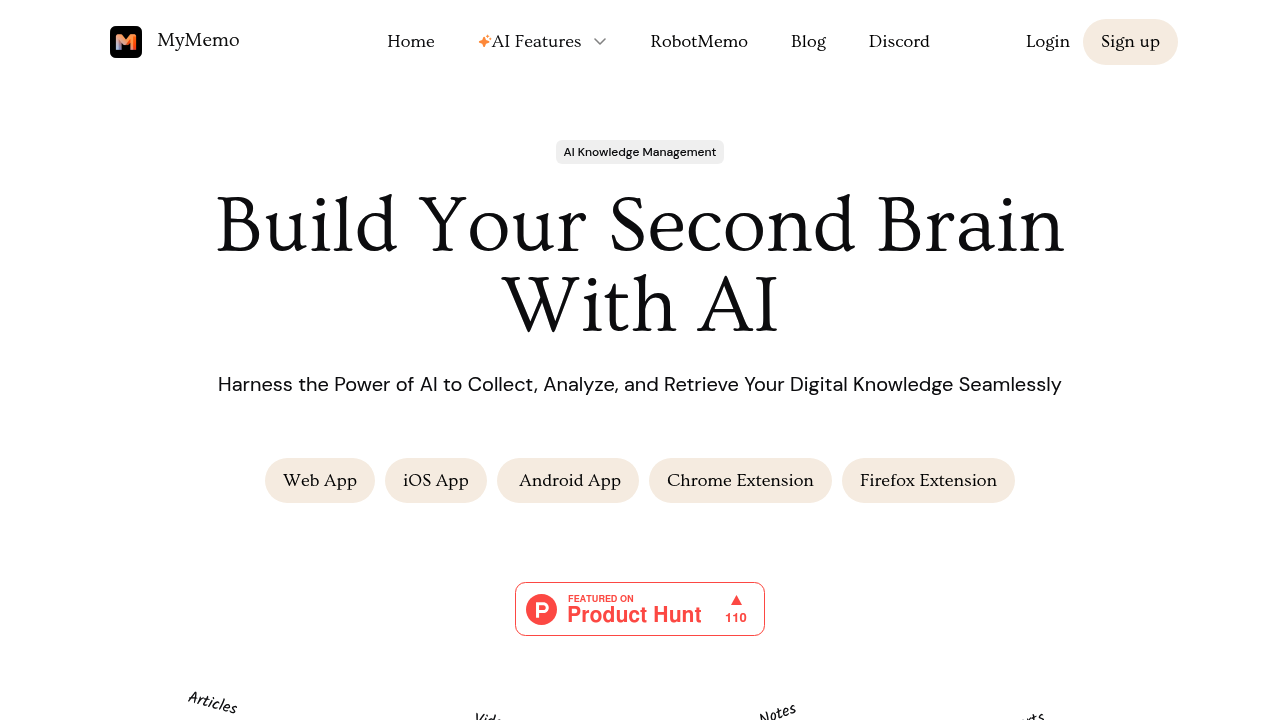
MyMemo screenshot

You save articles. Bookmark tweets. Screenshot interesting graphs. Then never find them again when you actually need them.

MyMemo turns that chaotic pile into something you can talk to. It's a knowledge management tool that ingests whatever you throw at it. Videos? Sure. PDFs? Yep. Links, images, notes—all of it goes in. Then you query everything through an AI chat interface. Think Google for your own brain dump.

Chrome and Firefox extensions make capturing content quick enough that you might actually do it. Snap something. It goes into MyMemo. The AI immediately analyzes it for key points.

Retrieval is the real test. Ask questions in plain English—MyMemo digs through your saved content to generate answers with source verification. No tagging required. No folder hierarchies either. A startup founder could ask "what were those growth tactics I saved last month" and get an actual answer instead of scrolling through bookmarks. It also attempts creative writing assistance and advice generation (based on what you've collected).

A free plan's available. Whether that's enough depends on how much you're hoarding.

The catch? Trust. You're betting MyMemo's AI understands your content well enough to surface the right stuff when you need it. If it misses connections or can't parse something properly—you're back to manual searching. For bloggers and content creators drowning in research material, that gamble might beat the current system of browser tabs and random screenshots. But it needs consistent feeding to work.

Frequently asked

7 questions
Is MyMemo free?
Yes, MyMemo offers a free plan. You can start using it without paying anything, though the amount of content you can store might be limited on the free tier.
How do I save content to MyMemo?
Install the Chrome or Firefox extension and you can capture anything with a click—articles, tweets, screenshots, videos, PDFs, whatever. Everything gets analyzed automatically and becomes searchable through the AI chat interface.
Can I search my saved content without organizing it into folders?
That's actually the whole point. You don't need to tag or organize anything. Just ask questions in plain English and the AI searches through everything you've saved to find answers with sources.
What types of content can MyMemo store?
Pretty much anything digital—images, links, videos, tweets, PDFs, articles, notes, and files. Throw it all in and the AI analyzes each piece to extract the important bits.
Does MyMemo work offline?
MyMemo relies on AI to analyze and search your content, so you'll need an internet connection to query your knowledge base. The saving part through browser extensions also requires connectivity.
Can MyMemo help me write content based on my saved research?
Yep. It can generate creative writing assistance and advice by pulling from everything you've collected. Ask it to help draft something and it'll reference your saved materials to give you personalized suggestions.
What if MyMemo's AI doesn't find the right information I saved?
That's the main risk—you're trusting the AI understood your content correctly. If it misses connections or misinterprets something, you might need to search manually or rephrase your question differently.

Traffic

Estimated monthly website visits · last 4 months

18.9K visits/mo
Monthly visits
18.9K
↓ 29.6% MoM
Global rank
#1,157,286
US #531,377
Category rank
#177
Productivity & Office
26.8K 24.8K 22.8K 20.8K 18.9K Nov 2025: 22.6K visits Nov 2025 Dec 2025: 25.7K visits Dec 2025 Jan 2026: 26.8K visits Jan 2026 Feb 2026: 18.9K visits Feb 2026

Data from SimilarWeb · Updated monthly.

Reviews (0)

Write review

No reviews yet. Be the first to share your experience.

Similar tools

See all →