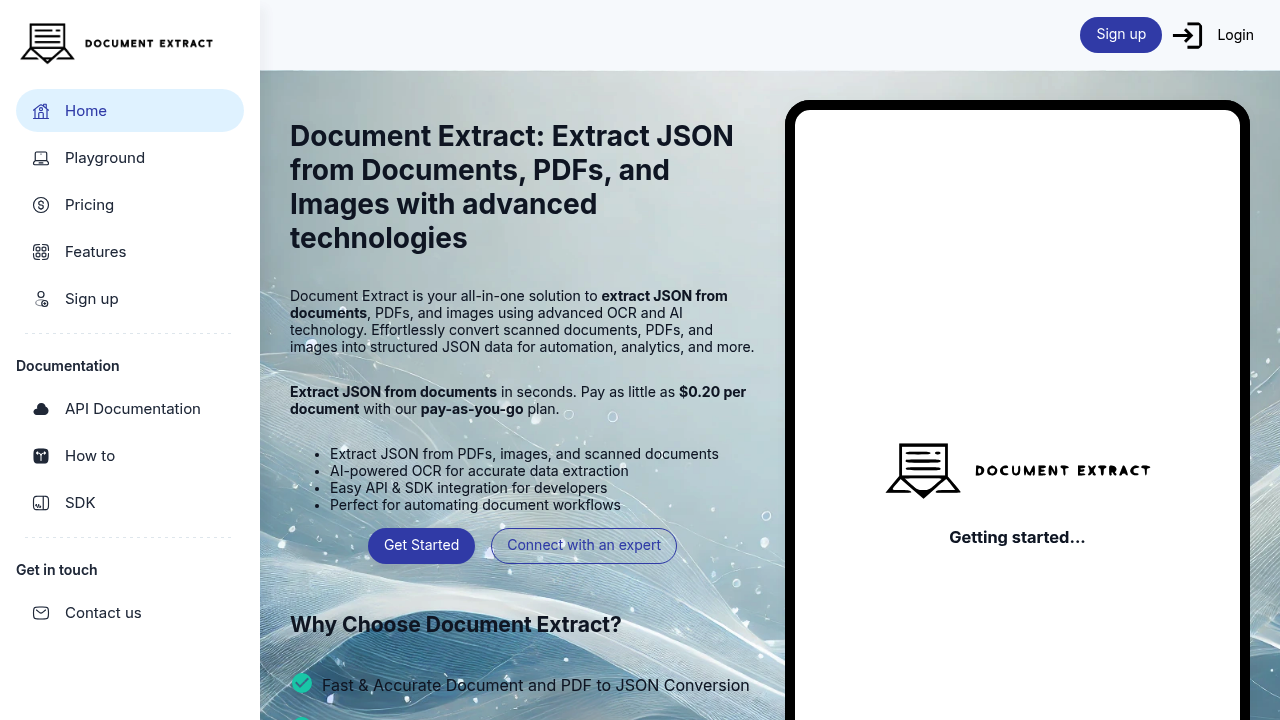
You land on Document Extract ready to turn a messy PDF invoice into clean JSON data. The interface asks you to upload your document or image. You drop in a scanned receipt, an insurance form, or a multi-page contract. The AI-powered OCR gets to work.
The extraction happens fast. Within seconds, you're looking at structured JSON output instead of locked-up text in a PDF. Fields are identified and organized. Names, dates, amounts, addresses — all pulled into a format your application can actually use. The accuracy impresses, especially on scanned documents where traditional tools fumble over low-quality images or weird fonts.
Developers can skip the web interface entirely. The API and SDK let you build document processing directly into your workflow. You send a document through an API call and get JSON back without manual intervention. This matters when you're processing hundreds of invoices daily or need to extract data from customer uploads in real-time.
The automation piece works well for repetitive document workflows. Instead of someone manually typing out form data or invoice details, Document Extract handles the conversion from unstructured documents to structured data. You can pipe this into databases, analytics tools, or whatever system needs the information.
Where things get less clear is customization for highly specific document types. If you're working with industry-specific forms that have unusual layouts, you might wonder how much tweaking is available to train the extraction on your particular format. It handles standard documents confidently but specialized use cases aren't fully explained.
The pay-as-you-go model charges twenty cents per document. No monthly subscription hanging over your head. You start with five dollars in credits, which covers 25 basic requests, and you don't need to hand over a card to try it. This works if your document volume fluctuates — you're not paying for capacity you don't use during slow months.
The conversion speed impresses. JSON appears quickly even from complex PDFs. But if you're expecting visual previews showing exactly where each extracted field came from in the original document, that level of transparency isn't obvious. You get the data but less insight into how confident the system is about each extraction.
For teams automating document intake or building products that need to digest PDFs and images, Document Extract delivers the core function without forcing you into rigid monthly tiers. Just upload, extract, and move on.