Gentables logo

Gentables

Got messy documents that need structured data fast

? Gentables uses AI to extract and organize information from PDFs. Word files. Excel sheets. Images. Even scanned documents. Everything gets turned into clean tables automatically once you upload files. The Chrome…

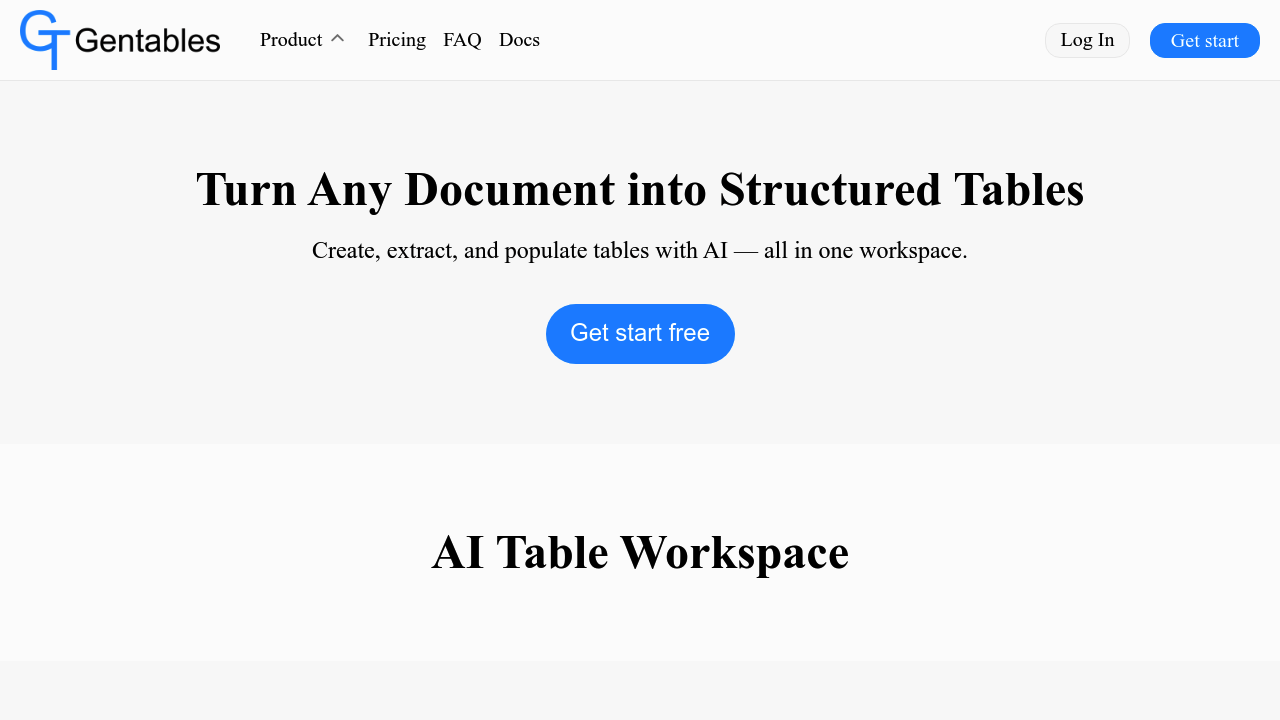
Gentables screenshot

Got messy documents that need structured data fast? Gentables uses AI to extract and organize information from PDFs. Word files. Excel sheets. Images. Even scanned documents. Everything gets turned into clean tables automatically once you upload files.

The Chrome extension makes webpage extraction smooth. One click grabs tables from any site. Screenshot a webpage section — it converts to structured data. Select random text or images and transform them into organized key-value pairs.

Say you're a financial analyst reviewing quarterly reports. Upload multiple PDFs and watch Gentables extract all the financial tables automatically. The AI handles data cleaning and normalization without manual formatting. Natural language prompts let you create entirely new tables from existing document content.

Tables export to Excel or CSV formats. Share extracted data through links that don't require recipients to have accounts. This removes friction when collaborating with external partners or clients.

Gentables generates insights, summaries, and visualizations from your extracted data. Reuse tables across different projects as persistent assets. There's no mention of API access or developer integration options, but the Chrome extension approach suggests web-first functionality. The free plan gets you started though specific limitations aren't detailed.

It won't replace comprehensive data engineering workflows. For quick document extraction and basic table manipulation though, it handles the tedious formatting work that usually eats up hours.


Gentables alternatives

See all →

Frequently asked

7 questions
Can Gentables handle handwritten documents or only typed text?
Gentables works with both typed and handwritten stuff through OCR tech. It's designed for images and scanned docs -- so handwriting's definitely supported. Just keep in mind that messy handwriting might not work as well as clean text.
How does the Chrome extension work for extracting data from websites?
One click grabs tables from any site. You can screenshot parts of pages too -- it'll turn them into structured data automatically. Even works with random text or images, converting everything into neat key-value pairs without downloading anything.
What file formats can I upload to Gentables for data extraction?
PDFs, Word docs, Excel files, and images all work fine. Scanned documents are supported too (great for old paper stuff that's been digitized). Everything gets turned into clean tables once it's uploaded.
Do people I share data with need Gentables accounts to view my extracted tables?
Nope -- they just need the link you send them. No account required for viewing shared tables. Makes working with clients and external partners way easier since there's no signup friction.
Can I use natural language to create custom tables in Gentables?
Yeah, just tell it what kind of table you want in plain English. The AI builds it from your document content automatically -- no manual formatting needed. Works across multiple uploaded docs too.
What export options does Gentables offer for my extracted data?
Excel and CSV exports are available for other apps. Tables stick around as reusable assets within the platform too. Easy integration with existing workflows or sharing with tools that need specific file formats.
Does Gentables offer any data analysis features beyond extraction?
It auto-generates insights, summaries, and visualizations from your data. So it's not just extraction -- you get analysis tools to actually understand what you've pulled out. Saves tons of time on both ends of the process.

Traffic

Estimated monthly website visits · last 7 months

3.1K visits/mo
Monthly visits
3.1K
Category rank
#13
AI Document Extraction
3.1K 2.3K 1.5K 768 0 Nov 2025: 0 visits Nov 2025 Dec 2025: 0 visits Dec 2025 Jan 2026: 0 visits Jan 2026 Feb 2026: 0 visits Feb 2026 Mar 2026: 0 visits Mar 2026 Apr 2026: 0 visits Apr 2026 Aug 2026: 3.1K visits Aug 2026

Reviews (0)

Write review

No reviews yet. Be the first to share your experience.