
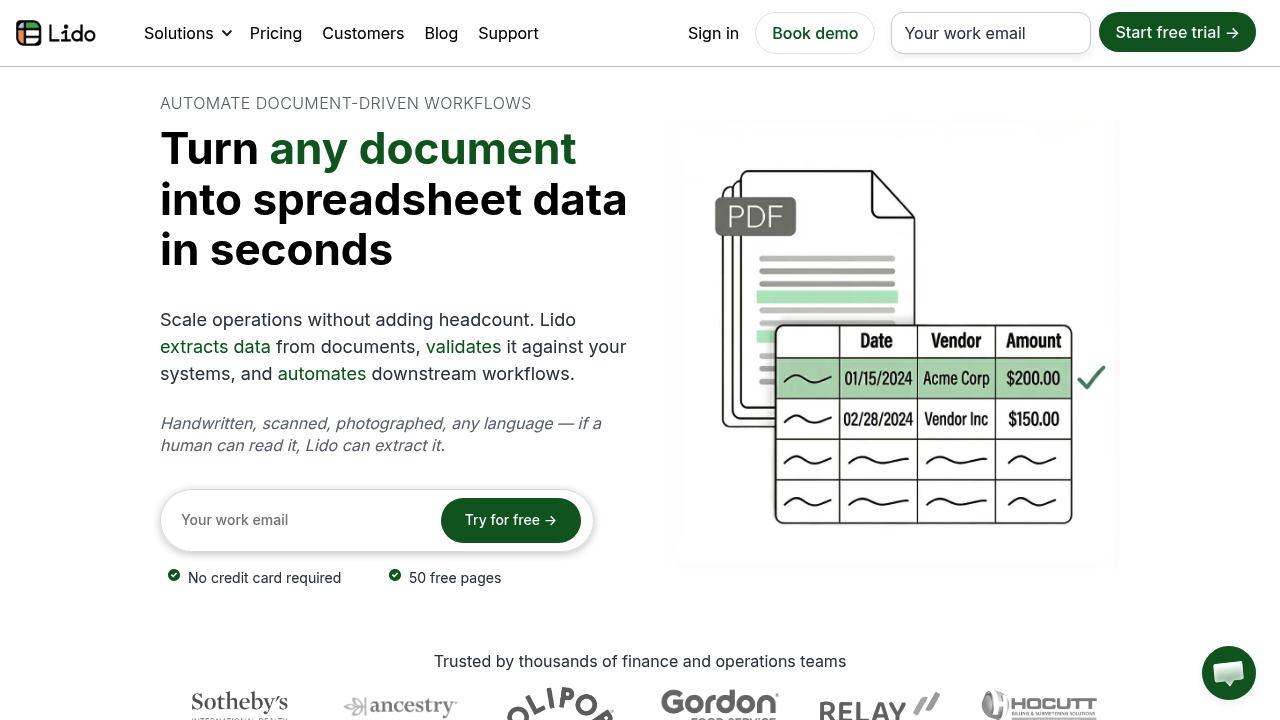
Lido Document Processing extracts structured data from PDFs, invoices, receipts and scanned paperwork and delivers it as clean rows in Excel or Google Sheets. It reads documents in any layout or language, including handwritten pages, without templates or model training. You tell it which fields you need, and it returns them as tables that can be exported as CSV or pushed toward an ERP. After extraction, Lido can check the values against your internal records and trigger follow-up steps. New accounts get 50 free pages with no credit card.
Lido is built for finance, accounting, billing and operations teams that spend hours retyping figures from vendor documents. Accounts payable clerks, billing managers and operations leads can use it to cut manual entry, while AI and engineering leads who previously retrained extraction models whenever a vendor changed a layout can rely on it staying accurate across formats. Companies replacing older OCR systems that needed lengthy setup are another fit, since implementation is described as taking about an hour.
Typical workflows start with batches of invoices uploaded from a computer, Google Drive, OneDrive or an inbox that Lido watches for new files. Extracted vendor names, invoice numbers, dates, amounts, due dates and purchase order numbers land in a worksheet ready for review. From there the data can be matched against internal systems to find the right record, files can be split or renamed, outputs can be sent on a schedule, and an AI form filler can generate downstream documents. Lido works from a desktop browser and does not support mobile yet.