
Docparser logo
AI Document Extraction FREE TRIAL from $33/mo

Docparser

Docparser is a document data extraction service that reads PDF, Word, CSV, XLS, TXT, XML and image files and turns the content into structured rows.

It combines zonal OCR, anchor keywords and pattern rules, so you mark the areas you care about once and every later document with the same layout is parsed automatically. Paid plans run $39/mo for Starter, $61.50/mo for…

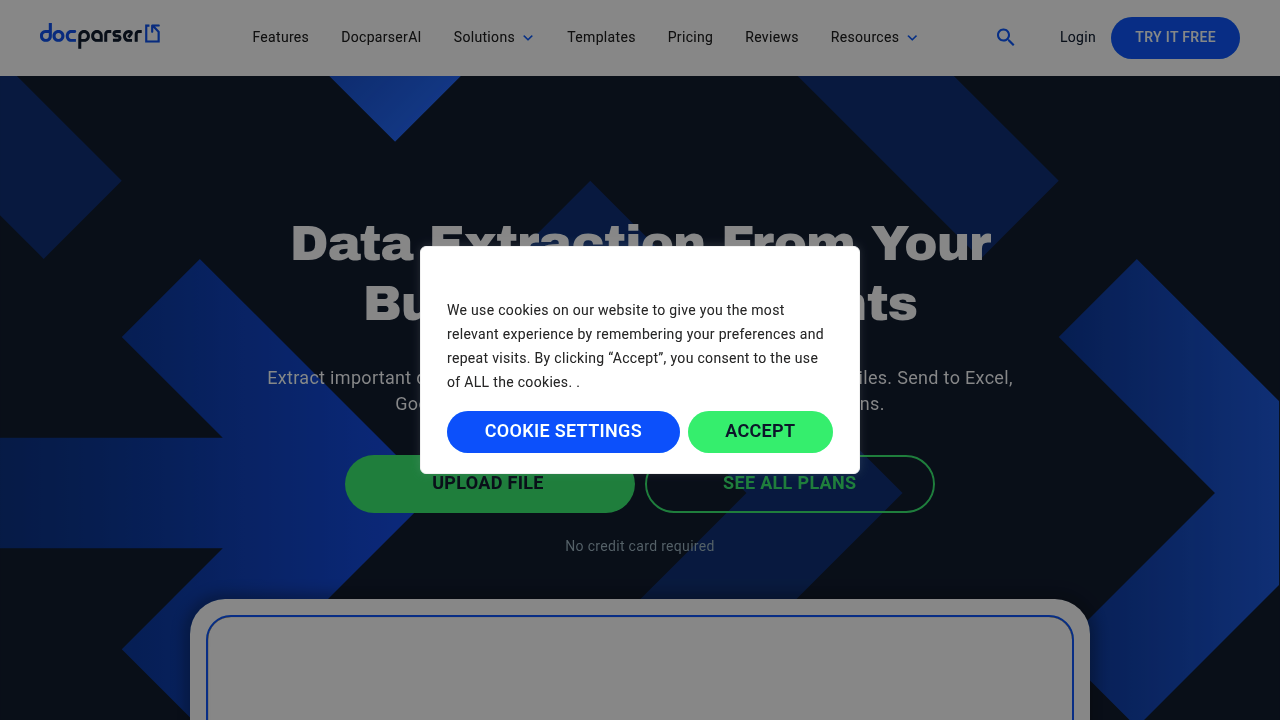
Docparser screenshot

Docparser is a document data extraction service that reads PDF, Word, CSV, XLS, TXT, XML and image files and turns the content into structured rows. It combines zonal OCR, anchor keywords and pattern rules, so you mark the areas you care about once and every later document with the same layout is parsed automatically. Paid plans run $39/mo for Starter, $61.50/mo for Professional and $133/mo for Business, with a 14-day free trial and a 20% saving on annual billing. Output goes to Excel, CSV, JSON, XML or Google Sheets.

Accounting and bookkeeping staff use it to stop retyping invoice figures. Operations managers in logistics, wholesale and ecommerce use it for purchase orders and delivery notes. HR coordinators can pull answers out of application forms, and legal assistants can capture recurring terms from rental or warranty agreements. Setup needs no code, which suits small businesses without developers, while a REST API and Zapier-style connectors give technical teams a way to wire parsing into existing systems. Larger companies can ask for an Enterprise package with custom credit volumes.

Typical workflows start with documents arriving by email attachment, cloud storage folders in Dropbox, Box, Google Drive or OneDrive, or an API call. Invoices are reduced to reference numbers, dates, totals and line items for an accounting system. Bank and credit card statements become spreadsheets. Product and price lists in PDF turn into tables that feed a point-of-sale system or online store, and scanned paperwork is cleaned up with deskewing before extraction. Barcodes and QR codes on shipping paperwork can be read, and checkbox answers on forms are captured as data.


Docparser alternatives

See all →

Frequently asked

6 questions
Which file types can Docparser read?
It reads PDF, Word, CSV, XLS, TXT, XML and image files, including scanned documents. Built-in image preprocessing deskews pages and removes scanning artifacts before extraction.
Who is Docparser built for?
Finance, accounting, logistics, retail and HR teams that process the same document types repeatedly. Setup uses preset rules and drag-to-select zones, so no coding is required.
How would an accountant use it on invoices?
Invoices are uploaded, emailed in or sent through the API, and fields such as reference number, dates, totals and line items are extracted. The results can be downloaded as a spreadsheet or passed to an accounting system.
What does Docparser cost?
Starter is $39/mo, Professional is $61.50/mo and Business is $133/mo, with Enterprise available by quote. Annual billing saves 20%, and a 14-day free trial needs no credit card.
How are usage limits counted?
Each parsing credit covers one document of up to 5 pages. Starter includes 100 credits per month and 15 parsers, and higher plans raise both numbers.
Where can parsed data be sent?
Data can be downloaded as Excel, CSV, JSON or XML, or sent to Google Sheets and automation services such as Zapier, Workato and Microsoft Power Automate. A REST API is available for custom integrations.

Reviews (0)

Write review

No reviews yet. Be the first to share your experience.