daisy | Labubufy logo

daisy | Labubufy

The outfit in your photo needs to be visible and in focus, or the transformation won't work

That's the main constraint here — blurry shots or obscured clothing kill the effect before it starts. But what daisy | Labubufy does within that boundary, it does fast. Upload a photo from your device, drag and drop it,…

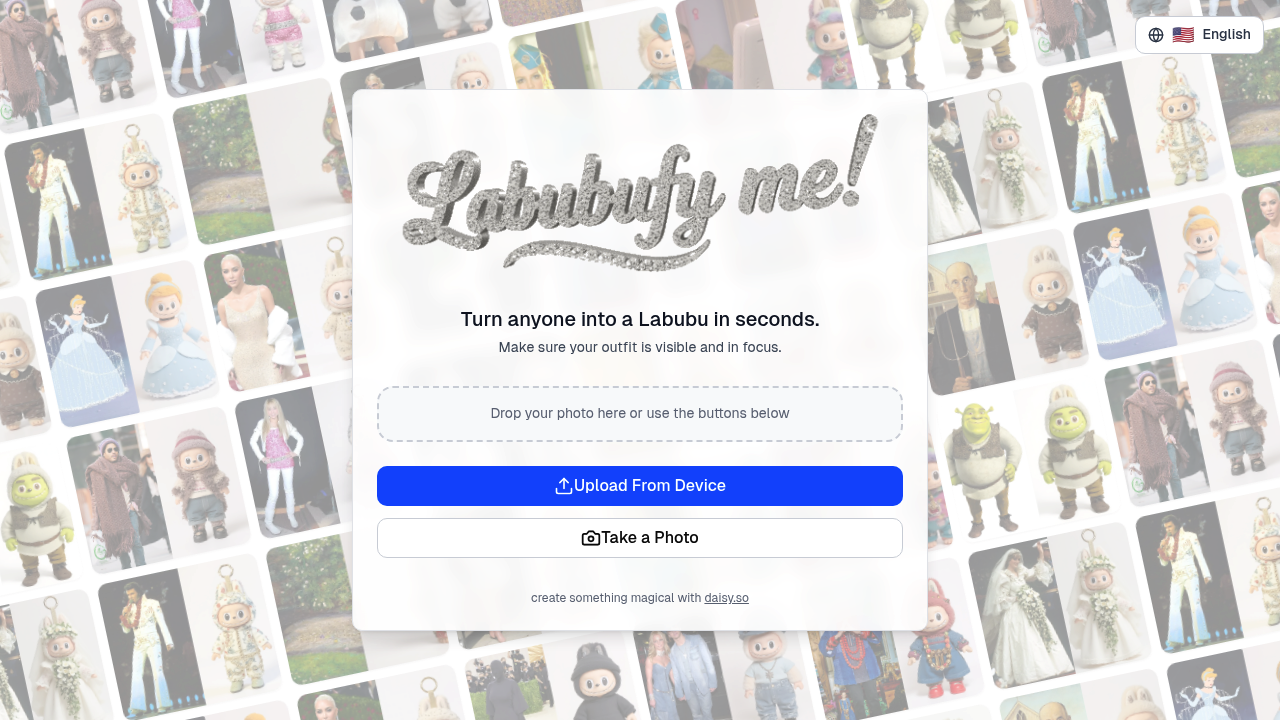
daisy | Labubufy screenshot

The outfit in your photo needs to be visible and in focus, or the transformation won't work. That's the main constraint here — blurry shots or obscured clothing kill the effect before it starts.

But what daisy | Labubufy does within that boundary, it does fast. Upload a photo from your device, drag and drop it, or take one directly through the app. In seconds, it converts your image into a Labubu character. The process doesn't ask for setup or skill. You get the Labubu style applied to your photo without fiddling with settings or adjustments.

The app runs completely free. No trial period because there's nothing to trial — just open it and use it. You're not paying to access features or remove watermarks. The transformation happens at no cost, which makes it easy to test on multiple photos without worrying about credits or subscriptions.

It's built on the daisy.so platform, which handles the character conversion in the background. You won't see customization options for tweaking the Labubu look or adjusting details. It's a single-purpose app designed for one specific transformation style. If you want variety in output or control over how the character appears, you won't find it here.

This works for anyone who wants their photo turned into a Labubu character without learning design software or spending time on manual edits. It's quick. It's free. It requires a decent photo where the outfit shows clearly. That's the deal. If you're after that specific aesthetic and your image meets the visibility requirement, the app delivers what it promises without extra steps or costs.


daisy | Labubufy alternatives

See all →

Frequently asked

6 questions
Can I use blurry photos with Labubufy?
Your outfit needs to be visible and in focus, so blurry photos won't work. The app detects whether clothing is clear enough before processing, and obscured or out-of-focus outfits kill the transformation. If the outfit shows clearly, the conversion happens in seconds. If it doesn't, you'll need a better photo.
Is Labubufy actually free or just a trial?
It's completely free with no trial period involved. You can upload and transform as many photos as you want without hitting paywalls, credit limits, or watermarks. There aren't paid tiers because the app does one thing at no cost. You're not testing a limited version — what you see is what everyone gets.
How long does it take to turn a photo into a Labubu character?
The transformation happens in seconds once you upload or take a photo. You're not waiting through long processing queues or render times. Drag and drop your image or snap one directly, and the app applies the Labubu style immediately. The speed works because the conversion doesn't offer customization — it's a single-purpose tool.
Can I customize how the Labubu character looks?
There aren't customization options for tweaking the character style or adjusting details. The app applies one specific Labubu aesthetic to your photo without letting you change colors, features, or intensity. It's designed for a single transformation type, so if you want control over the output, this won't deliver. You get the standard Labubu look or nothing.
What kind of photos work best with Labubufy?
Photos where the outfit is visible and in focus give the best results. The app relies on detecting clothing clearly, so full-body shots or waist-up images with unobstructed outfits work better than close-ups or images where clothes are hidden. Lighting and sharpness matter because blurry or dark photos fail the visibility check. Take or upload a clear shot where what you're wearing shows plainly.
Do I need to download an app or can I use Labubufy online?
You can upload photos from your device, drag and drop them, or take photos directly through the interface. The tool runs on the daisy.so platform, which suggests browser access rather than a standalone mobile app. You're not installing software — just open it and start uploading. The process stays simple because there's no setup or account creation involved.

Traffic

Estimated monthly website visits · last 0 months

Not enough historical data for a chart yet.

Reviews (0)

Write review

No reviews yet. Be the first to share your experience.