
Deep Art Effects logo

Deep Art Effects

Turn photos into artistic styles

65 views
Deep Art Effects screenshot

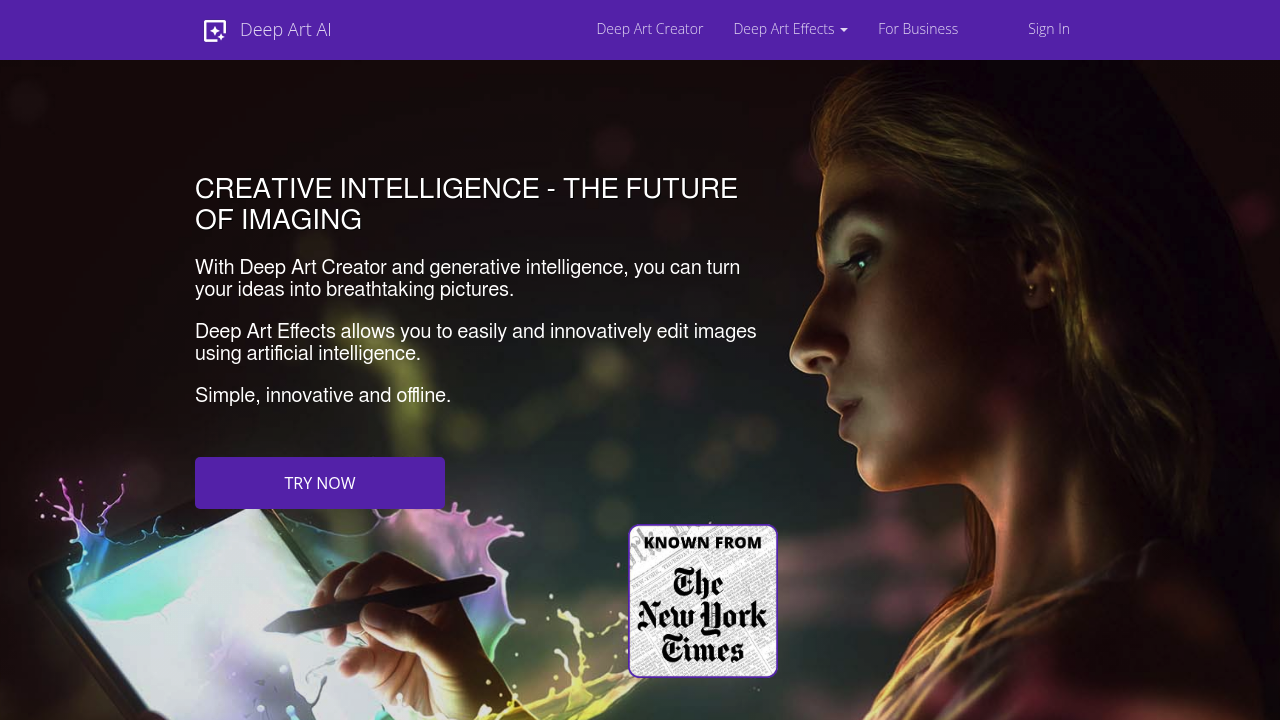
The mobile app gives you access to basic filters for free. That's where the generosity ends. Deep Art Effects turns your regular photos into stylized artwork using AI filters that mimic famous painting styles and artistic techniques.

You can upscale images to four times their original resolution without the usual pixelation mess. Background removal happens automatically. Black-and-white photos get colorized too. Wedding photographers dealing with mixed lighting conditions might find the automatic color optimization useful for quick client previews.

Deep Art Effects processes everything locally on your device. Your photos never leave your phone or computer — addressing privacy concerns that plague most AI photo apps. German data protection approach means no cloud uploads.

Say you want to turn a vacation snapshot into something that looks like a Van Gogh painting. Predefined art filters handle this transformation, though results vary depending on your source image quality. It also mimics expensive DSLR camera effects if you're stuck with smartphone photos.

There's an API available for developers who want to build these features into their own applications. Local processing means slower results compared to cloud-based competitors, but you get complete control over your images. You won't find advanced editing tools here though. Deep Art Effects focuses specifically on artistic transformations rather than general photo editing.


Frequently asked

7 questions
Why is Deep Art Effects slower than other AI art apps?
Deep Art Effects does everything right on your device -- no cloud servers involved. That's why it takes longer, especially with big images or fancy effects. But here's the thing: your photos never leave your phone, so your privacy stays intact.
Can I use Deep Art Effects without an internet connection?
Absolutely! Everything happens on your device locally. You can turn photos into art even when you're totally offline. The only time you'll need internet is downloading the app initially (and for updates).
What's the maximum resolution I can upscale images to?
You can blow up images to four times their original size. A 1000x1000 pixel photo becomes 4000x4000 pixels -- without that nasty pixelation you'd normally get.
Does Deep Art Effects work better with certain types of photos?
Your source image quality makes a huge difference. Sharp, well-lit photos with clear subjects? They'll transform beautifully. Blurry smartphone shots in bad lighting -- not so much. DSLR images usually beat phone pics here.
How many free filters can I use in Deep Art Effects?
The mobile app's got some basic filters for free, but it's pretty limited. Most of the cool artistic styles and advanced features? You'll need to upgrade to the paid version.
Can developers integrate Deep Art Effects into their own apps?
Yep, there's an API for that! Developers can add these artistic features to their own apps. You get the same local processing and privacy protection -- just built into your custom software.
What countries follow the same data protection approach as Deep Art Effects?
Deep Art Effects follows German data protection rules (some of the world's strictest under GDPR). That means zero cloud uploads and everything processed locally. Your privacy's locked down tight.

Traffic

Estimated monthly website visits · last 4 months

115.1K visits/mo
Monthly visits
115.1K
↓ 17.1% MoM
Global rank
#311,547
IN #85,218
Category rank
#60
Image Generation
138.7K 114.7K 90.6K 66.6K 42.5K Nov 2025: 42.5K visits Nov 2025 Dec 2025: 68.2K visits Dec 2025 Jan 2026: 138.7K visits Jan 2026 Feb 2026: 115.1K visits Feb 2026

Data from SimilarWeb · Updated monthly.

Reviews (0)

Write review

No reviews yet. Be the first to share your experience.

Similar tools

See all →