AIAI.com | Image to Image AI Generator logo

AIAI.com | Image to Image AI Generator

This tool processes uploaded photos through AI models to generate artistic transformations

You upload an image in PNG, JPG, or JPEG format up to 20MB, select a target style like anime, Pixar, Disney, oil painting, watercolor, or sketch, and the system outputs a stylized version. The underlying architecture…

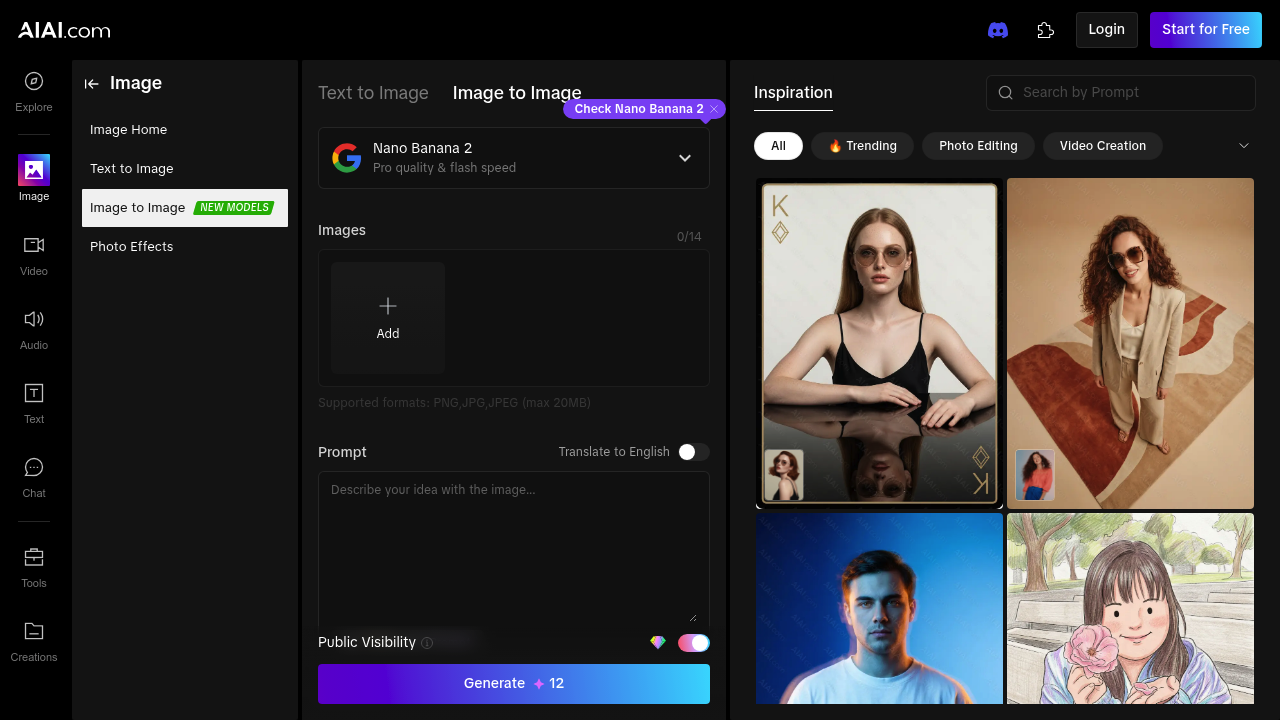
AIAI.com | Image to Image AI Generator screenshot

This tool processes uploaded photos through AI models to generate artistic transformations. You upload an image in PNG, JPG, or JPEG format up to 20MB, select a target style like anime, Pixar, Disney, oil painting, watercolor, or sketch, and the system outputs a stylized version. The underlying architecture uses LoRA models, which are fine-tuned adaptations that allow precise control over specific artistic characteristics without retraining entire base models. This approach lets the system handle diverse style transfers while maintaining detail fidelity.

The data pipeline starts with image ingestion and preprocessing. The system accepts aspect ratios from 1:1 to cinematic 21:9, plus a match-image option that preserves original proportions. Resolution selection happens before generation. Three tiers are available: 1K, 2K, and 4K. Higher resolutions demand more compute time but preserve finer details in the output. This application also includes prompt translation to English and a polishing feature that restructures user text into formats the model interprets more effectively.

Beyond single transformations, this service generates image variations. This creates multiple distinct outputs from one source photo and style selection. Each variation interprets the prompt and style parameters differently, producing alternatives without manual re-prompting. The variation engine works alongside the main image-to-image pipeline, using the same LoRA infrastructure but introducing controlled randomness in latent space sampling.

Output quality depends on resolution choice and source image clarity. 4K generations capture texture and detail better than 1K, but processing takes longer. The LoRA integration means style application can be quite specific. An oil painting style won't just add brush strokes but mimics lighting and composition patterns from actual oil paintings. Users can toggle public visibility for generated images, controlling whether outputs appear in community galleries.

The free tier provides access to core transformation features with a 14-image generation limit. Usage resets aren't specified in the technical documentation. No integrations with external platforms or APIs are documented. The system operates as a standalone web application.

Technical limitations are straightforward. File size caps at 20MB, which excludes very high-resolution source photos without compression. Format support stops at common web standards. No video or GIF input. The 14-image limit on free accounts constrains experimentation. Style options are predefined. You can't train custom styles or upload reference images for new artistic directions. Processing happens server-side, so generation speed depends on queue length and selected resolution. No batch processing for multiple images simultaneously.

AIAI.com | Image to Image AI Generator alternatives

See all →

Frequently asked

7 questions
How does image to image AI generation work?
Image-to-image AI processes your uploaded photo through neural networks that've been trained on millions of artistic examples. The system uses LoRA models, which are specialized adaptations that apply specific artistic characteristics without rebuilding the entire base model from scratch. When you select a style like anime or oil painting, the model interprets your source image's composition and lighting, then reconstructs it with the chosen artistic patterns. Resolution settings determine output quality—4K captures finer texture details than 1K but requires longer processing time on the server side.
Can I use AIAI.com for free?
The platform offers a free tier with access to all artistic transformation styles and resolution options up to 4K. Free accounts get 14 image generations, though the documentation doesn't specify whether this limit resets daily, monthly, or remains fixed. You'll have full access to features like prompt polishing, aspect ratio selection, and the variation generator that creates multiple outputs from one source image. File uploads max out at 20MB in PNG, JPG, or JPEG formats.
What artistic styles can AI transform photos into?
The tool converts photos into Pixar, Disney, anime, oil painting, watercolor, and sketch styles using LoRA-based models trained on specific artistic patterns. Each style applies more than surface filters—the oil painting option mimics actual brush stroke techniques and lighting from traditional paintings, while anime style reconstructs facial features and shading according to that medium's conventions. The variation generator can produce multiple interpretations of the same style from one source photo. These aren't custom trainable styles, so you're working with the predefined artistic options the system provides.
What image sizes and formats does AIAI.com support?
Uploads accept PNG, JPG, and JPEG files up to 20MB, which excludes very high-resolution photos without compression first. The system handles aspect ratios from square 1:1 to ultrawide 21:9, plus a match-image option that preserves your original photo's proportions. Output resolution gets selected before generation with three options: 1K, 2K, and 4K. Higher resolutions maintain better detail and texture but increase server processing time since they require more computational resources.
Can I create custom AI art styles or train my own models?
The platform doesn't support custom style training or reference image uploads for new artistic directions. You're limited to the predefined styles like Pixar, Disney, anime, and traditional art forms that come built into the system. The LoRA models provide fine-tuned control within existing styles, but there's no mechanism to introduce your own artistic references or train adaptations. This keeps the interface simple but restricts experimentation to whatever style catalog the developers have implemented.
How many variations can AI generate from one photo?
The variation generator creates multiple distinct outputs from a single source image and style selection by introducing controlled randomness during the generation process. Each variation interprets your prompt and style parameters differently without requiring manual adjustments. The exact number of variations per generation isn't specified in the documentation, but the feature operates within your overall image limit—free accounts get 14 total generations including both standard transforms and variations. All variations pull from the same LoRA model infrastructure as single-image generations.
Does AIAI.com work with video or animated images?
The system processes only static image files in PNG, JPG, and JPEG formats—no video, GIF, or animated content. While the interface mentions animated style options, these refer to artistic styles like anime or Pixar animation aesthetics applied to still photos, not actual frame-by-frame animation generation. All processing happens server-side on individual images. There's no batch processing for multiple files simultaneously, so you'd need to upload and transform photos one at a time.

Traffic

Estimated monthly website visits · last 9 months

126.9K visits/mo
Monthly visits
126.9K
↑ 20.2% MoM
Global rank
#404,125
US #649,693
Category rank
#36
Image to Image
126.9K 102.6K 78.3K 54.1K 29.8K Dec 2025: 33.1K visits Dec 2025 Jan 2026: 29.8K visits Jan 2026 Feb 2026: 41.9K visits Feb 2026 Mar 2026: 57.9K visits Mar 2026 Apr 2026: 75.3K visits Apr 2026 May 2026: 102.6K visits May 2026 Jun 2026: 111.6K visits Jun 2026 Jul 2026: 105.6K visits Jul 2026 Aug 2026: 126.9K visits Aug 2026

Reviews (0)

Write review

No reviews yet. Be the first to share your experience.