
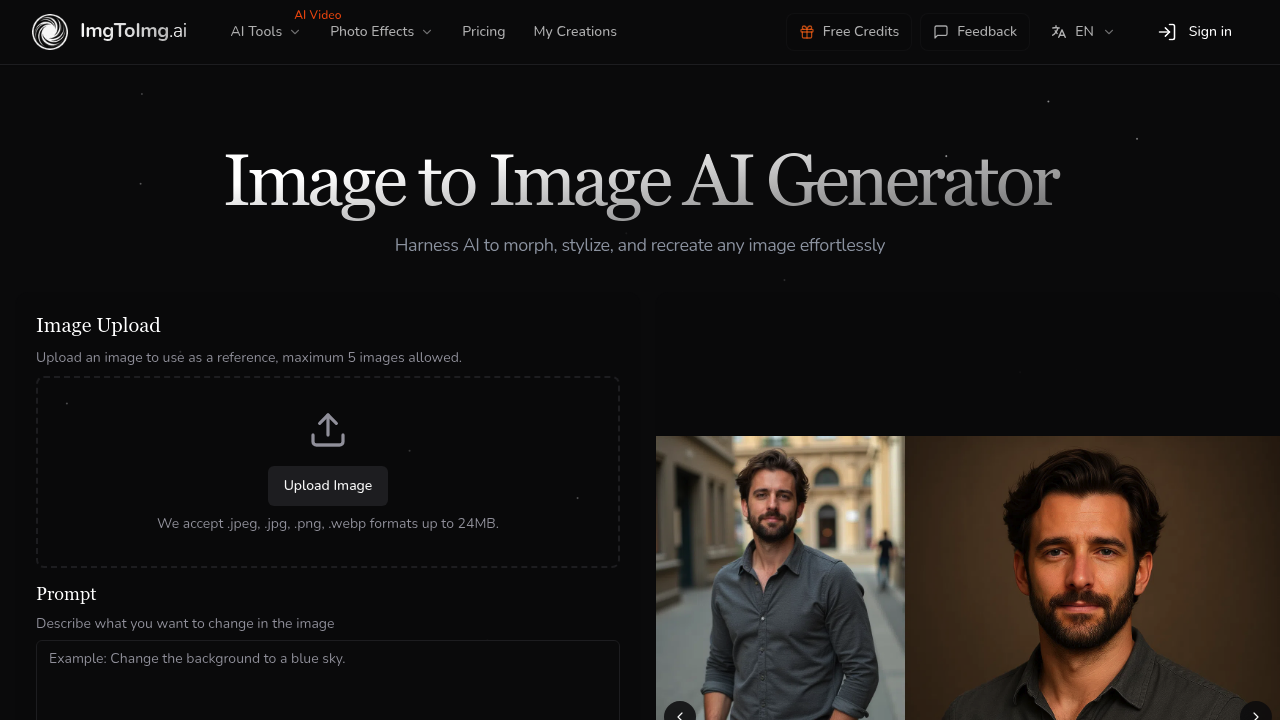
You upload an image and describe how you want it changed. The AI transforms it while keeping the original structure intact.
That's the core idea here. You're not starting from zero like with text-to-image generators. You're working from something that already exists. Upload up to five reference images at once, add a text prompt describing what you want, and the system generates variations that maintain your composition while applying the changes you described.
This platform accepts common formats like JPEG, PNG, and WebP. Files up to 24MB. Your text prompt can be up to 1000 characters, which is decent room to explain your vision. You can choose from seven aspect ratios and generate between one and four outputs per run. Multiple AI models are available for selection, though the specifics of which models aren't detailed.
Beyond the core image transformation, there's a collection of adjacent features. Background remover. Background changer. Image upscaler. Old photo restoration. Even text-to-video and image-to-video conversion. Plus some specialized generators for specific styles like Ghibli animation or cartoon transformations. It's trying to be a full image editing suite rather than just a single-purpose transformer.
Does it actually deliver? The structure preservation angle is the distinguishing factor. Most AI image generators either give you total freedom with text-to-image or very rigid editing with masks and layers. This sits somewhere between those extremes. You get creative transformation without losing your original layout. That matters if you're iterating on a concept rather than exploring from scratch.
The credit system is straightforward but limiting. Hobby plan gives you 100 credits monthly for $9.99. Basic bumps that to 300 credits at $15.99. Pro gets 600 credits for $31.99. Credits reset on your billing date, not at the start of each month. You can buy credit packs separately, but those get wiped when your subscription renews or expires. That's annoying if you stock up.
History retention varies by tier. Hobby keeps your generations for 30 days, Basic for 60, Pro for 100. Free users don't exist here. There's no trial period either. You're paying from day one or you're not using it.
Paid plans remove watermarks and give you a commercial license. They also put you in a priority queue and let you run four jobs simultaneously instead of waiting for each to finish. The five-image upload limit applies across all tiers though. So does the 24MB file size cap.
Who actually needs this? Designers iterating on concepts without starting over each time. Marketers who need multiple variations of the same visual asset but want consistency across versions. Creative hobbyists experimenting with style transfers on their own photos. Anyone who thinks "I like this image but want it different" rather than "show me something new."
The biggest gap is integration. Nothing connects to other platforms. You're working inside this system exclusively. No API access mentioned either. And while the feature list is long, it's unclear how well each piece actually performs compared to dedicated options for those specific tasks.
The pricing sits in an awkward middle zone with not cheap enough to experiment casually. Not expensive enough to include premium features like API access or team collaboration. You're paying for credits that disappear if unused, which creates pressure to generate constantly rather than thoughtfully.
It works if you already know you need image-to-image transformation specifically. Less clear if you're still figuring out your workflow.