
ClickUp logo
AI Project Management FREEMIUM from $7/mo

ClickUp

ClickUp calls itself the everything app for work, bringing tasks, docs, goals, chat, whiteboards, calendars, sprints, dashboards and time tracking into one workspace.

Its AI layer, Brain, picks a model for each job, remembers a user's tone and preferences, and answers questions using the tasks, docs and conversations already stored in ClickUp. Super Agents can be assigned work and…

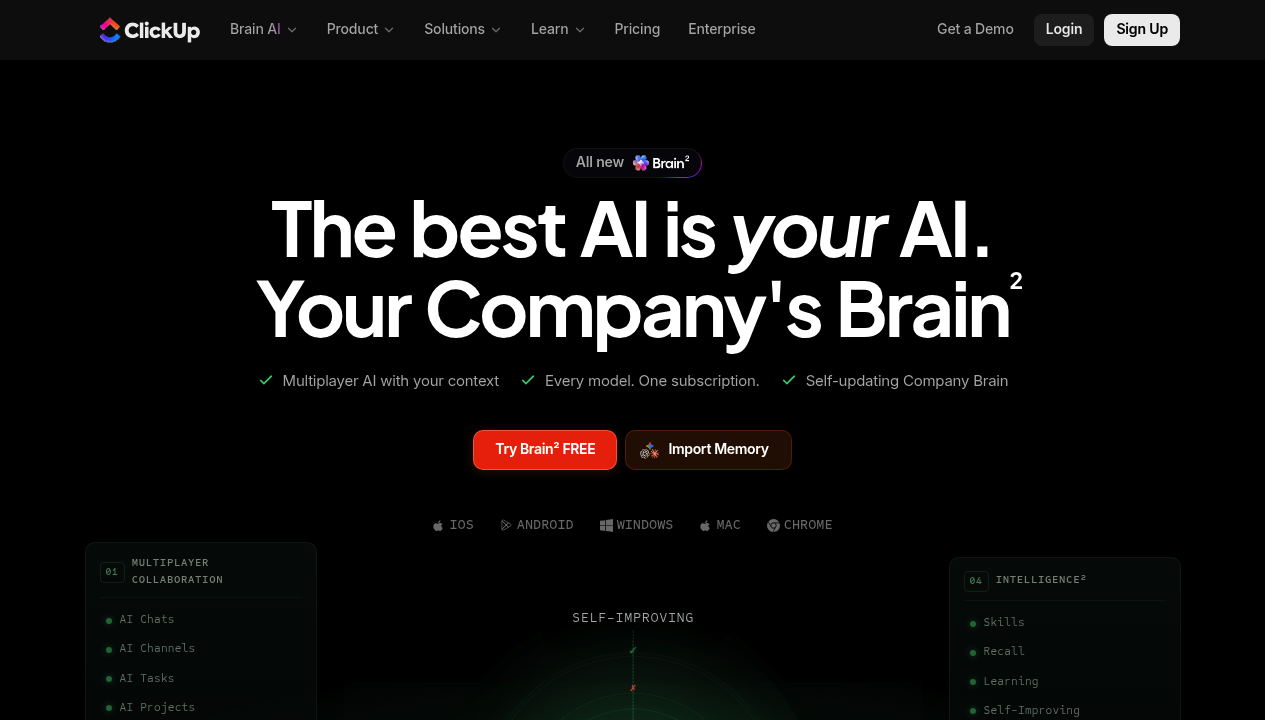
ClickUp screenshot

ClickUp calls itself the everything app for work, bringing tasks, docs, goals, chat, whiteboards, calendars, sprints, dashboards and time tracking into one workspace. Its AI layer, Brain, picks a model for each job, remembers a user's tone and preferences, and answers questions using the tasks, docs and conversations already stored in ClickUp. Super Agents can be assigned work and run around the clock. A permanent Free Forever plan covers unlimited tasks and members, and paid plans start at 7 dollars per user per month when billed yearly, or 10 dollars month to month.

Project managers, software teams, marketers, operations leads and founders are the main audience. A five-person startup can stay on the free plan with Kanban boards and docs, while larger organizations use Business or Enterprise for dashboards, automations, SAML single sign-on, audit logs and HIPAA availability. Teams that currently juggle separate task, wiki and chat apps are the ones most likely to gain from consolidating into one workspace.

Common uses include sprint planning for engineering, content calendars for marketing, client project tracking with guest access, and company-wide goal and portfolio management. Developers can run backlogs with story points and sprint reporting, while operations teams automate repeat work with the Automations feature, which includes a monthly allowance on Business. The AI notetaker and Brain can summarize work, draft updates and create tasks, and the apps run on macOS, Windows, iOS and Android with integrations to tools such as Slack, HubSpot, Google Drive, GitHub and Figma.


ClickUp alternatives

See all →

Frequently asked

6 questions
What does ClickUp Brain do?
Brain is ClickUp's AI assistant that sees tasks, docs and conversations in the workspace, so it can answer questions and act with context. It chooses an AI model for each job and learns a team's tone, shorthand and preferences.
Who is ClickUp built for?
It targets teams of any size that want planning, docs and chat in one place, including software, marketing, operations and HR groups. Enterprise features such as SAML SSO and audit logs cover larger organizations.
How can a software team use ClickUp for sprints?
Teams can manage sprints, Kanban boards and Gantt charts, track story points and report on velocity. Linked docs and chat keep specs and discussion next to the tasks.
How much does ClickUp cost?
A Free Forever plan exists, and Unlimited costs 7 dollars per user per month billed yearly or 10 dollars billed monthly. Business is 12 dollars yearly or 19 monthly, and Enterprise pricing is custom.
What are the limits of the free plan?
Free Forever includes 60MB of storage, five Spaces and limited lists and folders per Space. Advanced views such as Timeline and Workload are listed as trial-only on lower tiers.
Where does ClickUp run and what does it connect to?
Apps are available for macOS, Windows, iOS and Android. Integrations include Slack, HubSpot and Google Drive, and webhooks and automation integrations come with the Business plan.

Reviews (0)

Write review

No reviews yet. Be the first to share your experience.