
Chaindesk logo

Chaindesk

Support tickets piling up at your growing SaaS company

40 views
Chaindesk screenshot

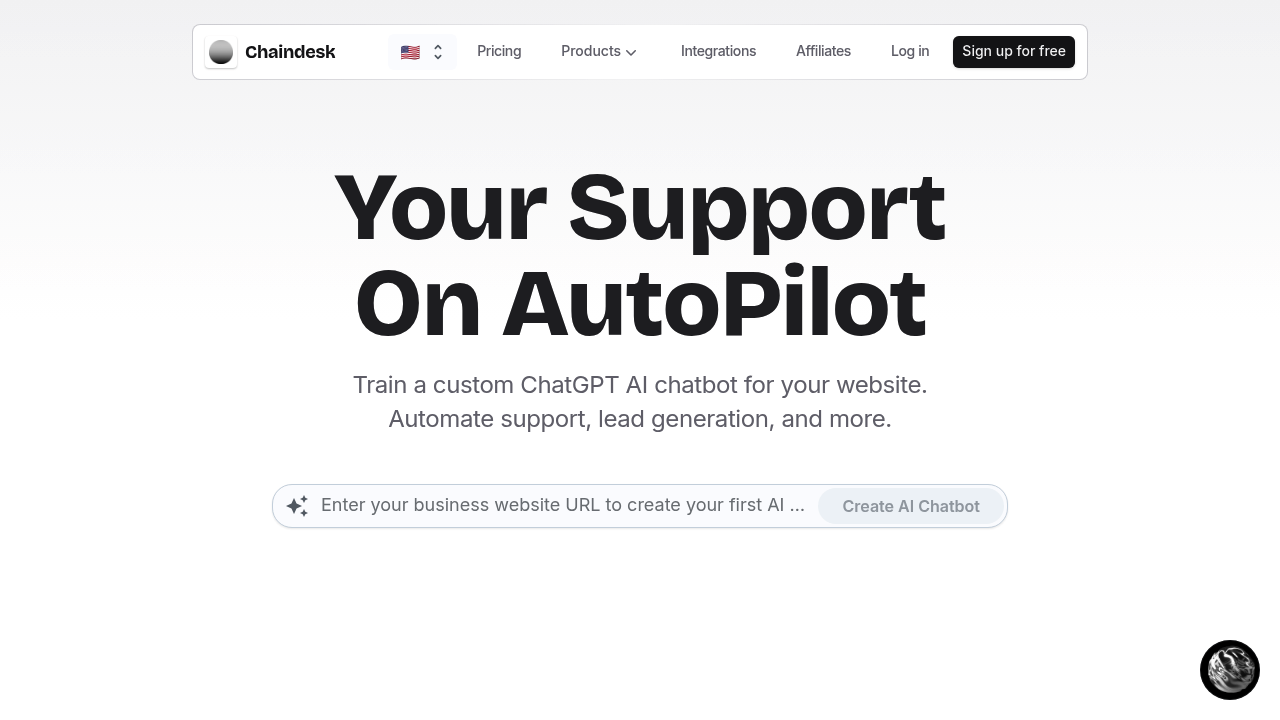
Support tickets piling up at your growing SaaS company? Chaindesk builds custom AI chatbots trained on your actual business data. No coding required.

Training pulls from wherever your knowledge lives—Notion docs, Google Drive files, Zendesk articles, YouTube videos. Update those sources and Chaindesk auto-syncs. It retrains the bot automatically. You won't manually upload files every time your product changes.

Here's what separates this from slapping ChatGPT on your site: control. Your chatbot sticks to your knowledge base instead of inventing answers. You set its persona. You define its goals. A customer success manager at a B2B software company could deploy this across multiple channels—the website widget, WhatsApp for international customers, Slack for internal team questions. It's truly omnichannel.

Human handoff matters more than you'd expect. When AI can't handle something, your team takes over in the shared inbox. Context stays intact. Chaindesk also handles conversational forms and calls your API endpoints. It's not just answering questions—it's actually doing things.

The company claims 80% of support queries get resolved instantly. That's the pitch anyway. Your actual number depends entirely on how well your documentation covers what customers ask about. Garbage in, garbage out still applies.

Built in France with encryption and GPT-4 under the hood. Connects to Shopify, Zapier, WordPress and the usual suspects.

Frequently asked

7 questions
How long does it take to set up a Chaindesk chatbot?
You can create a basic AI chatbot in minutes. Just connect your data sources like Notion, Google Drive, or Zendesk, and Chaindesk trains the bot on that content. The auto-sync feature means it'll retrain itself whenever you update those sources, so you're not manually rebuilding it every time something changes.
Can I use Chaindesk on WhatsApp and my website at the same time?
Yes, it works across multiple channels simultaneously. You can deploy the same chatbot on your website widget, WhatsApp, Slack, Telegram, Messenger, and more. All conversations funnel into one shared inbox so your team can manage everything from a single place.
What happens when the AI chatbot can't answer a customer's question?
The human handoff feature lets your team take over the conversation directly. When the bot hits its limits, a real person can jump in through the shared inbox with all the context from the conversation intact. You're not starting from scratch or making customers repeat themselves.
Does Chaindesk make up answers or stick to my company information?
It's built with safeguards to only answer based on your knowledge base. Unlike just dropping ChatGPT on your site, Chaindesk trains specifically on your uploaded data and won't invent responses. That said, your results depend on how complete your documentation actually is.
Can I customize how the chatbot talks to customers?
Yeah, you control the agent's persona and goals. You can adjust how it communicates to match your brand voice and define what you want it to accomplish—whether that's support, lead generation, or collecting specific customer info through conversational forms.
Is Chaindesk really free to use?
Yes, they offer a free plan. The specifics of what's included at each tier weren't detailed, but you can start using it without paying upfront. You'll want to check their pricing page to see which features come with free vs. paid plans.
Can the chatbot actually perform actions or just answer questions?
It can do more than chat. Through function calling, your bot can trigger custom API endpoints to actually complete tasks. Combined with conversational forms for data collection, it's handling workflows and not just providing information.

Reviews (0)

No reviews yet. Be the first to share your experience.

Similar tools

See all →