
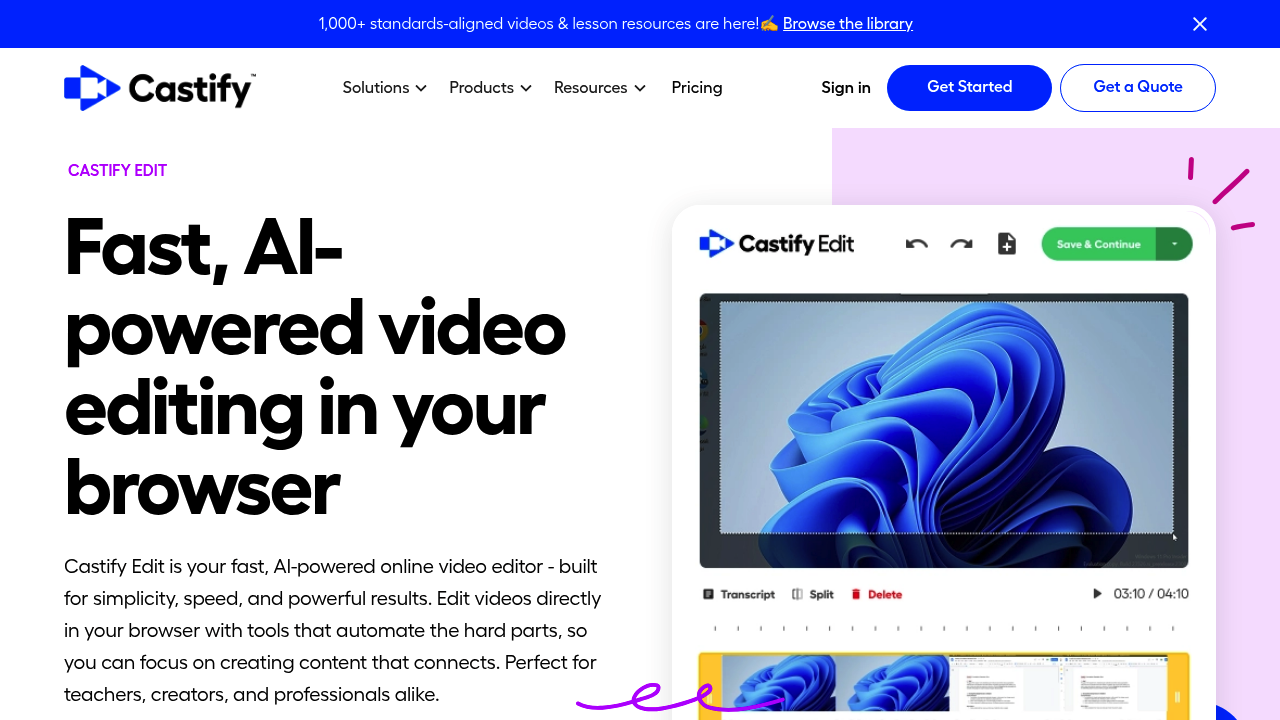
Castify Edit is a browser-based video editor from Screencastify that uses AI to cut the manual work out of editing. Its signature feature is text-based editing: the video is transcribed automatically, and deleting a sentence from the transcript removes that section from the video. It also generates captions, transcripts, voiceovers and translations, trims and splits clips with drag and drop, adds text overlays, and exports in high quality or shares through a secure, trackable link. Nothing needs installing, and it works in Chrome, Safari, Edge and Firefox.
Teachers are the most visible audience, using it to clean up lesson recordings and add captions for student access. Trainers, onboarding managers and customer success teams can update walkthroughs when a workflow changes, and creators or students can tidy social and personal projects without learning a timeline editor. Anyone who has never edited video can pick it up quickly, because the interface reduces most edits to highlighting text and pressing backspace. Screencastify says it serves over 12 million users in more than 150 countries.
A typical workflow starts with a Screencastify recording that opens directly in Castify Edit. The user deletes mistakes through the transcript, trims the intro, records or uploads a voiceover and adds callouts to point out key steps. AI captions then make the video accessible and help multilingual learners follow along. Product marketers polish demos for customers, instructors build lesson libraries, and teams send review links to colleagues instead of passing large files around. A Chrome extension and an Edge extension sit alongside the web editor, and free editing is available to try.