AutoFlo logo
AI Workflow FREEMIUM from £42/mo

AutoFlo

You open AutoFlo and immediately upload a process document or answer questions about your business operations

This tool needs about two minutes to build your business profile. It's scanning how you work, what tools you use, and where your team wastes time on repetitive tasks. Within 30 to 60 seconds, the AI processes everything…

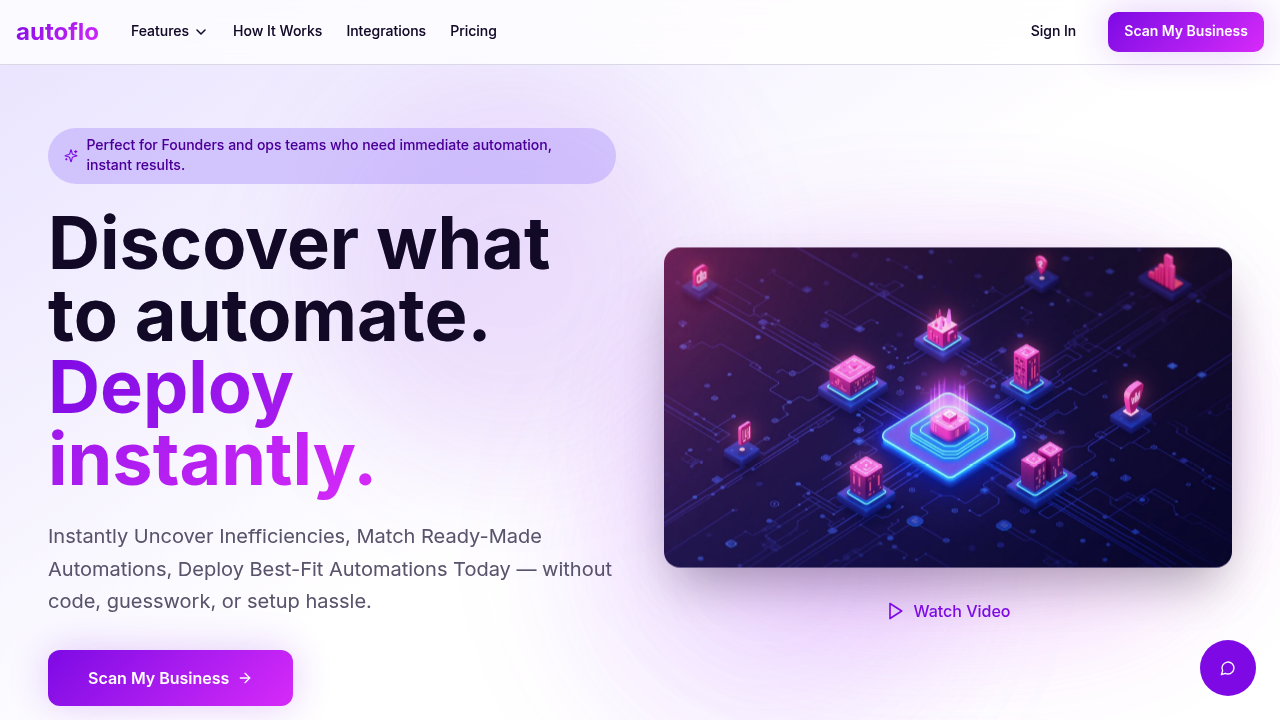
AutoFlo screenshot

You open AutoFlo and immediately upload a process document or answer questions about your business operations. This tool needs about two minutes to build your business profile. It's scanning how you work, what tools you use, and where your team wastes time on repetitive tasks.

Within 30 to 60 seconds, the AI processes everything and presents ranked workflow recommendations. Each suggestion shows exactly what it'll automate, how many hours you'll save, and the projected ROI. You're not browsing generic templates hoping something fits. This system already matched your specific bottlenecks with ready-made workflows from a library of over 10,000 templates.

Suppose your sales team manually copies lead data from forms into your CRM. AutoFlo identifies this inefficiency and surfaces three or four workflows that solve it, pulling from Zapier, Make, n8n, Power Automate, or UiPath. You see which vendor built each workflow, what triggers it uses, and how it connects your specific tools like Salesforce, Gmail, or HubSpot.

The one-click deployment is the standout feature. You don't build automations from scratch or map out logic flows. You click deploy and the workflow activates through whichever vendor service you're already using. If you don't have an account with that vendor, you'll need to set one up first, which adds friction AutoFlo can't control.

After deployment, the ROI dashboard tracks actual performance. You see hours saved per week, costs reduced, and error reduction percentages. Over 50 SMBs have used AutoFlo and report saving 12 hours weekly with a 73% drop in errors. AutoFlo claims 94% accuracy in matching inefficiencies to workflows.

The marketplace gives you access to 3,000 ready workflows you can browse independently if the automated recommendations miss something. You can filter by vendor, integration, or business function. Everything connects through plain English descriptions rather than technical terminology.

The business scanner runs non-intrusively, meaning it doesn't require installing monitoring software on employee computers. It relies on the information you provide about your operations. If you're vague about your workflows or skip details, the recommendations get less precise. This tool works best when you upload actual process documents or give specific answers about bottlenecks.

AutoFlo targets founders and ops teams at SMBs who need automation immediately without learning how to build workflows. You're getting an operations audit and implementation plan in under an hour.


AutoFlo alternatives

See all →

Frequently asked

7 questions
How does AutoFlo find what to automate in my business?
You answer questions about your operations or upload process documents when you first open AutoFlo. The tool takes about two minutes to build your business profile by analyzing what tools you use, where your team spends time on repetitive work, and which workflows have bottlenecks. Within 30 to 60 seconds, the AI processes this information and presents ranked workflow recommendations matched specifically to your inefficiencies. The system scans non-intrusively without installing monitoring software, so the accuracy depends entirely on how detailed your input is.
Can I use AutoFlo for free?
AutoFlo operates on a freemium model, though specific details about what's included in the free tier aren't publicly documented. There's no free trial advertised, and pricing for paid plans isn't listed on their site. You'll need to contact them directly to understand what features you can access without paying and what the upgrade costs look like.
Does AutoFlo actually build the automations or just recommend them?
AutoFlo recommends pre-built workflows from a library of over 10,000 templates sourced from vendors like Zapier, Make, n8n, Power Automate, and UiPath. You click deploy and the workflow activates through whichever vendor service you're already using. If you don't have an account with that specific vendor, you'll need to set one up before the automation can run. AutoFlo doesn't build custom workflows from scratch, it matches your problems to existing solutions and handles the deployment.
What apps does AutoFlo connect with?
AutoFlo integrates with Slack, Salesforce, HubSpot, Gmail, Google Calendar, Notion, Google Drive, and QuickBooks directly. Beyond that, it accesses thousands of additional integrations through the automation vendors it works with, including Zapier, Make, n8n, Power Automate, and UiPath. The specific integrations available depend on which workflows get recommended for your business and which vendor platforms they use.
How much time does AutoFlo actually save?
AutoFlo reports that over 50 SMBs using the platform save an average of 12 hours per week after implementing recommended workflows. The ROI dashboard tracks actual performance for your specific automations, showing hours saved, costs reduced, and error rates. AutoFlo claims a 73% reduction in errors and 94% accuracy in matching inefficiencies to the right workflows, though these numbers reflect aggregate performance across their user base rather than guaranteed individual results.
Who should use AutoFlo instead of building automations directly in Zapier or Make?
AutoFlo targets founders and ops teams at SMBs who need automation immediately but don't know which processes to automate first or how to build workflows. If you already understand your bottlenecks and know how to use Zapier or Make, you're probably faster going direct to those platforms. AutoFlo's value is the upfront business scan that identifies inefficiencies you might not recognize and matches them to ready-made solutions without requiring technical knowledge.
What happens if AutoFlo recommends workflows that don't fit my actual process?
The recommendations depend entirely on how accurately you describe your operations during the initial business profile setup. If you're vague or skip details about your workflows, the AI matching gets less precise and might surface generic solutions that don't address your specific bottlenecks. You can browse the marketplace of 3,000 ready workflows independently if the automated suggestions miss the mark, filtering by vendor, integration, or business function to find better matches manually.

Traffic

Estimated monthly website visits · last 0 months

Not enough historical data for a chart yet.

Reviews (0)

Write review

No reviews yet. Be the first to share your experience.