
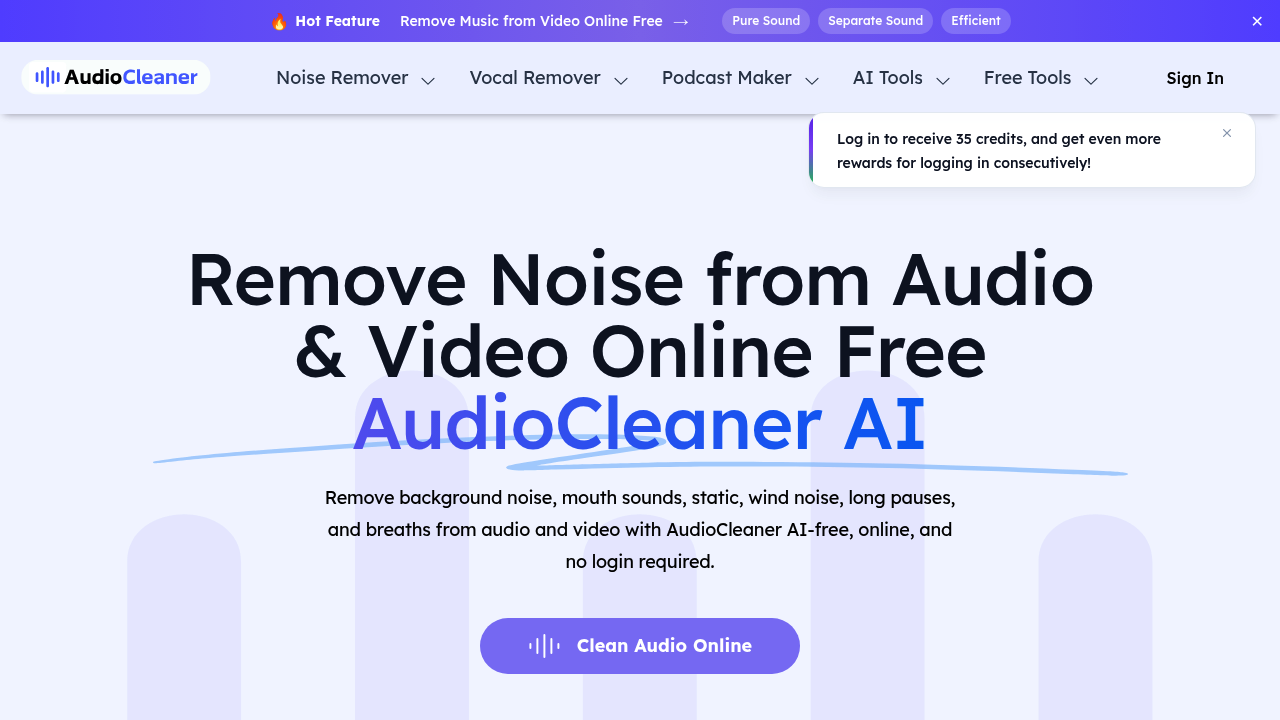
Millions of creators already use AudioCleaner AI to fix their audio. No editing programs needed. Upload a file—it strips out background noise automatically. Breaths? Gone. Mouth sounds? Eliminated. Other unwanted audio elements? Handled.
The browser-based interface accepts MP3, MP4, WAV, MOV, and WMA files. Nothing to download. A podcaster recording at home can remove air conditioning hum in minutes. Those awkward breathing sounds between sentences? They disappear fast. Manual editing would take an hour (selecting and deleting problem sections one by one).
AudioCleaner AI tackles specific scenarios too. Restaurant chatter during interviews gets filtered out. Helicopter noise ruining outdoor footage? Fixed.
Beyond basic cleanup, you get vocal isolation. Drum removal works well. Guitar extraction lets you pull specific instruments. Turn any song into a karaoke track. Build mashups by separating instrumental elements. There's also an audio enhancer built in—plus text-to-speech conversion and audio translation capabilities.
The free plan works without login. Paid options start at $7.50 monthly (600 credits included). Or pay $14.90 as a one-time purchase. Higher tiers unlock priority processing. They also give you permanent file storage. One-time credits stay valid for two years. Monthly plans roll over unused credits—up to three times your plan limit.
The credit system means you'll need to track usage if you process lots of files. But YouTubers need quick fixes. Vloggers don't want to learn complex audio software. Online course creators want the tedious parts handled fast—and AudioCleaner AI delivers exactly that.