Audo Studio logo

Audo Studio

One-click audio cleanup

53 views
Visit audo.ai
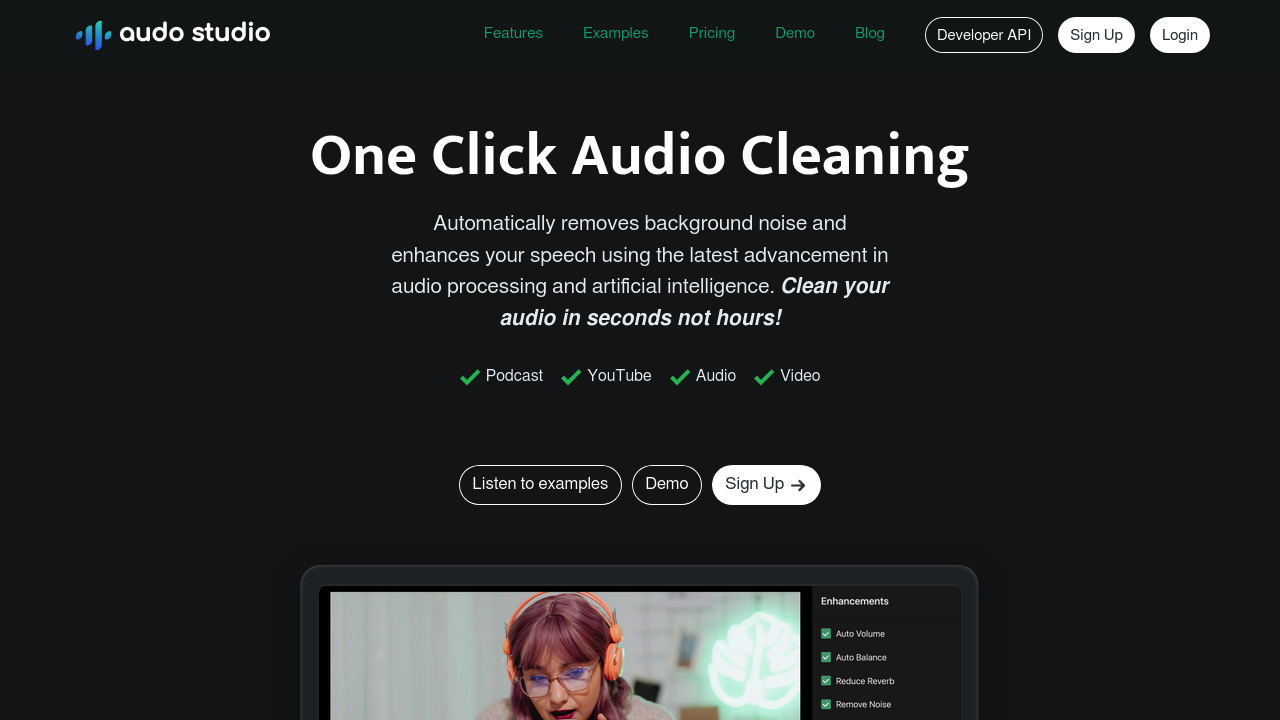
Audo Studio screenshot

Podcasters recording from home studios need clean audio. No hours spent in post-production. YouTube creators face noisy environments but want professional sound quality. Online course creators can't have distracting background noise in their educational content.

Audo Studio removes background noise automatically. Volume levels get adjusted too. AI processing happens in seconds — not the hours you'd spend cleaning audio in Adobe or Audacity. Over 25,000 users have processed 300,000+ hours of audio through it.

Picture this: you're a freelance podcast editor with multiple clients. You upload a 30-minute episode recorded in a coffee shop. Clean audio comes back within seconds. That's workflow-changing speed.

Free starter plan gives you 20 minutes per month. Paid creators get 600 minutes for $12 monthly. Echo reduction isn't available yet, which limits its usefulness for recordings in reverb-heavy spaces.

Audo Studio won't replace professional audio engineers for high-end productions. But if you're creating content regularly and need consistent audio quality without learning complex software, it delivers on its promise. One-click approach works. Fast results without becoming an audio expert.

Frequently asked

7 questions
How much audio can I process with Audo Studio's free plan?
You get 20 minutes monthly with the free starter plan. That's perfect for testing a few short clips or maybe one brief podcast episode. Need more? The paid plan bumps you up to 600 minutes for $12 a month.
Can Audo Studio handle echo and reverb in recordings?
Nope - echo reduction isn't available yet. This is honestly a big limitation if you're stuck recording in echoey rooms or spaces with hard surfaces. You'll need different tools (or better recording setups) for reverb-heavy stuff.
How fast does the AI processing actually work?
We're talking seconds here, not the hours you'd spend with traditional editing software. A 30-minute podcast? Gets cleaned up almost instantly. That's because it's all cloud-based AI doing the work - not your computer struggling through it.
What exactly gets adjusted besides noise removal?
Audo Studio strips out background noise and balances your volume levels automatically. The AI tackles both cleaning up unwanted sounds and normalizing everything. You don't get granular control though - it's built as a one-click solution.
How does Audo Studio compare to editing in Adobe Audition or Audacity?
Traditional software gives you total control but demands hours of manual work plus audio expertise. Audo Studio trades that control for speed and simplicity. You won't match what a skilled audio engineer can do, but you'll save tons of time.
Is Audo Studio suitable for professional podcast production?
Depends on your standards and workflow, really. Over 25,000 users have processed 300,000+ hours through it - so plenty of creators think it's good enough. But it won't replace professional audio engineers when every tiny detail counts.
What file formats can I upload to Audo Studio?
It accepts all the common audio formats you'd expect. Since it's web-based, there's no installing or codec headaches to deal with. Your processed audio comes back ready to drop into whatever content you're creating.

Reviews (0)

No reviews yet. Be the first to share your experience.

Similar tools

See all →