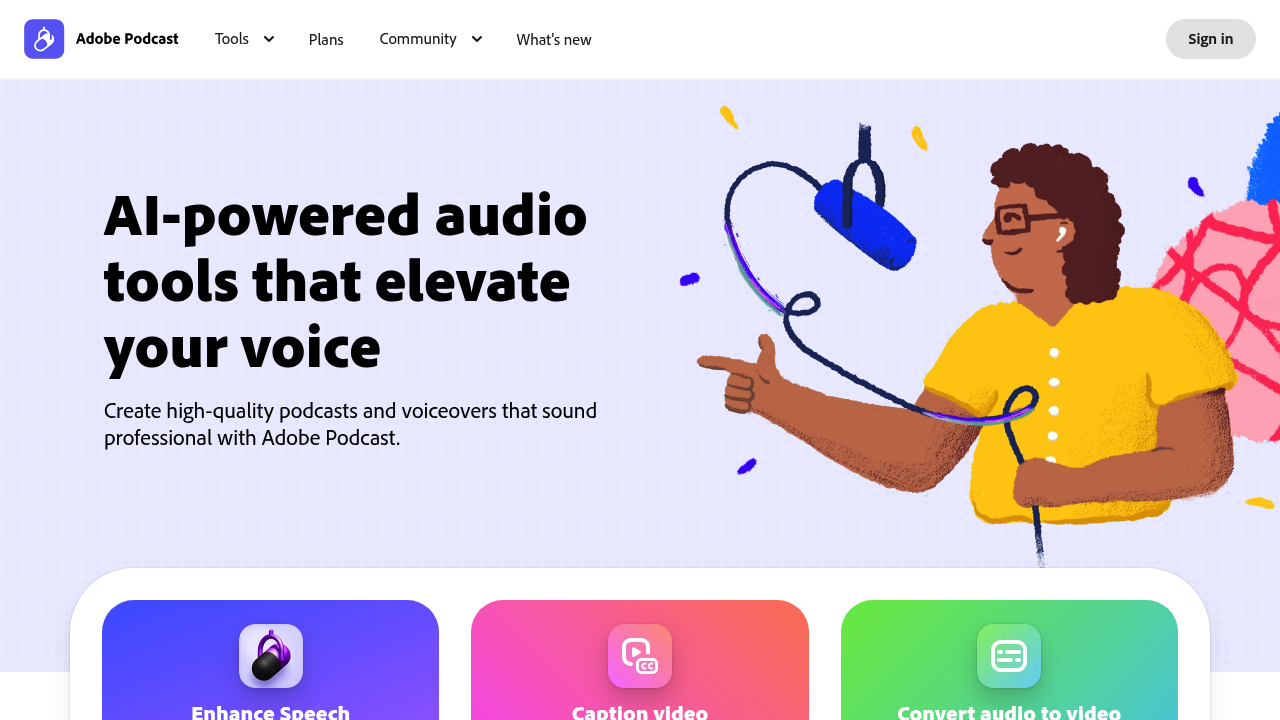
Remote podcast recording usually means choppy audio when someone's internet dies. Adobe Podcast fixes this by capturing individual tracks for each participant. Clean recordings even with bad connections.
Everything runs through your browser with AI enhancement. Background noise disappears with one click. Echo too. No downloads needed. You record solo or with guests in 16-bit 48k WAV quality — then edit audio like a text document using transcription to cut and paste sections.
Mic Check analyzes your setup before recording starts. Built-in transcription matches what Adobe Premiere Pro uses. Convert audio into video audiograms with captions for social media.
Say you're a freelance journalist doing phone interviews. The document-style editing becomes incredibly useful since you delete awkward pauses by highlighting transcript text. Adobe also throws in royalty-free music collections with intros and outros.
Free users get 30 minutes max per file. One hour of audio enhancement daily. Two project downloads per day. Premium costs $9.99 monthly and bumps enhancement time to four hours daily with 1GB file limits instead of 500MB.
Video features and bulk processing only work with paid plans. This limits the free version for content creators who need audiograms. Still, individual track recording during remote sessions makes Adobe Podcast worth a look if your show involves guests.