
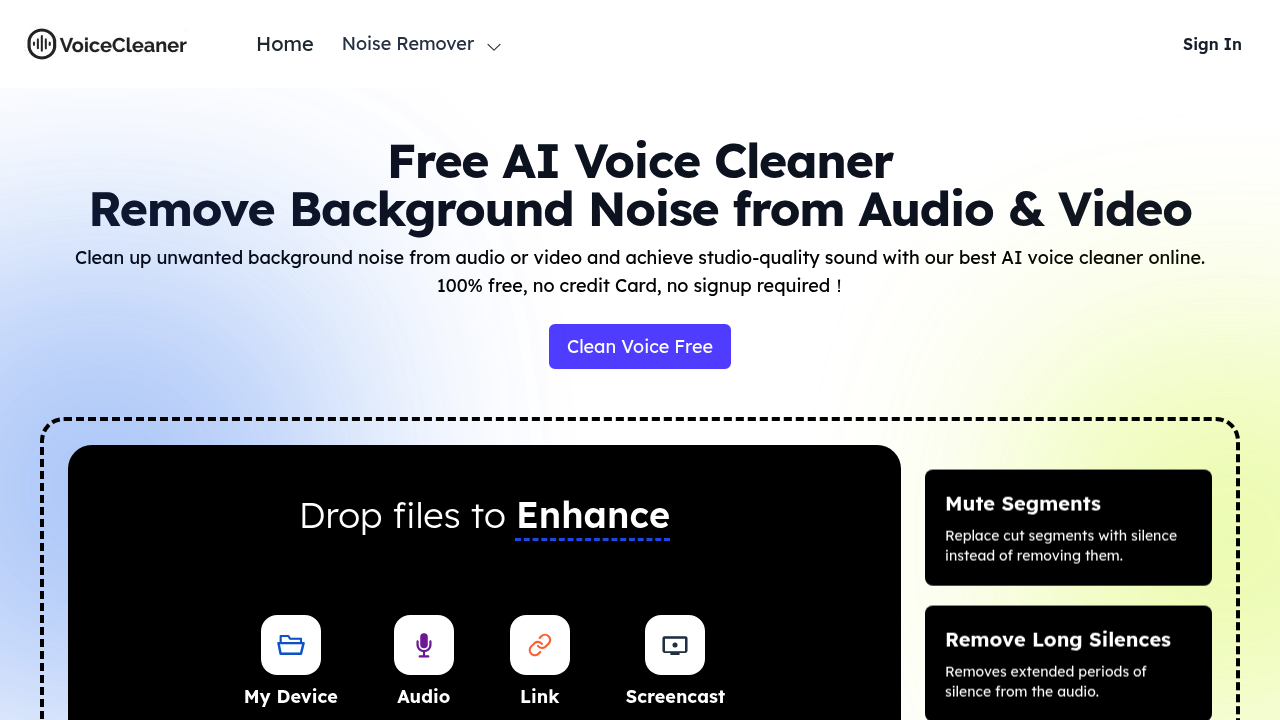
Background noise ruins otherwise good recordings. Voice Cleaner AI tackles this problem by processing audio and video files entirely in the browser using AI that strips away unwanted sounds while preserving the voice itself.
The core noise removal function targets hums, echoes, and static automatically. Users do not need to identify frequencies or adjust sliders. The system detects these artifacts and eliminates them without manual intervention. This software claims up to 100% background noise removal, though real-world results depend on the source material's quality and the type of interference present.
Beyond basic noise cleaning, Voice Cleaner AI handles common speech editing tasks that typically require separate tools or manual work. It removes filler words like "um" and "uh" automatically. Stuttering and hesitations get eliminated without leaving awkward gaps. Long silences disappear, tightening pacing for podcasts and presentations. Mouth sounds that microphones often pick up get filtered out. The mute segments feature replaces cut portions with silence rather than deleting them entirely, which helps maintain timing in video projects.
The AutoEQ feature applies automatic equalization to balance frequency response. Volume normalization ensures consistent loudness throughout a file. Studio sound enhancement polishes the overall audio quality. One practical feature proves especially useful for certain creators: the keep music option preserves background music tracks while the system edits speech, useful for videos with intro music or podcasts with beds underneath dialogue.
This software accepts both audio and video files as input. Export options include MP3, WAV, MP4, and other formats, giving flexibility for different delivery platforms or editing workflows.
Voice Cleaner AI operates completely free. No credit card required. No signup process. Every feature available without hitting paywalls or trial limitations. This model makes it accessible for anyone testing audio cleanup or working on occasional projects without budget for dedicated software.
The browser-based architecture means no downloads or installations. Files get processed locally or through web infrastructure without requiring desktop applications. This approach works for quick fixes but might feel limiting for users who prefer offline processing or integration with existing editing suites.
Podcast creators dealing with home recording setups benefit from the automated cleanup. Video producers working with voiceovers can polish tracks quickly. Business professionals cleaning up recorded calls get usable audio. Musicians recording demos in less-than-ideal spaces can reduce room noise. Field interviewers capturing audio in noisy environments can salvage recordings. Anyone digitizing old archive recordings can remove tape hiss and environmental interference that accumulated over decades.
The set-it-and-forget-it design appeals to users who lack audio engineering knowledge or time for manual editing.