w-okada Voice Changer logo

w-okada Voice Changer

w-okada Voice Changer, released as VCClient, is open-source software that changes your voice in real time with AI.

Speak into a microphone and the converted audio comes out with a different voice character, using models such as RVC and Beatrice v2. It is free to download from GitHub and Hugging Face, with editions for Windows, Apple…

w-okada Voice Changer screenshot

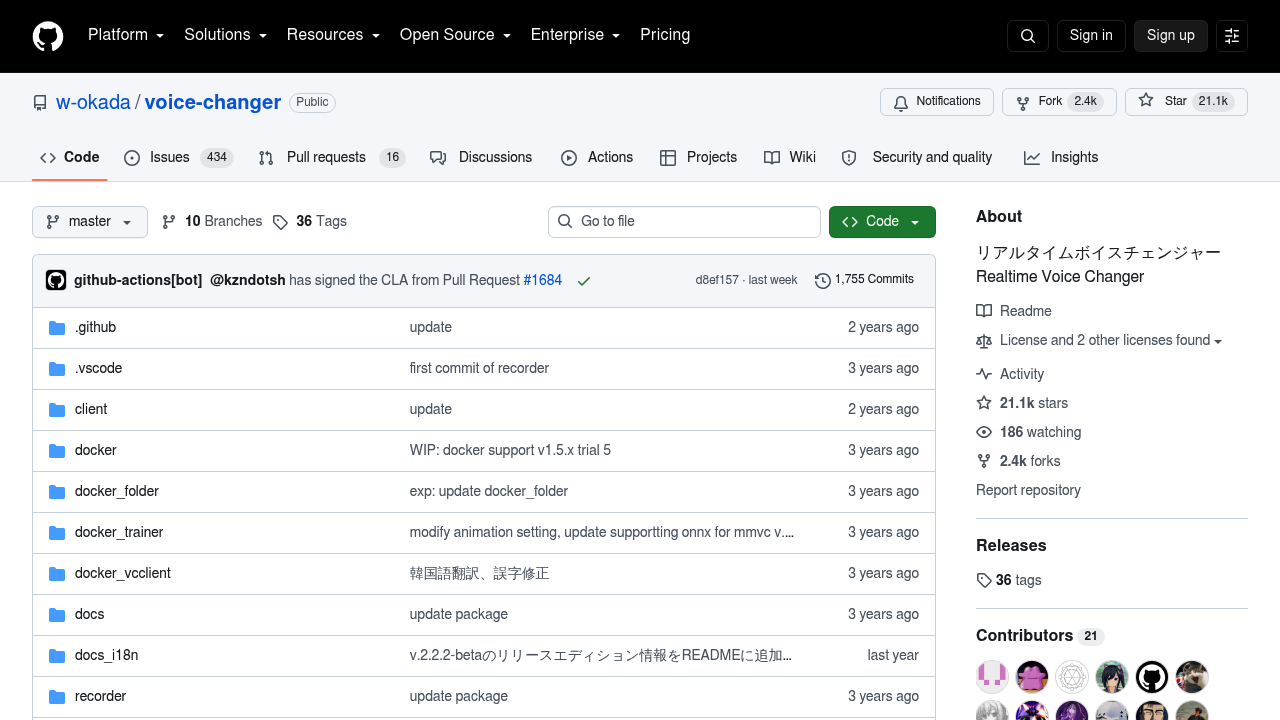
w-okada Voice Changer, released as VCClient, is open-source software that changes your voice in real time with AI. Speak into a microphone and the converted audio comes out with a different voice character, using models such as RVC and Beatrice v2. It is free to download from GitHub and Hugging Face, with editions for Windows, Apple Silicon Macs and Linux, plus notebooks for Google Colab. The project has more than 21,000 stars on GitHub, and a REST API lets developers drive it from their own programs or from curl.

The main audience is streamers, gamers, VTubers and content creators who want to sound like a different character during live sessions or recordings. Hobbyist developers and machine learning enthusiasts who like to try voice models, merge speakers or edit a Beatrice model will also feel at home. Some comfort with downloading builds, choosing the correct edition for a GPU and troubleshooting audio devices helps, because the interface and most documentation are in Japanese, with other languages machine-translated. Users of Mac builds should expect a manual step to run unsigned software.

Typical uses include talking as an anime character in a voice chat, hiding your natural voice on a stream, or recording narration with a converted voice. Because VCClient supports both standalone and network setups, voice conversion can run on a second computer while a demanding game uses the main one. Developers can wire the REST API into custom clients, Docker setups or notebooks on Colab and Kaggle. Newer releases add shortcut keys, buffer visualization, Beatrice speaker merging and automatic pitch shifting, and the sibling projects TTSClient and ASRClient cover reading text aloud and live speech recognition.

w-okada Voice Changer alternatives

See all →

Frequently asked

6 questions
How does w-okada Voice Changer convert my voice?
It captures audio from your microphone and passes it through an AI voice model in real time, then outputs the converted voice to your chosen device. Supported models include RVC and Beatrice v2, depending on the edition you install.
Who would use VCClient?
Streamers, gamers, VTubers and creators who want a different voice live are the main users. Developers who want to experiment with voice models or build on its REST API are another group.
Can I use it while playing a demanding game?
Network mode lets voice conversion run on a separate computer, which takes the load off the machine running the game. The standalone mode keeps everything on a single PC.
Does w-okada Voice Changer cost anything?
This is free open-source software; builds are downloaded from Hugging Face or built from the GitHub repository. No paid plan is offered on the project page.
What are the limitations of VCClient?
Supported models vary by edition, so the standard editions only support Beatrice while the CUDA and ONNX editions add RVC. The Mac build is unsigned and has to be opened with a Control-click, and the documentation is primarily Japanese.
Which platforms does it run on?
Windows and Apple Silicon Mac builds exist, and Linux users clone the repository to run it. Google Colab and Kaggle notebooks are also included for cloud use.

Reviews (0)

Write review

No reviews yet. Be the first to share your experience.