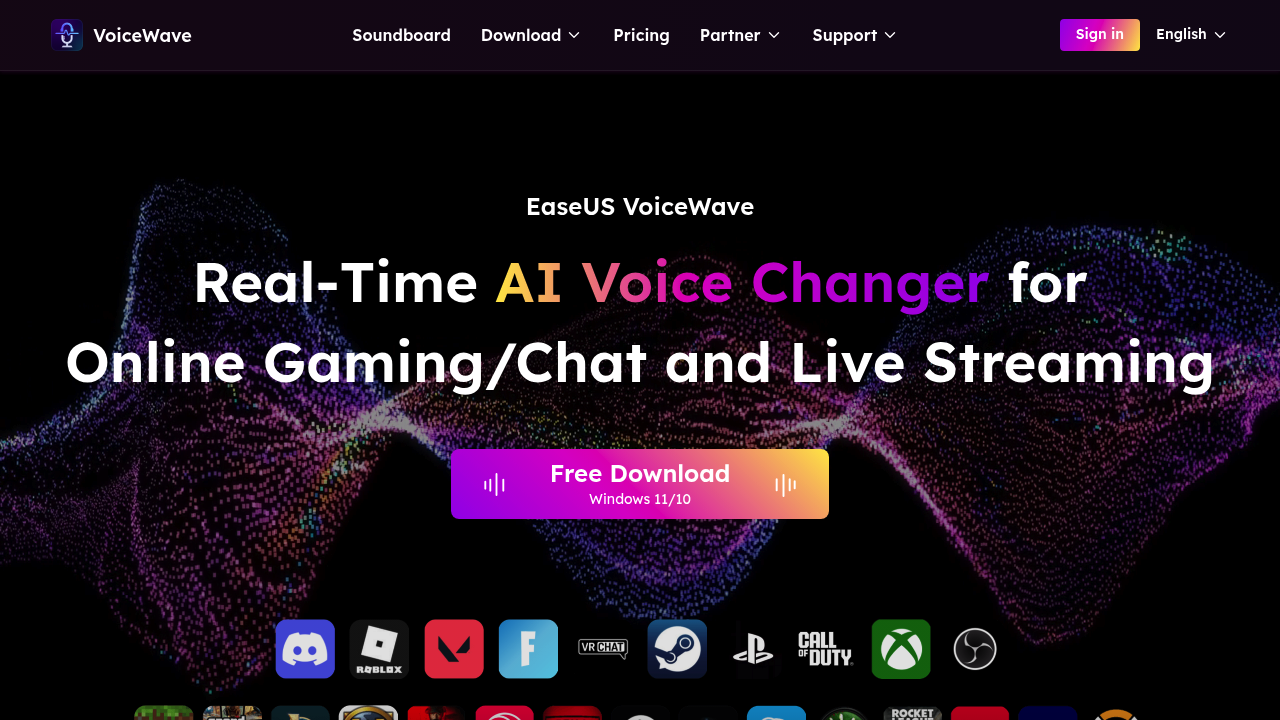
EaseUS VoiceWave transforms voices in real time during gaming sessions, streaming broadcasts, and video calls using AI-powered processing. The software intercepts audio from your microphone, applies selected voice effects through its processing engine, then routes the modified audio to your chosen platform. This happens with ultra-low latency, meaning the delay between speaking and hearing the transformed voice stays minimal enough for natural conversation flow.
The data pipeline works by capturing raw audio input, analyzing vocal characteristics like pitch and timbre, then applying mathematical transformations to shift these properties while maintaining intelligibility. The AI-driven noise suppression layer runs simultaneously, identifying and removing background hums, clicks, and environmental echoes before the voice transformation stage. This dual-layer processing aims to deliver clean output that sounds intentional rather than processed.
The system offers 200 voice effects covering different genders, age ranges, and emotional tones. You can adjust pitch, tone, and timbre independently through slider controls. The real-time preview lets you hear effects before applying them to live audio. For pre-recorded content, the software can apply effects to existing video or audio files, handling post-production work alongside live applications.
The built-in soundboard holds 300 professional sound presets including character voices like Anime Girl and Ghostface, plus an AI News Anchor preset. Popular presets exceed 100 options. The audio mixer component lets you blend multiple vocal tracks during live sessions, useful for layering effects or combining different voice profiles.
The audio recorder captures sessions with adjustable pitch and tempo settings, exporting finished files as MP3. This recording functionality works independently from the real-time processing, letting you create voice content offline.
Integration happens through virtual audio device routing. The software creates a virtual microphone that appears in your system's audio settings. Applications like Discord, Zoom, Skype, and Google Meet can select this virtual device as their input source. For streaming platforms, it connects to Twitch, TikTok Live, Streamlabs, and OBS through the same virtual device mechanism. This architecture means any application that accepts microphone input can theoretically work with the voice changer, though the listed integrations represent tested compatibility.
The technical approach prioritizes low latency over maximum quality. Voice transformation algorithms need to process audio in chunks small enough to avoid noticeable delay, which constrains how much analysis the system can perform per audio frame. The trade-off shows up in how natural the transformed voices sound compared to offline processing that can analyze entire phrases.
Windows 11 and 10 compatibility only. No macOS support. No mobile versions exist. The software runs locally on your machine rather than processing audio through cloud servers, which helps with latency but ties performance to your computer's processing power.
Free download available for Windows. The free version includes access to voice changing features, though the extent of limitations compared to any paid version is not specified in available information.
The noise suppression uses pattern recognition to distinguish voice from background noise, but performance varies with input quality. Cheap microphones with high self-noise or extremely loud environments can overwhelm the filtering. The system works best with decent quality USB microphones in moderately quiet spaces. The gender-neutral transformation option attempts to create androgynous vocal profiles, though success depends heavily on the source voice's starting characteristics.