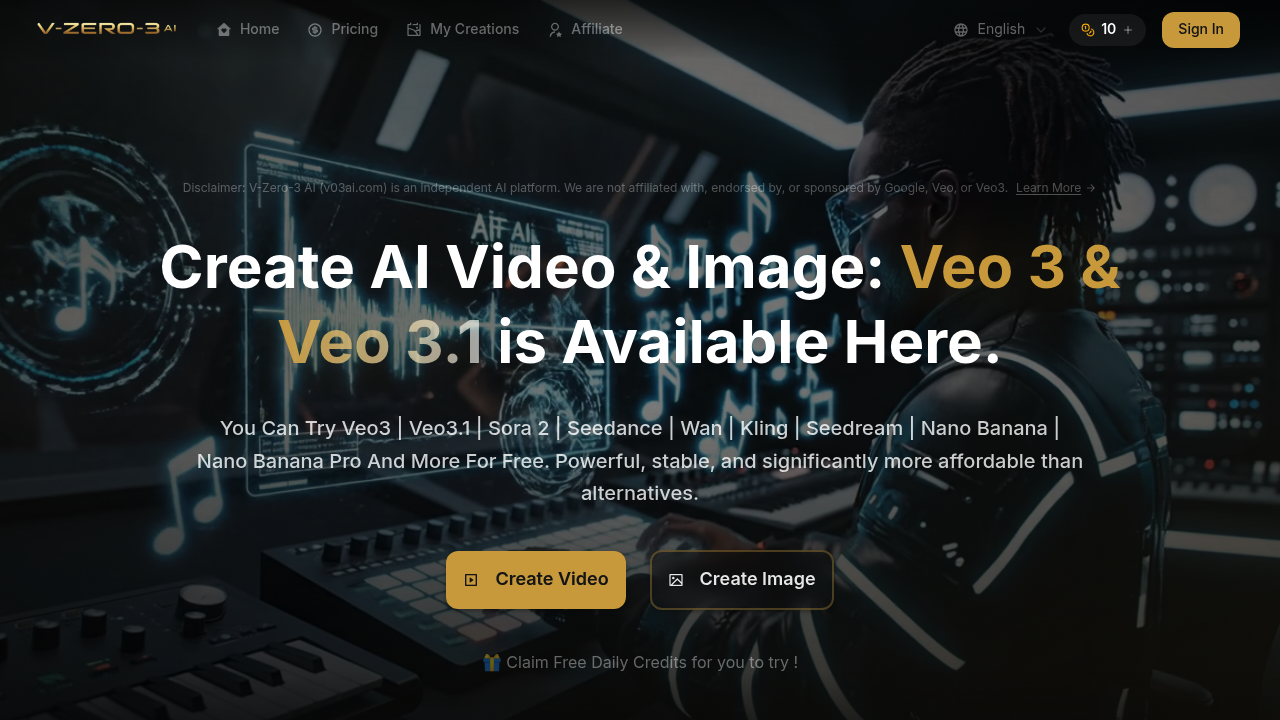
V03 AI Video Generator aggregates nine different AI models into a single interface for video creation. The system routes requests through Google Veo 3, Veo 3.1, Sora 2, Seedance, Wan, Kling, Seedream, Nano Banana, and Flux Kontext depending on which model the user selects. This architecture means you're accessing multiple backend systems through one interface rather than managing separate accounts across different services.
The data pipeline starts with text prompts limited to 2000 characters. The system processes these through the selected AI model to generate 8-second videos with synchronized audio. Users can initiate generation from text descriptions, existing images, or other videos. The system outputs at 720P by default, with optional upscaling to 1080P or 4K through additional processing passes. Video aspect ratios support both 16:9 and 9:16 formats.
Credit consumption follows a tiered structure. Base video generation costs 10 credits. Upscaling to 1080P adds 3 credits and extends processing time by 1-2 minutes. Jumping to 4K needs 20 additional credits with 5-10 minutes of extra compute time. This pricing model reflects the computational intensity of higher resolution rendering.
The Smart Fallback feature addresses a common technical challenge with AI video generators. When content policy restrictions block a generation attempt, the system automatically retries in 16:9 Fast mode. Different AI models enforce different content restrictions, so the system lets you switch between models if one rejects your prompt. This workaround acknowledges that content filtering isn't standardized across the underlying AI systems.
Motion control and seed parameters give technical users reproducibility. Setting a seed value lets you generate similar outputs across multiple runs, which matters for iterative refinement. Video effects and transition tools operate as post-processing layers applied after the initial generation completes.
The system includes audio generation capabilities separate from video. Text to speech, text to dialogue, and AI music maker functions create synchronized soundtracks. Speech to text conversion works in reverse for transcription needs. Audio syncs automatically with generated video content rather than requiring manual alignment.
Processing happens in two modes. Fast mode prioritizes speed over output quality. Quality mode extends generation time but produces higher fidelity results. The mode selection affects which optimization passes the system applies during rendering.
Free access offers 1 credit every 24 hours after sign-in. Paid tiers start at $9.90 monthly for 150 credits, scaling to $59.90 for 1500 credits. Annual subscriptions reduce per-credit costs by 30 percent. The Basic plan delivers $0.066 per credit while Pro Max drops to $0.040. Monthly credit allocations translate to specific video counts: 15 videos on Basic, 35 on Pro, 75 on Max, and 150 on Pro Max. All paid tiers include commercial usage rights and watermark removal.
Technical limitations center on content policy enforcement. The 51 out of 2000 character counter in the prompt field suggests real-time validation checks. Different models reject different content types, requiring manual model switching when blocks occur. Processing times vary considerably based on resolution choices. The system operates independently from Google despite using Veo technology, meaning it doesn't have direct API access to Google's infrastructure.
The prompt library functions as a reference database. Users browse existing successful prompts rather than starting from scratch. Public and private visibility settings control whether your generations appear in this shared library. Image to image generation rounds out the feature set for static content workflows alongside the video-focused tools.