
Browser extensions that promise to translate everything tend to oversell and underdeliver. Transor claims millions of users and integration with 10+ translation services, which sounds impressive until you test whether those integrations actually improve accuracy in practice.
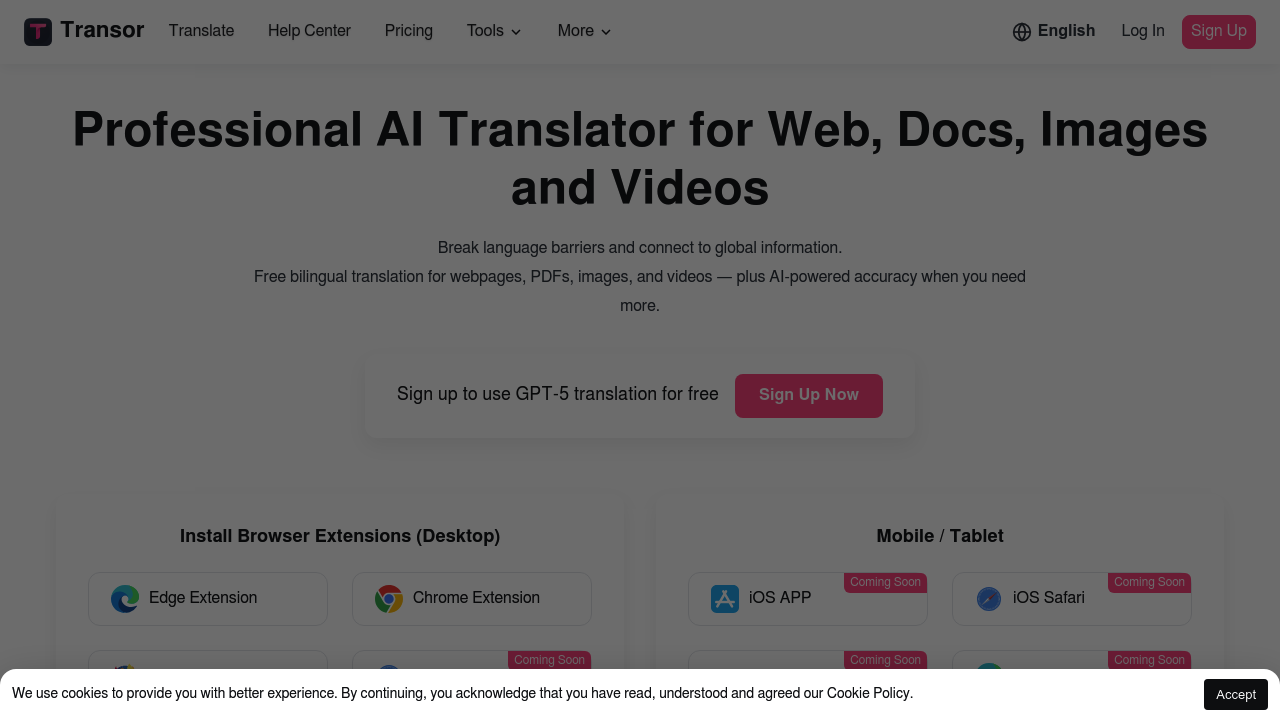
This extension handles four content types: web pages, PDFs, images, and videos. Web translation detects core content and displays bilingual text without completely breaking page layouts. That's useful for reading articles or documentation. PDF translation works with side-by-side bilingual viewing, which the company says they pioneered for free. Image translation uses OCR and in-paint tech through right-click or hover actions. Video translation adds real-time bilingual subtitles for YouTube and Netflix.
Some mechanics are clever. Triple-tap space in any input box to translate what you're typing. Select text anywhere to translate and save to favorites with export options. The subtitle feature for video platforms fills a real gap for language learners and international content consumers.
But here's where claims get fuzzy. Transor says it integrates more translation services than competitors worldwide, positioning itself as an industry leader. That's marketing speak without proof. The 10+ services include major AI providers and traditional engines, but there's no data showing whether routing through multiple services actually produces better translations than sticking with one good engine. More options don't guarantee better results.
The accuracy claims lean on "AI-powered" phrasing without specifics. Does it use multiple services simultaneously and compare outputs? Does it switch services based on language pair or content type? Unknown. Professional translation work still needs human review regardless of which AI engine runs underneath.
Video subtitle timing can lag on faster-paced content. Image translation quality depends heavily on text clarity and background complexity. PDFs with complex formatting or embedded images don't always render cleanly in bilingual mode. Web page translation sometimes misses dynamic content that loads after the initial page render.
Free access includes all four content types plus what they're calling GPT-5 translation for signed-up users. That's notable if true, though the GPT-5 branding raises questions since major AI labs haven't released models under that name publicly. Could be a custom model or marketing terminology.
Works best for casual reading and quick comprehension checks. Professional translators or anyone needing certified accuracy should verify output independently. The browser extension format makes it convenient for everyday browsing, but don't trust it blindly for contracts, medical documents, or technical specifications.