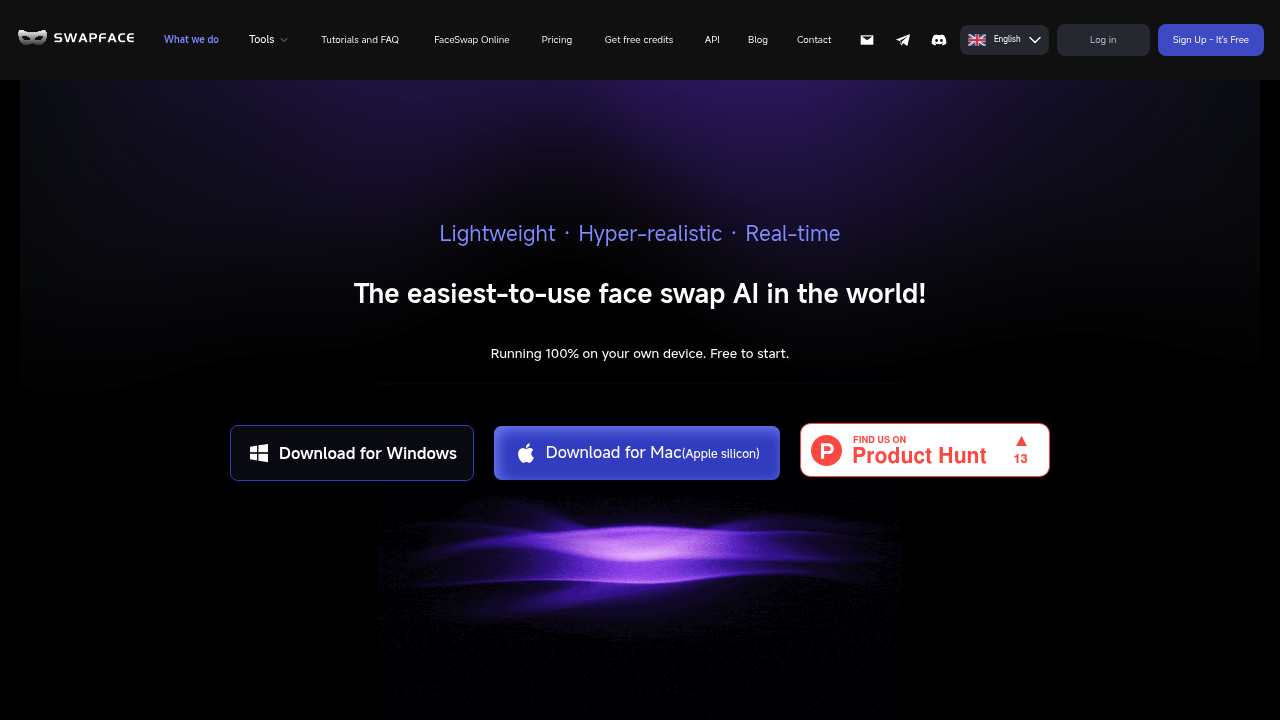
Swapface is desktop software for swapping faces in live streams, video calls, recorded videos, GIFs and still images. It processes everything on your own computer rather than on a remote server, so uploaded faces and footage stay on your machine. Three modes cover the main jobs: Live Face Swap for real-time streaming and calls, Video Faceswap for smooth swaps in clips, and Image Faceswap for single photos, including multi-person swaps and full head swaps that replace the hairstyle as well. Downloads are available for Windows and for Mac with Apple silicon, and an API is listed for developers.
It fits streamers who want to appear as another character on a live broadcast, short-form video creators making memes and GIFs, marketers producing campaign videos, and filmmakers experimenting with character transformation. Because the processing is local, it also appeals to people who do not want to send personal photos to a cloud service. Setup is simple: open the app and click Start. The hardware bar is real, though. Windows needs Windows 10 64-bit, a Core i5 10th generation or Ryzen 5 3600 processor, 16 GB of RAM and an NVIDIA RTX 2060 or 3060 class card with at least 6 GB of video memory.
Common scenarios include going live on a streaming service with a different face in real time, joining a video call with a swapped appearance, and turning a favorite clip into a meme or GIF. Creators produce social media videos with swapped faces, agencies mock up marketing videos with different talent, and hobbyists drop a friend's face into a movie scene. The image tools handle a group photo by matching several faces at once. Tutorials, a FAQ, a blog and a free credits program are also offered.