
Rope logo

Rope

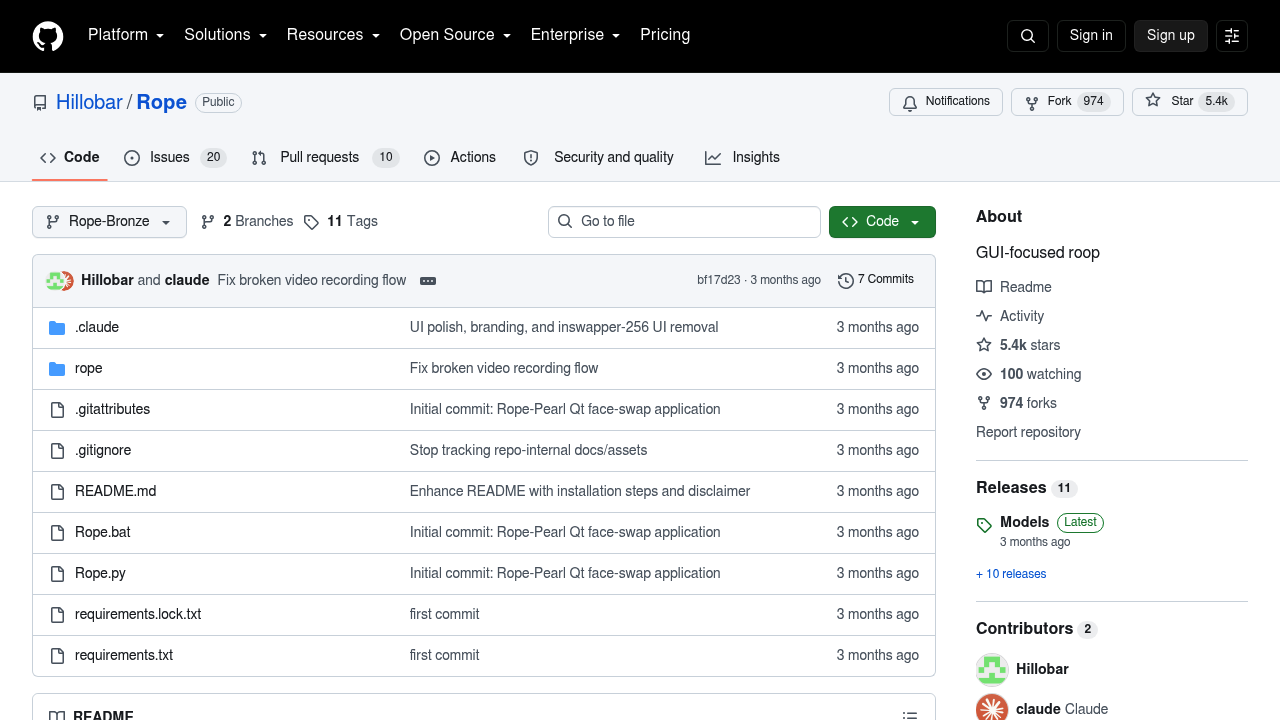
Rope is an open-source face swapping application with a graphical interface, built around the insightface inswapper_128 model.

It began as a GUI-focused take on roop and its Rope-Bronze update adds a more responsive interface, a TensorRT engine for faster processing and batched swapping for the 256 and 512 modes. Controls such as Likeness and…

Rope screenshot

Rope is an open-source face swapping application with a graphical interface, built around the insightface inswapper_128 model. It began as a GUI-focused take on roop and its Rope-Bronze update adds a more responsive interface, a TensorRT engine for faster processing and batched swapping for the 256 and 512 modes. Controls such as Likeness and Fidelity sliders, LAB color matching and an XSeg masker help the result blend with the target footage. The code is free on GitHub, and the project has collected around 5.4k stars.

Rope suits hobbyists, video creators and visual effects tinkerers who want to run face swaps locally instead of uploading footage to a web service. Setup takes some technical comfort: you create a Python 3.12 virtual environment, install the pinned requirements and copy the model files to a folder you select in settings. The author stresses responsible use, so it fits people who understand consent and legal rules around using someone's likeness. Users with an NVIDIA GPU can take advantage of the TensorRT engine for better speed.

A filmmaker can place an actor's face onto stunt footage for a parody or visual effects test, after getting permission. A hobbyist can build several face embeddings, reorder them by drag and drop and swap different faces in one clip. Capture mode lets you move and resize a window on your desktop and swap whatever appears inside it, which is handy for live video or streamed content. A meme maker can fix color mismatches with the LAB matching setting, and the benchmarking option in the settings tab helps anyone tuning threading and model options for their hardware.


Rope alternatives

See all →

Frequently asked

6 questions
What does Rope do?
Rope swaps faces in images and video using the insightface inswapper_128 model. It wraps that model in a graphical interface so you do not have to work from the command line.
Who should use Rope?
Hobbyists, creators and effects experimenters comfortable installing Python packages. Users carry full responsibility for consent and legal compliance with the content they make.
What is Rope's Capture mode used for?
Capture mode lets you move and resize a window on your desktop and swaps whatever is displayed inside it. That makes it useful for swapping faces in live or streamed video.
Does Rope cost anything?
Free open-source software on GitHub, with a donate link for supporters. There are no paid plans.
What are the limits of setting up Rope?
Installation is manual: a Python 3.12 virtual environment, the requirements file and a separate download of the model files. Newcomers may find that harder than a web app.
How do I install Rope?
Start with a Python 3.12 virtual environment, activate it and run pip install -r requirements.lock.txt. Then unzip the models from the Rope-Bronze Models Release and point the settings to that folder.

Reviews (0)

Write review

No reviews yet. Be the first to share your experience.