DeepFaceLab logo

DeepFaceLab

DeepFaceLab is free, open-source software for creating deepfake videos.

It replaces one person's face with another, de-ages a face, or swaps an entire head, and it ships with an XSeg editor for masking and a merger for compositing the result back into footage. The code is released under the…

DeepFaceLab screenshot

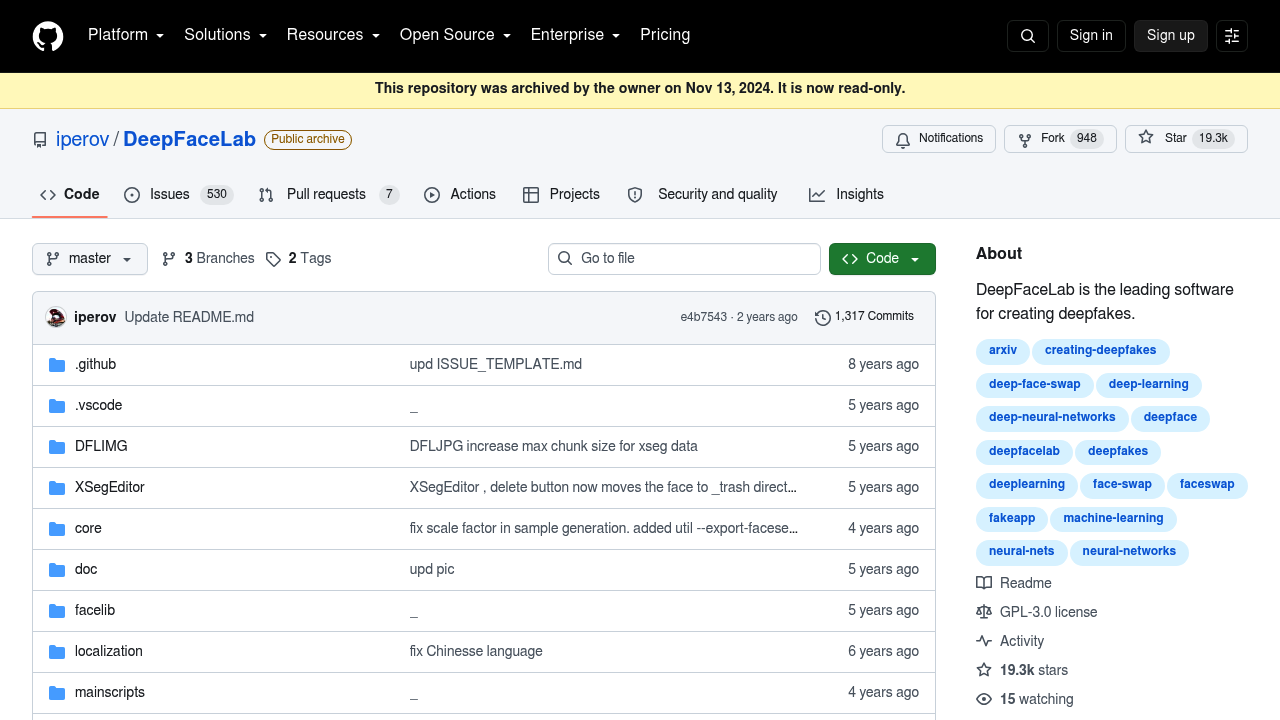
DeepFaceLab is free, open-source software for creating deepfake videos. It replaces one person's face with another, de-ages a face, or swaps an entire head, and it ships with an XSeg editor for masking and a merger for compositing the result back into footage. The code is released under the GPL-3.0 license and runs on TensorFlow with CUDA, with Windows builds distributed by torrent and file hosts and a Linux build maintained by contributors. The repository was archived by its owner on November 13, 2024, so it is now read-only, but the code and releases remain available.

It is aimed at VFX artists, YouTube creators, film hobbyists and machine learning enthusiasts who want full control over a face-swap pipeline instead of a one-click app. The developers state plainly that there is no button that makes everything perfect: users need to study the workflow and build skills, and experience with After Effects or DaVinci Resolve helps with finishing. Because training happens on your own hardware, you need a capable NVIDIA graphics card, along with patience for long training runs. Researchers can also read the accompanying paper on arXiv.

The project is used by well-known deepfake channels, including those behind the Tom Cruise clips, as well as groups producing parody videos and film effects. Typical jobs include replacing an actor's face in a short clip, de-aging a performer for a scene, swapping a whole head including hairstyle, and producing before-and-after progress comparisons at native resolution. Related work from the same author, DeepFaceLive, covers real-time face swap for streaming or video calls. A Discord server, available in English and Russian, offers community help and tutorials.

DeepFaceLab alternatives

See all →

Frequently asked

6 questions
What can DeepFaceLab do with video?
It can replace a face, de-age a face or replace an entire head in video footage. A masking editor and a merger handle isolating faces and compositing the result.
Who should use DeepFaceLab?
VFX artists, content creators and technically inclined hobbyists who are willing to learn a multi-step workflow. The authors recommend skills in After Effects or DaVinci Resolve for polishing results.
What is a typical DeepFaceLab project?
A user collects source and destination footage, trains a model on their own GPU, then merges the swapped face back into the video. Popular examples include celebrity parody clips and de-aged actors in film scenes.
Does DeepFaceLab cost anything?
Licensing costs nothing, since the software is released under the GPL-3.0 license. Costs come from the NVIDIA hardware and electricity needed for training.
Is DeepFaceLab still maintained?
The repository was archived by its owner on November 13, 2024 and is read-only, so new fixes are unlikely. Existing releases and code can still be downloaded.
Where can I download DeepFaceLab and get help?
Windows releases are offered through a magnet link, Mega.nz and Yandex, and a Linux version is maintained on GitHub. An official Discord channel in English and Russian covers questions.

Reviews (0)

Write review

No reviews yet. Be the first to share your experience.