
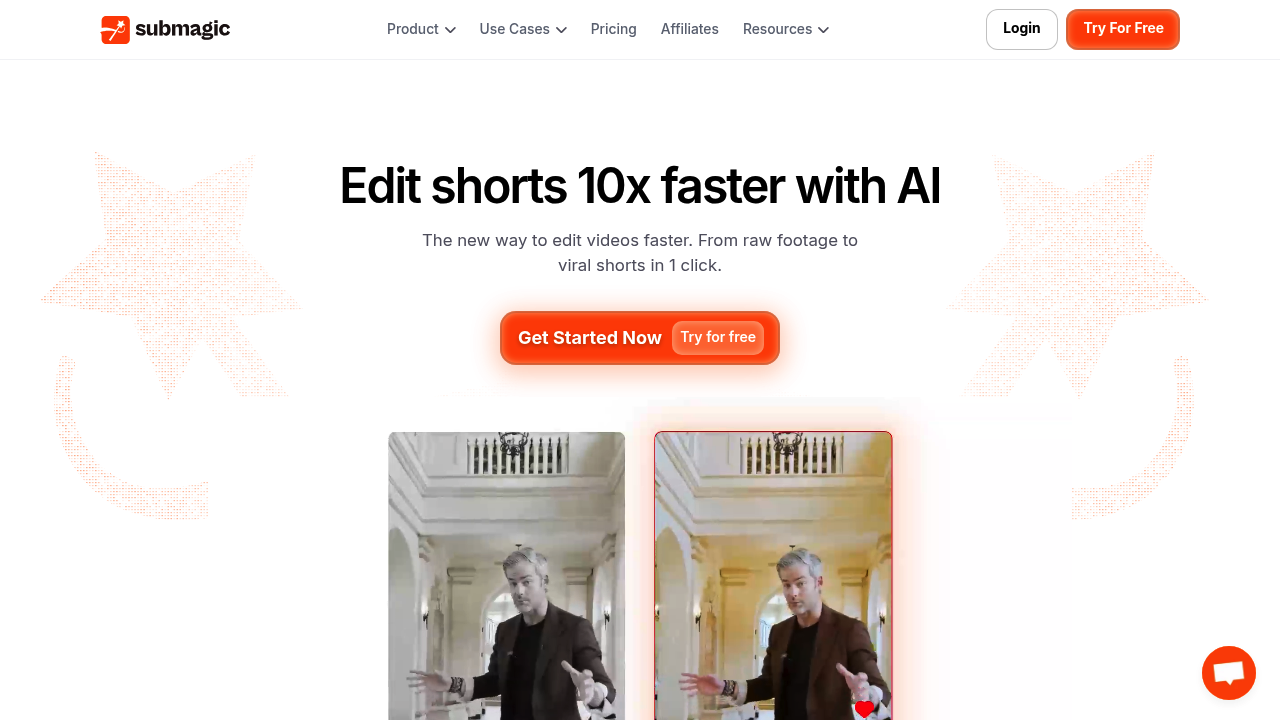
Submagic is an AI video editor for short-form content. Upload a clip or paste a YouTube link, and it generates animated captions in 123 languages with a stated 99 percent accuracy, removes silences, inserts B-roll, adds auto-zoom, sound effects, and background music, and finds key moments in longer footage. Magic Clips turns one long video into several shorts, and an AI avatar studio produces videos without filming. Finished videos can be scheduled and published to several social channels straight from the editor, and a video editing API lets developers automate the same workflow. Starting out is free, with no credit card required.
Submagic fits people who publish short videos on a regular schedule and do not want to spend hours in a timeline editor. Solo creators and podcasters use it to cut clips for TikTok, YouTube Shorts, and Instagram Reels. Marketing teams, agencies, and advertisers use the shared workspace to review and publish on-brand videos together. Business owners without an editing background can produce captioned videos quickly, and media companies can scale output across many clips. The company says more than 4 million businesses use it, and users describe it as approachable even for beginners.
Common workflows include dropping in a recorded podcast or webinar and extracting the strongest moments as vertical clips, then adding styled captions that keep viewers watching. E-commerce brands and real estate agents make quick promotional videos, coaches repurpose talks into a week of posts, and startups use AI avatars for explainers. Agencies batch process client footage, add translations to reach new audiences, and schedule posts across platforms in one pass. Developers can connect the API to automate editing inside their own apps, which suits media teams producing thousands of videos each month, such as the 2,500 monthly videos Sportskeeda reports.