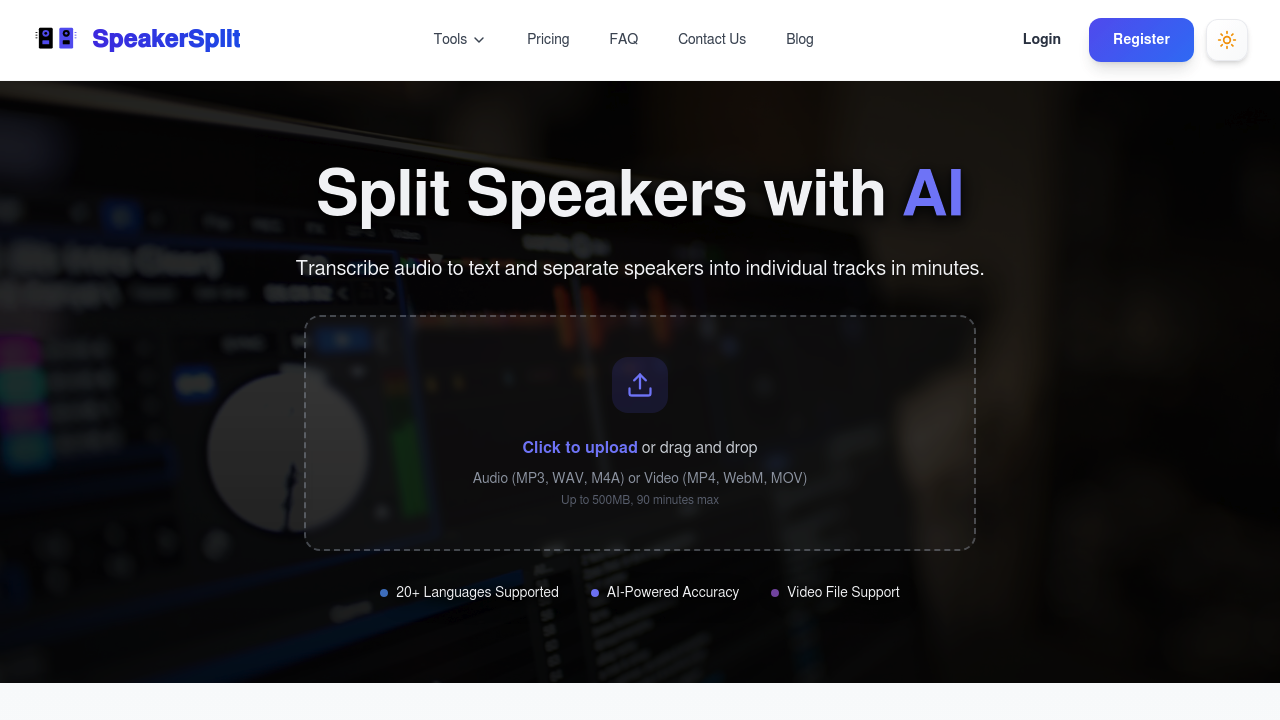
SpeakerSplit.io transcribes recordings and splits them into separate audio tracks, one per speaker. Upload an audio file (MP3, WAV, M4A) or a video file (MP4, WebM, MOV, AVI), and it extracts the audio, detects and labels different speakers, and produces a diarized transcript you can edit in a built-in editor. Speaker tracks download in WAV or MP3, time-synced, and transcripts export as TXT, SRT, DOCX or PDF. A free try accepts clips up to two minutes, or up to 90 minutes with an account.
Podcasters and video podcasters are the clearest users, since separating hosts and guests makes editing, leveling and cleanup faster. Content creators, interviewers, researchers and journalists who record multi-person conversations also benefit, as do professionals who need speaker-labeled transcripts of meetings or calls. Language auto-detection covers more than 20 languages, so international interviews work without manual setup. Testimonials come from creators who use it for podcast edits and for turning projects into video podcasts.
A podcaster uploads a two-person interview, gets one track per voice, and edits each independently to remove crosstalk or adjust volume. A video creator submits an MP4 and receives speaker-labeled subtitles in SRT format. A researcher exports a DOCX transcript with names assigned to each speaker after correcting labels in the editor. The company reports more than 50,000 files and 10,000 hours of audio processed, with process history and downloads kept in your account. Related pages cover vocal removal, stem separation, instrumental and karaoke tracks, and music production.