Slack AI logo
AI Assistant FREEMIUM from €7/mo

Slack AI

Slack AI adds AI features directly into Slack so teams can catch up and find answers without leaving their conversations.

It summarizes channels and threads, serves daily recaps, and powers enterprise search across conversations, PDFs, images, support tickets and records from connected apps such as Google Drive and Salesforce. Slackbot…

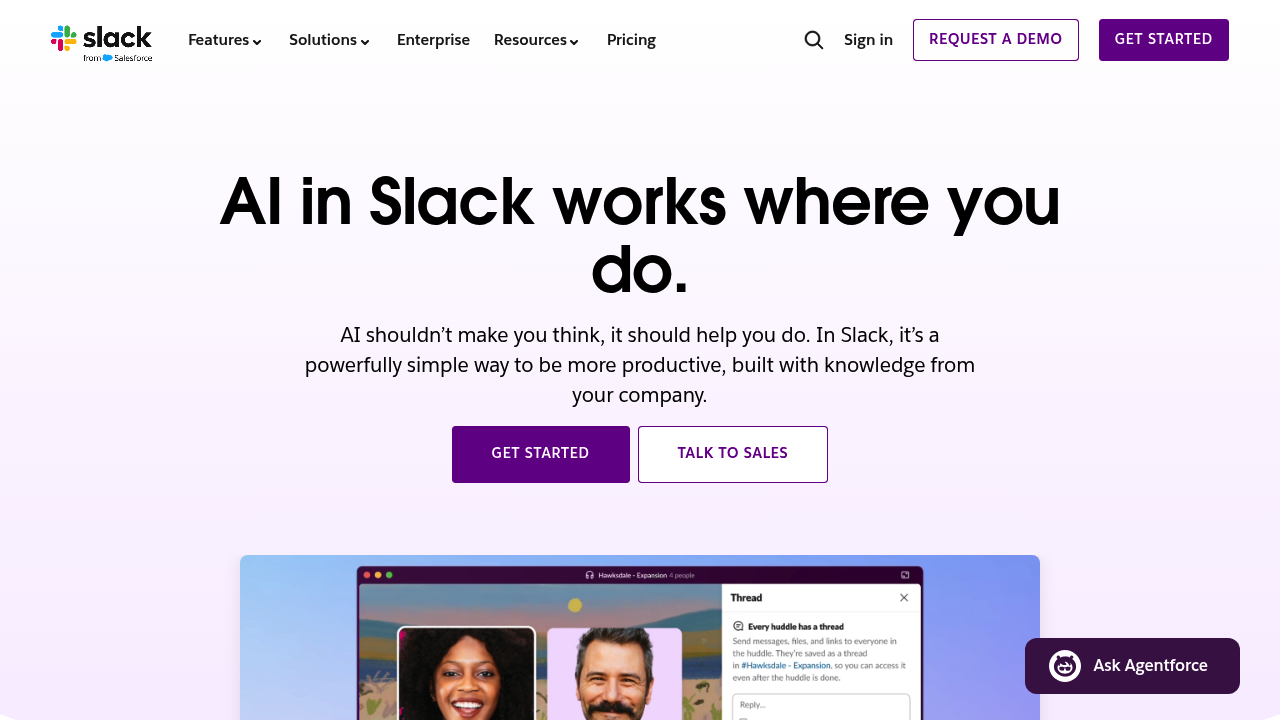
Slack AI screenshot

Slack AI adds AI features directly into Slack so teams can catch up and find answers without leaving their conversations. It summarizes channels and threads, serves daily recaps, and powers enterprise search across conversations, PDFs, images, support tickets and records from connected apps such as Google Drive and Salesforce. Slackbot acts as a personal AI agent that prepares users for meetings, analyzes reports and drafts project briefs in their own tone. Slack says customer data never leaves Slack and that it does not train large language models on that data.

Slack AI is for teams already communicating in Slack: customer service groups that want notes kept for them, engineers resolving incidents with knowledge from across the organization, sales teams summarizing account channels, and marketers translating messages for global launches. Managers who return to hundreds of unread messages get a summary instead of scrolling. IT and security reviewers can check the compliance standards it shares with Slack itself. Slack cites an average of 97 minutes saved per user weekly in an internal pilot analysis.

Daily use starts with the Today briefing in Early Access or a channel recap that shows what changed overnight. People then ask Slackbot to prepare for a customer meeting, search across Slack and connected files for an answer, translate a thread for colleagues abroad, or have AI take meeting notes. Workflow Builder creates automations in a few clicks. In support, AI takes notes and keeps everyone aligned; in engineering, incident threads draw on solutions from across the company; in sales, summaries of account channels supply context before calls.


Slack AI alternatives

See all →

Frequently asked

6 questions
What does Slack AI summarize?
It summarizes channels and threads and delivers daily recaps. This gives users the key information without reading every message.
Who benefits from Slack AI?
Customer service, engineering, sales and marketing teams that already work in Slack gain the most. Managers who return to long unread backlogs also benefit.
How does Slack AI search work?
Enterprise search covers conversations, PDFs, images, decks in Google Drive, support tickets and Salesforce records that are shared in or integrated into Slack. You can ask questions and receive answers drawn from that content.
Does Slack AI use my data to train models?
Slack states that customer data never leaves Slack and that it does not train large language models on customer data. Everything runs on Slack's own infrastructure and meets the same compliance standards as Slack.
Are all Slack AI features generally available?
The Today briefing is labeled Early Access, so it may not reach every workspace yet. Other features such as summaries, search and translation are presented as part of AI in Slack.
How do I get started with Slack AI?
Use the Get started button on the Slack AI page or talk to Slack's sales team. Because the features live inside Slack, teams use them from their existing workspace.

Reviews (0)

Write review

No reviews yet. Be the first to share your experience.