
Screenpipe logo
AI Knowledge Management FREEMIUM from $21/mo

Screenpipe

Screenpipe records what appears on your screen and what you hear, turns it into local searchable history, and lets approved AI agents use that history as context.

It captures accessibility data, screen frames with OCR fallback and audio transcripts, stores them in a local database, and exposes a local REST API and an MCP server. Scheduled workflows called pipes can write meeting…

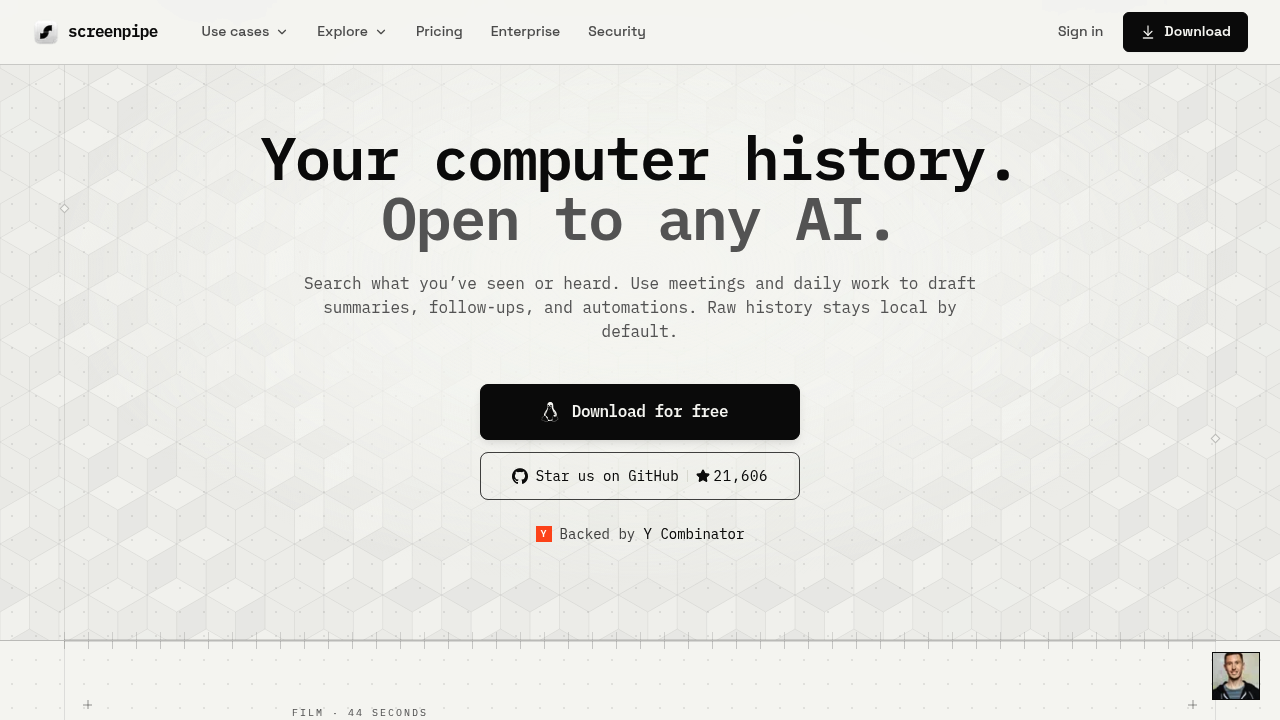
Screenpipe screenshot

Screenpipe records what appears on your screen and what you hear, turns it into local searchable history, and lets approved AI agents use that history as context. It captures accessibility data, screen frames with OCR fallback and audio transcripts, stores them in a local database, and exposes a local REST API and an MCP server. Scheduled workflows called pipes can write meeting notes, update tickets or draft follow-ups. Raw history stays on the device by default. A free plan covers one device, Basic costs $21 per month and Business $42 per seat per month, with Enterprise on custom terms.

It suits founders, sales and customer-facing staff, consultants and engineers who want an assistant that remembers what actually happened in their day. IT and security teams can roll it out across a company with MDM, SSO, audit logs and retention controls, while privacy-conscious users exclude password managers, windows, apps or URLs and redact sensitive fields before storage. It runs on macOS, Windows and Linux and the source code is available to inspect. Students, researchers and faculty get 50% off the first month of an individual plan. Budget for storage of roughly 30 GB per month and 600 MB to 4 GB of RAM.

Typical uses include asking what you told a client about pricing last month, summarizing the last five meetings with an account, and drafting a weekly update from calls and screen activity. A pipe can trigger when a meeting ends, write a summary with action items per person and save it as Markdown in a notes folder. Others update Linear tickets, push data to HubSpot, build a contact dossier or generate standard operating procedures from recorded work. Connections cover Linear, Slack, Notion, GitHub and Obsidian, and agents can query the local API from a terminal.


Screenpipe alternatives

See all →

Frequently asked

6 questions
What does Screenpipe record and store?
It captures screen activity, audio and meetings, including accessibility data and OCR text, and keeps them as a local searchable history. Raw history stays on the device by default.
Who is Screenpipe built for?
Founders, sales staff, consultants and teams who want AI agents to draw on their real work context. Companies can deploy it with managed seats, SSO and MDM.
What can Screenpipe pipes automate?
A pipe is a scheduled or triggered workflow, such as writing meeting notes and action items when a meeting ends. Others update Linear tickets, build contact dossiers or draft weekly updates.
How much does Screenpipe cost?
Free costs $0 for one device. Basic is $21 per month with full searchable history, and Business is $42 per seat per month with device sync and managed seats. Enterprise pricing is custom.
What are the resource demands of Screenpipe?
Expect 600 MB to 4 GB of RAM depending on settings and about 30 GB of storage per month, with configurable retention. Shared context across teammates is not currently included.
Which platforms does Screenpipe run on and how can sensitive data be excluded?
macOS 13 and later, Windows 10 and later, and Linux are supported. Users can exclude apps, windows, URLs or hours, and redact sensitive fields on the device.

Reviews (0)

Write review

No reviews yet. Be the first to share your experience.