
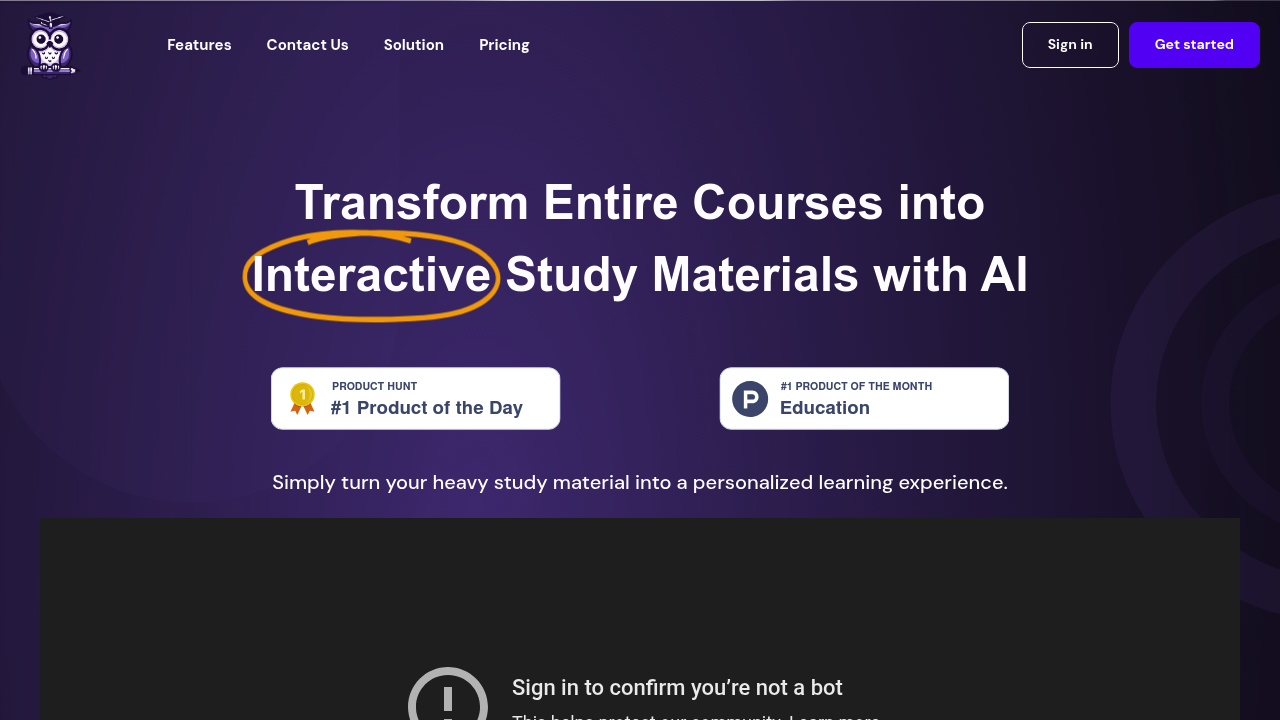
Mobile studying isn't QWiser's thing. You need a real computer screen. The content mapping and interactive sessions demand proper navigation space.
QWiser grabs your chaotic study materials and builds organized frameworks that actually work. Upload PDFs. Word docs. PowerPoint slides. YouTube videos. Wikipedia articles. The AI sorts everything into clear hierarchies with main topics and sub-topics. Fast transformation.
Picture this — you're a graduate student drowning in thesis research papers. You dump 20 PDFs into QWiser and get an organized study structure in seconds instead of hours of manual note-taking. Then generate interactive quizzes with multiple choice, true/false, and open-ended questions to test your understanding.
The free plan gives you 5 courses with 100 pages each. Actually decent for testing things out. You also get 2 hours of YouTube video processing and can export up to 10 questions per exam to Word or PDF formats.
Premium costs $150 yearly for unlimited everything. That's where QWiser becomes useful for serious learners who need to process massive amounts of content regularly. Data stays on their servers though — consider what you're uploading.
QWiser works best when you have substantial content to organize rather than quick study sessions. Medical students preparing for boards or MBA candidates tackling case studies would find more value here than someone cramming for a single exam.