
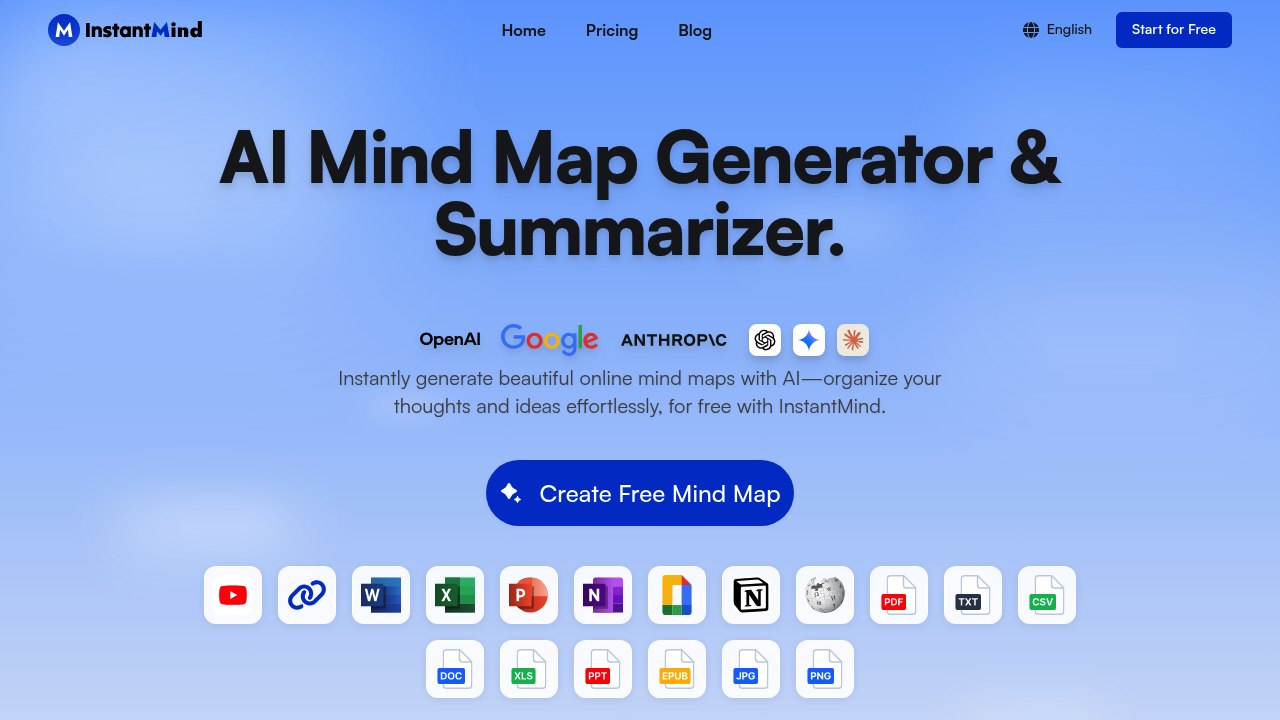
InstantMind converts documents, videos, web pages, and images into visual mind maps through AI processing. This platform accepts over 30 file formats including PDF, Word, Excel, PowerPoint, Ebook, Markdown, and various image types. When you upload content, the system parses the input and extracts key concepts, then arranges them into hierarchical node structures automatically.
The data pipeline works by first analyzing the uploaded content to identify main topics, subtopics, and relationships. For YouTube videos, it processes transcripts. For web pages, it extracts text content. For images, it applies optical character recognition. The AI then structures this information into mind map nodes, creating parent-child relationships based on conceptual hierarchy and logical flow.
Once the initial map generates, you can chat with the content directly. This feature enables you ask questions about the source material, and the AI responds with contextually relevant answers drawn from the original document. The chat functionality maintains awareness of both the source content and the generated mind map structure.
Node expansion works through AI-generated content suggestions. Select any node and the system proposes additional subtopics or details related to that concept. You can also provide custom AI instructions to guide how it generates and organizes content, adjusting the output style or focus to match specific needs.
This platform offers six layout options: classic radial structure, logic tree, organizational chart, catalog format, fishbone diagram, and timeline view. Each layout applies different visual hierarchies to the same underlying data. You can switch between layouts without losing content, and customize appearance through themes, colors, and styling options.
Export formats include InstantMind's native file type, PNG, PDF, SVG, and Markdown. The Markdown export converts the visual structure back into text-based outline format. Presentation mode displays the mind map full-screen for sharing or presenting. An outline view toggles between visual and text-based representations of the same content.
The system uses cloud storage with automatic synchronization across devices. The responsive design adapts to mobile screens, though there's no dedicated mobile app. Data gets encrypted during storage and transmission, using what the company describes as enterprise-grade encryption standards.
Free accounts receive 400 AI credits at signup with a 20,000 AI token input limit. This token limit constrains how much text the AI can process in a single operation. Free tier users access a basic AI model and get limited storage space. Mind maps created on free accounts display a "Made with InstantMind" badge.
Pro tier costs eight dollars monthly or ninety-six annually. It removes storage limits, increases token inputs to 500,000, and allows file summaries up to 30MB. Max tier costs twelve dollars monthly or one hundred forty-four annually, doubling token inputs to one million and raising file summary limits to 50MB.
The token input limits create practical constraints on document size. A 30MB file limit on Pro means you cannot summarize entire books or lengthy technical documentation in one operation. The 50MB limit on Max extends this somewhat but still restricts very large files. Token limits also affect how much you can expand nodes or chat with documents before hitting usage caps.
The system does not offer API access or team collaboration features based on available information. No browser extension exists. This platform focuses on individual content processing rather than multi-user workflows or integration with external platforms.