
Quixl logo

Quixl

Your team needs AI agents but lacks coding skills to build them from scratch

53 views
Visit quixl.ai
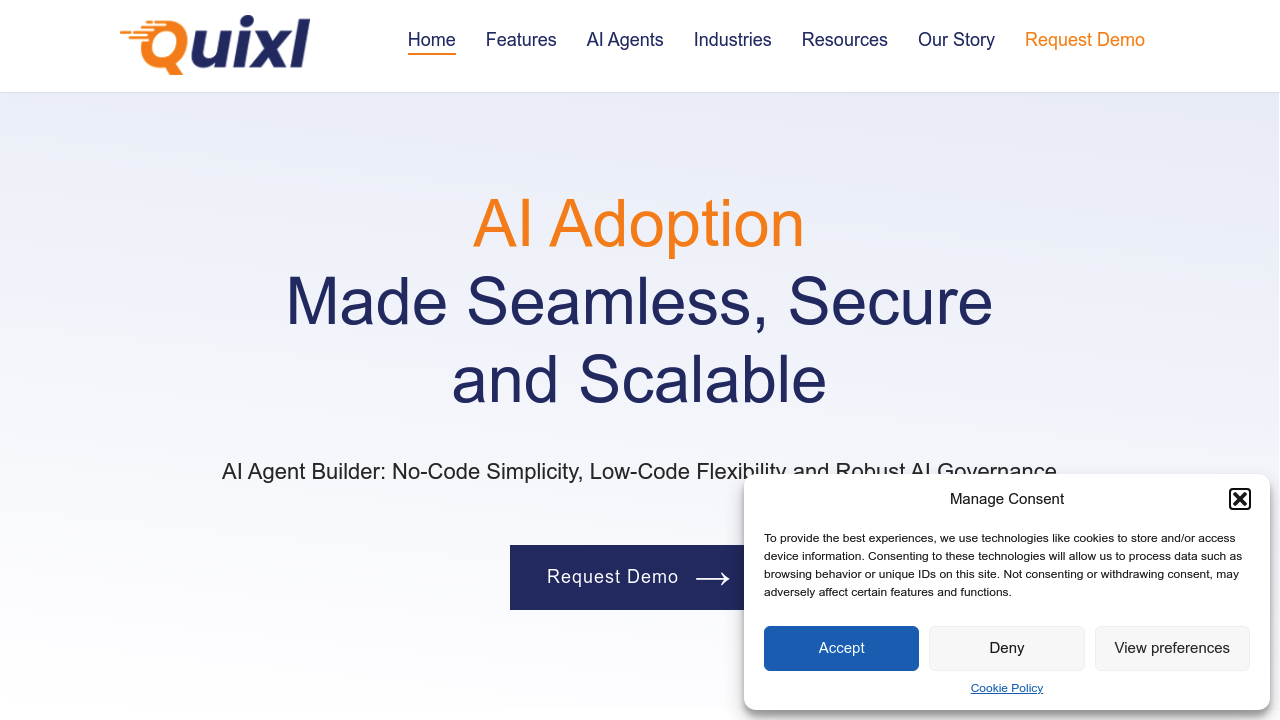
Quixl screenshot

Your team needs AI agents but lacks coding skills to build them from scratch. Quixl bridges that gap. It lets enterprises develop scalable AI solutions without complex programming. No-code simplicity meets low-code flexibility when you need more control.

Here's the process: Start in the No-Code AI Agent Builder. It uses generative AI and large language models to create your agents. Teams drag and drop components instead of writing code. Need more customization? Prompt Studio gives you access to various language models. Advanced prompt engineering capabilities too.

A chief operations officer at a logistics company could use Quixl to build agents that automate shipment tracking. Customer notifications get handled automatically. Data Pipeline processes both batch and real-time data while managing vector databases and secure transfers.

Quixl won't replace existing enterprise systems overnight. You'll still need integration planning. Change management matters.

AI Applications Management handles tenants, users, and subscriptions. Queue and server management come built-in. Quixl positions itself as enterprise-grade with strong AI governance — which explains why there's no visible pricing on their site. Most enterprise AI platforms follow this approach.

No-code tools plus low-code flexibility makes Quixl suitable for companies that want quick experiments. But they also need deep customization options when required.

Frequently asked

7 questions
What's the difference between Quixl's No-Code Builder and Prompt Studio?
The No-Code AI Agent Builder's all drag and drop -- no programming needed. Prompt Studio? That's where you get direct access to different language models with serious prompt engineering tools. Start simple, get technical later when you need it.
Can Quixl handle real-time data processing or just batch jobs?
Quixl's Data Pipeline does both batch and real-time streams. It manages vector databases too -- plus secure data transfers. Perfect for stuff that needs instant responses (like automated customer alerts or live shipment updates).
How does Quixl manage multiple teams and projects within an enterprise?
AI Applications Management separates tenants, handles user permissions, manages subscriptions across your org. Queue and server management's built right in. Different teams can work on separate projects without stepping on each other's toes -- it's designed for enterprise scale.
Why doesn't Quixl show pricing on their website?
They position themselves as enterprise-grade with strong AI governance features. Most enterprise AI platforms do custom pricing based on your specific needs -- team size, usage requirements, all that. You'll have to contact their sales team for the numbers.
Will I need to replace my existing enterprise systems to use Quixl?
Nope, Quixl won't replace your existing systems overnight. You'll need integration planning to connect it with current tools and databases. Change management's important here -- you're adding AI agents to existing workflows, not rebuilding everything from scratch.
What types of language models can I access through Quixl's platform?
Quixl uses generative AI and large language models in its No-Code Builder. Prompt Studio gives you access to various language models. They don't specify which exact models, but the focus is giving you options rather than locking you into one provider.
Is Quixl suitable for companies that want to experiment quickly but also need complex customizations later?
Yeah, that's exactly what they're targeting. Start with quick no-code experiments using the drag-and-drop builder. Need more control? Move to low-code options with Prompt Studio and advanced prompt engineering. It grows with your needs.

Reviews (0)

No reviews yet. Be the first to share your experience.

Similar tools

See all →