
CrewAI logo

CrewAI

AI teams that collaborate

49 views
Visit crewai.com
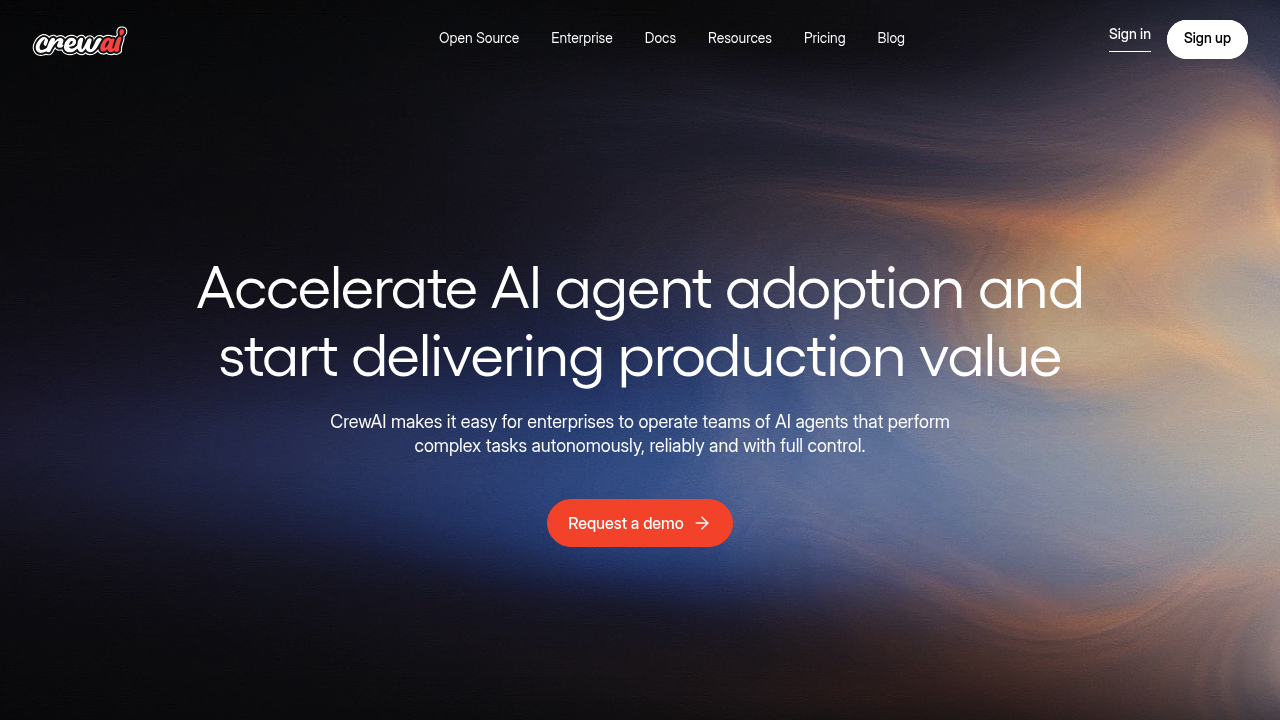
CrewAI screenshot

450 million workflows run monthly through CrewAI's enterprise platform. Teams of AI agents handle this massive load. Built on an open-source multi-agent framework, CrewAI lets you orchestrate autonomous agent teams that tackle complex business processes without constant supervision.

The visual editor makes agent creation straightforward even for non-technical users. Subject matter experts can build workflows alongside engineers using the AI copilot feature. Task guardrails keep agents from going off track. Real-time tracing shows every decision your agents make.

A marketing director could deploy agents to automatically pull leads from HubSpot. They qualify leads through email sequences. They update Salesforce records. The agents coordinate these steps without human intervention.

CrewAI handles the technical complexity behind agent orchestration — role-based access control means different team members see only what they need. Serverless containers scale automatically as your agent workloads grow.

Fortune 500 companies make up 60% of CrewAI's user base. One client cut development time by 90% using APIs and pre-built integrations. Gmail connects directly to your agent workflows. So does Slack. Notion too. Microsoft Teams as well.

CrewAI doesn't publish pricing details upfront, which means you'll need to contact sales for quotes. The platform attracts 4,000 new signups weekly as more enterprises discover multi-agent automation. Agent training capabilities let you fine-tune performance over time while centralized monitoring keeps everything visible.

Frequently asked

7 questions
How many agents can I run simultaneously on CrewAI?
CrewAI's got serverless containers that scale automatically -- no need to worry about capacity planning. They're running 450 million workflows monthly, so the system definitely handles massive loads. Your exact limits? That'll depend on which enterprise plan you're on and how much you've allocated for resources.
Can non-technical team members actually build agents in CrewAI without coding?
Absolutely! The visual editor's designed so your subject matter experts can work right alongside the engineers. There's an AI copilot that walks you through everything. Plus, task guardrails keep your agents from going haywire -- you don't need to be a coding wizard to get started.
What happens if my CrewAI agents start behaving unexpectedly?
You'll see everything in real-time tracing. Every decision your agents make shows up as they're working. The centralized dashboards let you monitor all activities, and those task guardrails automatically stop agents from going off the rails. Need to tweak their behavior? Just use the training features.
How does CrewAI pricing work for enterprise teams?
They don't publish standard rates -- you'll need to contact sales for a quote. Fortune 500 companies make up 60% of their users, so expect enterprise-level pricing. With 4,000 new signups weekly, there's clearly strong demand despite the custom pricing approach.
Which business applications integrate directly with CrewAI workflows?
You've got direct connections to Gmail, Slack, Notion, Microsoft Teams, HubSpot, and Salesforce. One client cut their development time by 90% using these pre-built integrations and APIs. Your agents can automatically pull data, send messages, and update records across all your existing tools.
How do I control what different team members can see in CrewAI?
Role-based access control's got you covered. Each team member only sees workflows and data that's relevant to their role. This keeps your sensitive business stuff secure while still letting teams collaborate on building agents.
Can I improve my CrewAI agents' performance over time?
Definitely -- the platform includes training capabilities for fine-tuning based on real results. You can analyze how workflows performed and adjust agent behavior accordingly. The centralized monitoring shows which agents need work and tracks their improvement over time.

Reviews (0)

No reviews yet. Be the first to share your experience.

Similar tools

See all →