Flowise logo

Flowise

No-code AI workflows

62 views
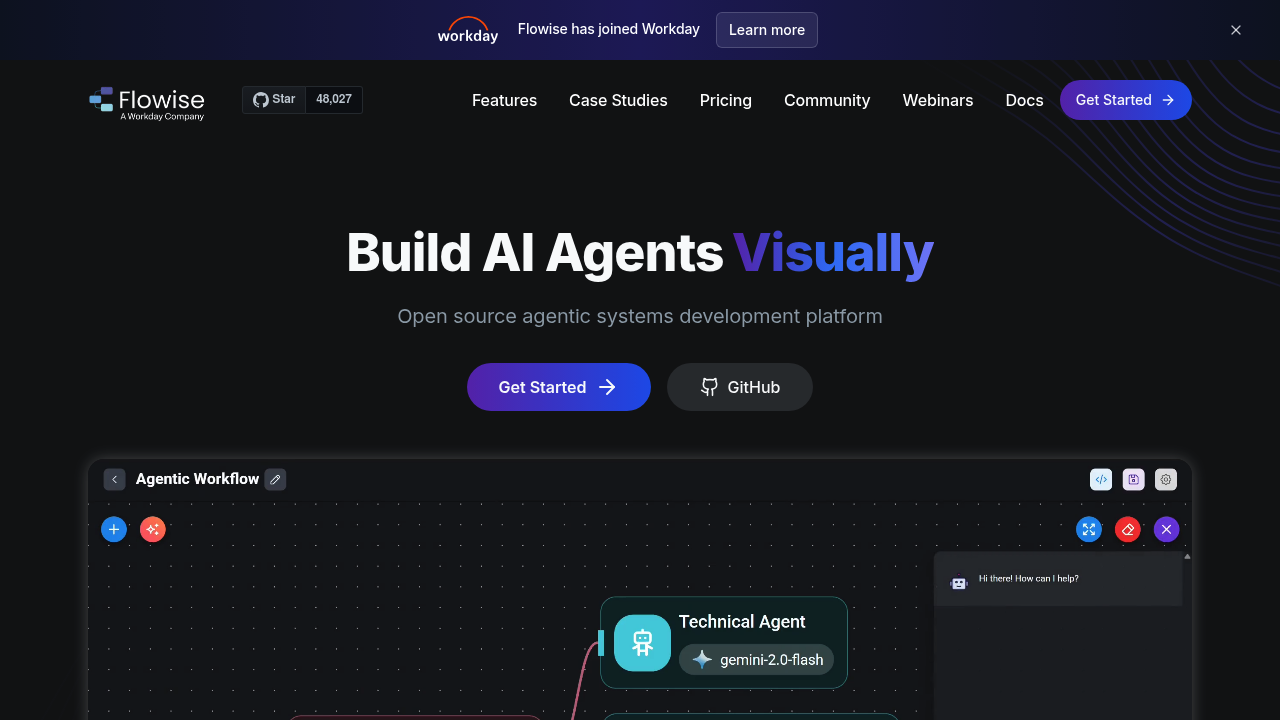
Flowise screenshot

Developers building AI applications need more than basic chatbots. Enterprise teams want custom AI agents that can handle complex workflows across multiple systems.

Flowise lets you drag and drop components to build sophisticated AI systems without writing everything from scratch. Think multi-agent setups where one AI handles customer queries. Another processes internal data. A third manages follow-up tasks. You can coordinate these agents through visual workflows that make sense at a glance.

It connects to over 100 LLMs and vector databases. You're not locked into one provider.

A DevOps engineer at a mid-size company could build an AI system that monitors Slack for deployment requests, checks Notion for documentation, then coordinates with Workday to verify permissions before executing tasks. Flowise handles the orchestration between these different agents and systems through its visual interface.

Human-in-the-loop feedback means agents can pause for approval when needed. Full execution traces help debug what went wrong when things break. Not perfect. But useful. Free plan gives you 2 flows and 100 predictions monthly — won't last long for serious development work.

You get API access and can embed chat interfaces directly into your applications. Flowise runs on your infrastructure since it's open source, giving you control over data and customization. GitHub repo has 12,000 stars from developers who've found ChatGPT's single-agent approach too limiting for complex business workflows.


Frequently asked

7 questions
How many agents can I run simultaneously in Flowise?
Flowise doesn't set hard limits on concurrent agents. You can build multi-agent workflows where different AI components tackle separate tasks -- customer queries, data processing, task management. Your main constraints? Infrastructure capacity (since it runs on your servers) plus rate limits from whatever LLM providers you're using.
Can I use my own custom models instead of the 100+ supported LLMs?
Absolutely! Since Flowise is open source, you can modify it to work with custom models. It connects to major providers like OpenAI, Anthropic, and local models through standard APIs. Got a model with an API endpoint? You can probably add it to your Flowise setup.
What happens when a Flowise agent makes a mistake during execution?
Flowise gives you full execution traces -- so you'll see exactly where things went sideways in your workflow. Agents can pause for human approval at critical steps using the human-in-the-loop feature. This prevents costly mistakes when automated decisions need oversight.
How does the free plan's 100 predictions limit work in practice?
Each AI agent response or decision counts as one prediction. Complex multi-agent flows? You might burn through 100 predictions in just a few test runs. Most serious development work will need a paid plan pretty quickly.
Can I deploy Flowise workflows as APIs for my existing applications?
Yes! Flowise auto-generates REST APIs for your workflows. You can also embed chat interfaces directly into web apps. Since it's self-hosted, you control the endpoints and can integrate them into your existing tech stack -- no external dependencies.
How does Flowise compare to building multi-agent systems with LangChain directly?
Flowise gives you a visual interface instead of writing orchestration code from scratch. You still get the flexibility of connecting different LLMs and tools, but with drag-and-drop workflow design. It's basically a GUI layer on similar concepts -- making complex agent coordination accessible to non-programmers.
What kind of systems can Flowise agents actually connect to?
Any system with an API -- Slack, Notion, databases, CRM tools, monitoring systems. The example workflows show connections to workplace tools like Workday and Slack for automating business processes. You're limited by what APIs you can access, not by Flowise itself.

Reviews (0)

No reviews yet. Be the first to share your experience.

Similar tools

See all →