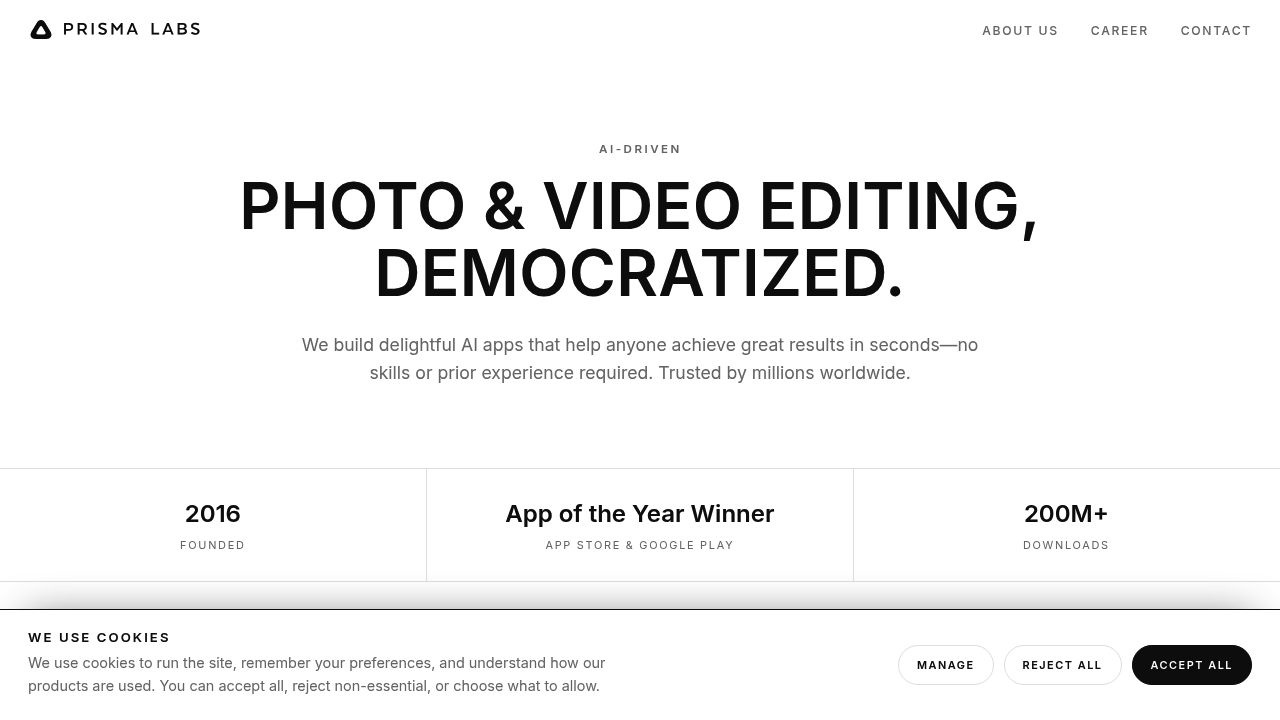
Prisma is an AI photo app from Prisma Labs that turns pictures into artwork in one tap. It offers hundreds of art and portrait styles inspired by famous artists, so an ordinary snapshot can look like a painting. The company, founded in 2016, also makes Lensa AI for portraits, background replacement and standout effects, and reports more than 200 million downloads across its apps. Both are aimed at quick results in seconds without editing skills.
Prisma suits casual mobile users, social media posters and creative hobbyists who want eye-catching images without learning Photoshop or a layered editor. It is a good match for people who like experimenting with looks and sharing them, and for anyone who wants a stylized profile picture or gift. Users who need precise retouching, batch processing or professional print workflows will want a more traditional editor, because the apps focus on fast, one-tap transformations instead of fine control.
A traveler can turn a scenic photo into a painting in the style of a famous artist and post it online. Someone preparing a birthday card or framed print can restyle a family portrait. A social media user can try several art filters on the same picture and pick the one that suits a feed. A person who prefers polished portraits can open Lensa AI from the same company for perfect portraits, replaced backgrounds and effects. Creators who want to experiment with video can explore Prisma Labs' photo and video editing apps from the download page for iOS and Android.