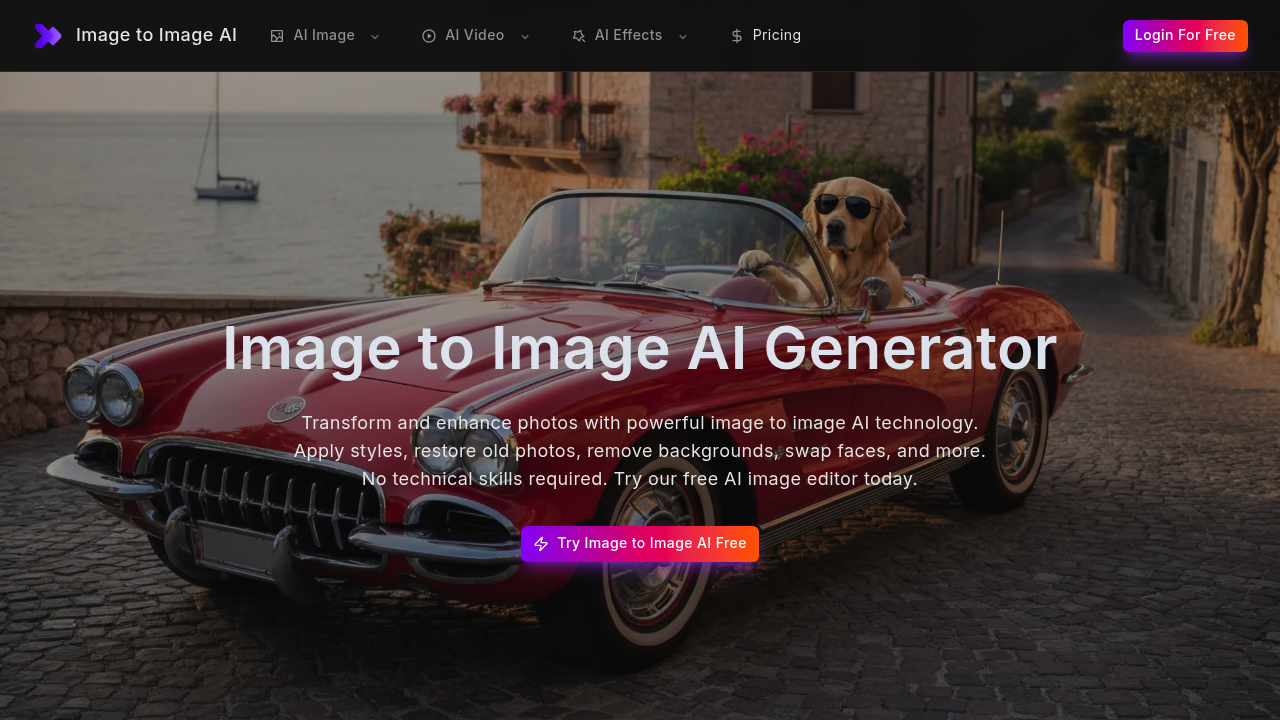
Image to ImageAI offers a free tier. You can test it without paying upfront.
You'll find over a dozen AI-powered image editing functions bundled into one interface. Upload a photo—then pick what you want done. Style transfer turns snapshots into oil paintings (or cyberpunk scenes). The upscaler boosts resolution on low-quality images. Old photo restoration fixes tears and brings back colors in damaged prints. Face swapping works between photos. Background removal cuts subjects cleanly.
Portrait retouching smooths skin and brightens eyes automatically. The watermark remover erases logos and text overlays. An object removal tool deletes unwanted people or distractions from your shots. Black and white photos get colorized. You can even convert portraits into anime art or cartoon illustrations. Image to ImageAI pulls from multiple AI models—including Runway and Midjourney—to handle these transformations.
A social media manager could fix old client photos, remove backgrounds for product shots, and create stylized content all in one place. No more juggling separate apps. Processing happens in seconds. You get commercial use rights for transformed images.
The catch? You're locked into whatever these bundled tools can do. Need specific fine-tuning that Image to ImageAI doesn't offer? You'll still need dedicated software. But for quick edits across different tasks, consolidating everything here beats subscribing to five different services. The free plan lets you figure out if this tool set matches your actual workflow before committing.