Hocha AI logo

Hocha AI

Free trial credits let you jump in without signup hassle

57 views
Visit hocha.ai
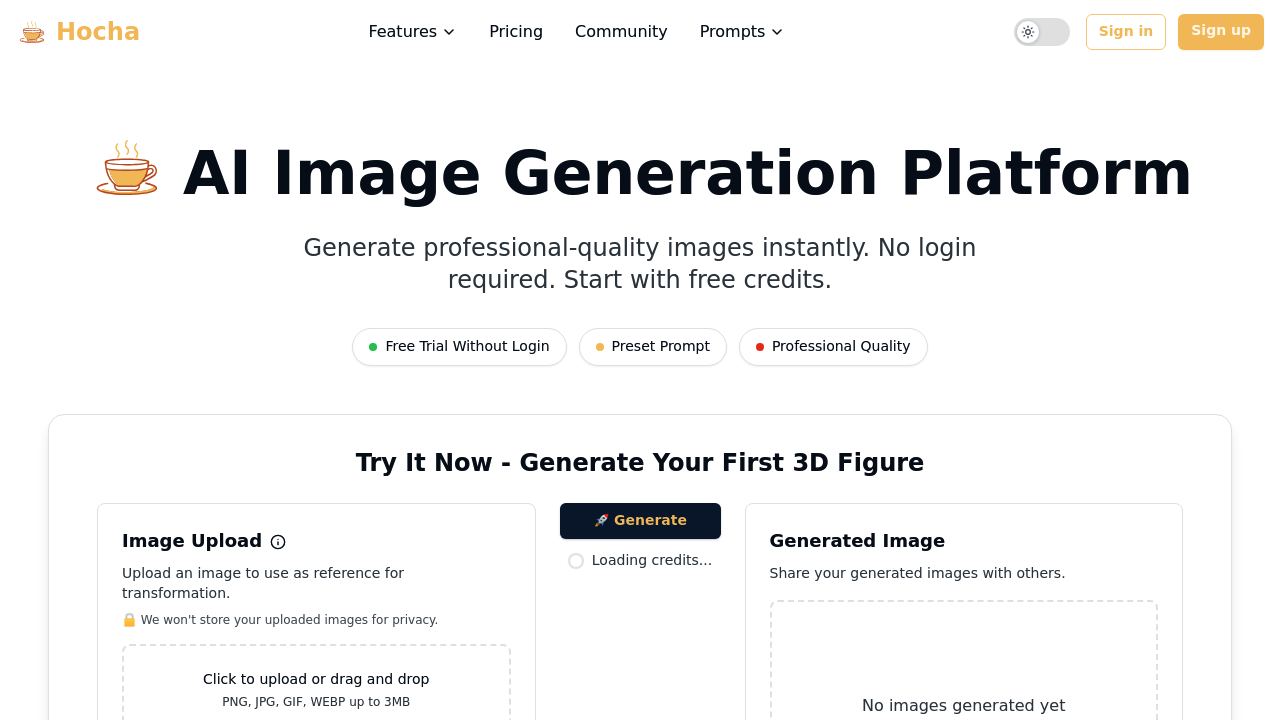
Hocha AI screenshot

Free trial credits let you jump in without signup hassle. That's actually rare. Most tools grab your email before you upload a single image.

Hocha turns your photos into professional 3D figures and headshots. Upload a selfie. You'll get studio-quality results with different backgrounds and style variations. The AI illustration generator handles character poses and artistic compositions too — though file size caps at 7MB.

A marketing manager preparing for a conference could upload their casual LinkedIn photo and generate several professional headshots with different studio backgrounds. No photographer needed. No hunting for proper lighting.

The image editor gives you multiple AI models to choose from with decent control over the editing process. Background removal works well enough for most use cases. You can work with JPEG files. PNG files. GIF files. WEBP files too.

Content creators building personal brands will find the headshot generator useful for business cards and website photos. The 3D figure option adds something different for presentations where a standard headshot feels too flat. Hocha targets professionals who need polished visuals without the typical AI friction of creating accounts and managing subscriptions just to test things out.


Frequently asked

7 questions
How many free trial credits does Hocha AI give you without signing up?
They offer free trial credits to test things out -- but they don't spell out the exact number on their site. You can jump right in and start making images without an account. Pretty handy way to see if you like the quality before you commit to anything.
What's the maximum file size I can upload to Hocha AI?
You're capped at 7MB per image. That'll cover most phone photos and regular digital images just fine. Bigger file? You'll need to compress it first.
Can I choose different AI models when editing images in Hocha?
Yep, the image editor gives you multiple AI models to pick from. You get decent control over how things turn out. Plus it handles JPEG, PNG, GIF, and WEBP files -- so you're covered on formats.
How does the 3D figure feature work compared to regular headshots?
The 3D option creates dimensional characters instead of flat headshots. Works great for presentations when you want something more dynamic than a basic profile photo. Same selfie upload process -- the AI just renders it as a 3D figure instead.
Does Hocha AI require a subscription to use after the free trial?
Their pricing structure isn't super clear beyond those initial free credits. You'll have to check what they're charging once you burn through the trial. Seems like they want you testing the quality first without subscription pressure.
How accurate is the background removal feature?
It works well enough for typical photos based on what users say. Not perfect, but handles standard shots with clear subject-background separation pretty well. Complex backgrounds that match your clothing colors? Those might need some manual cleanup.
What types of professional backgrounds can I add to my Hocha AI headshots?
They've got different studio backgrounds and style variations for your headshots. The site doesn't get specific about options, but they're aimed at business-ready results. You'll see what's available once you upload your photo and get started.

Traffic

Estimated monthly website visits · last 0 months

72 visits/mo
Monthly visits
72

Not enough historical data for a chart yet.

Data from SimilarWeb · Updated monthly.

Reviews (0)

Write review

No reviews yet. Be the first to share your experience.

Similar tools

See all →