PicPicAI - AI Portrait Enhancer logo

PicPicAI - AI Portrait Enhancer

PicPicAI's AI Portrait Enhancer improves portrait photos with two modes.

Enhance mode boosts clarity and detail on each face while staying true to the original and leaves colors untouched. Magic Restore mode is meant for old, blurry, damaged or black-and-white portraits: it mends cracks and…

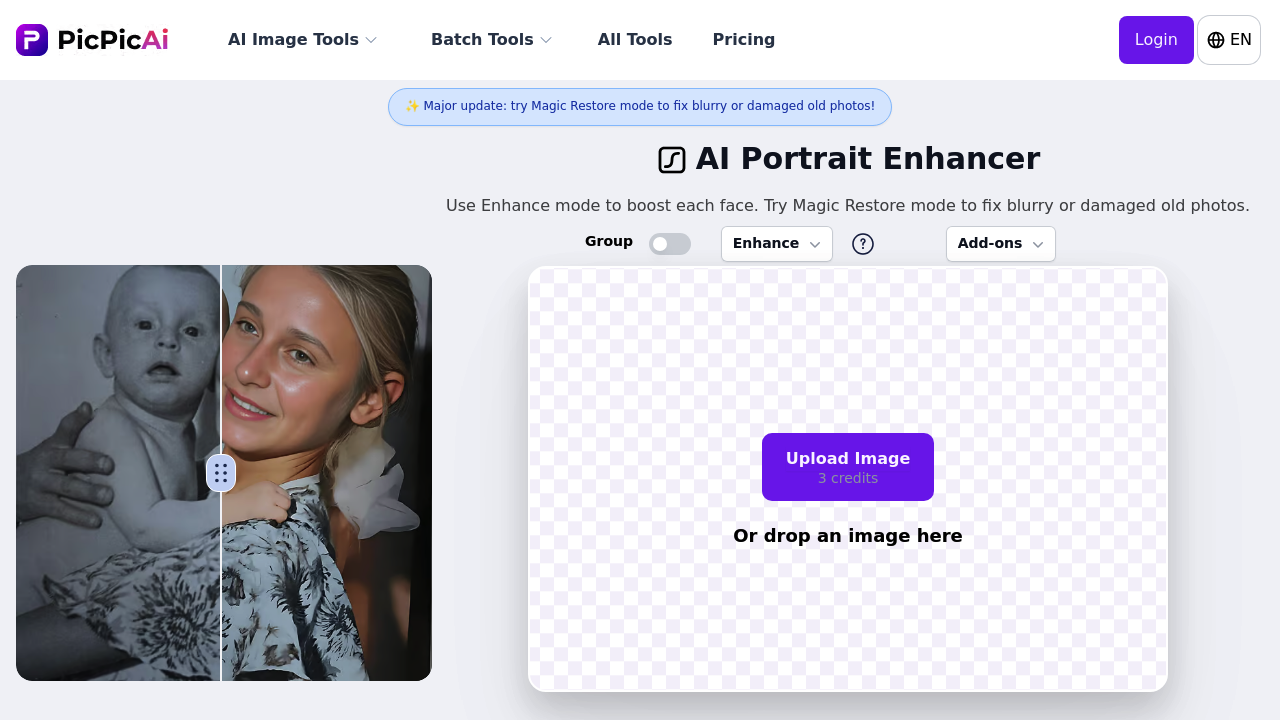
PicPicAI - AI Portrait Enhancer screenshot

PicPicAI's AI Portrait Enhancer improves portrait photos with two modes. Enhance mode boosts clarity and detail on each face while staying true to the original and leaves colors untouched. Magic Restore mode is meant for old, blurry, damaged or black-and-white portraits: it mends cracks and aging damage, adds color, and may creatively re-imagine the image. A Group setting enhances every face in a group photo, batch mode handles up to 20 portraits at once, and a one-click option removes the background. New accounts receive 5 credits.

The enhancer suits people with a mix of photo problems. Families digitizing old prints can use Magic Restore to bring back faded or cracked pictures. Professionals who need cleaner headshots and profile photos can run Enhance mode on a clean portrait. Event and school photographers with many images can use batch mode to sharpen up to 20 at a time. Online sellers and marketers can improve product shots and combine portrait enhancement with background removal for marketing images. Hobbyists can try the relight tool on dark, flat photos.

A genealogy project might begin with a scanned black-and-white portrait. Magic Restore repairs creases, adds color and sharpens the face. A recent group photo from a reunion can go through Enhance mode with the Group setting so every face gets clearer. A small shop owner can enhance a batch of staff headshots and remove backgrounds in one pass for a team page. The relight tool brightens a dim portrait by adjusting light and contrast. Related tools on the same site include a creative upscaler, background remover, portrait-to-sketch and portrait-to-art-painting converters.


PicPicAI - AI Portrait Enhancer alternatives

See all →

Frequently asked

6 questions
What is the difference between Enhance and Magic Restore?
Enhance sharpens a face and keeps the original colors, while Magic Restore repairs cracks, damage and aging. Magic Restore can also add color to black-and-white photos and may creatively re-imagine the image.
Who should use the AI Portrait Enhancer?
People polishing profile photos, families restoring old pictures, photographers with many portraits and sellers improving product images. Both casual and professional users are covered.
Can I enhance many photos at once?
Batch mode enhances up to 20 portraits in one go. The AI detects faces, improves sharpness and raises photo quality across the set.
How do I handle a group photo?
Choose the Group setting with Enhance mode to improve clarity for everyone in the picture. Every face in the image is enhanced.
What are the limits of Enhance mode?
Face-focused work is what Enhance mode does, and it does not change colors or fix cracks. For damaged or black-and-white pictures, Magic Restore is the better fit.
How do I start using the AI Portrait Enhancer?
Upload an image or try one of the sample photos, pick a mode and download the result. New accounts receive 5 credits as a registration reward.

Traffic

Estimated monthly website visits · last 9 months

5K visits/mo
Monthly visits
5K
↓ 19.2% MoM
Global rank
#3,190,932
US #2,727,101
Category rank
#25
AI Image Enhancer
21.7K 17.5K 13.4K 9.2K 5K Dec 2025: 12.1K visits Dec 2025 Jan 2026: 9K visits Jan 2026 Feb 2026: 21.7K visits Feb 2026 Mar 2026: 18.4K visits Mar 2026 Apr 2026: 7.4K visits Apr 2026 May 2026: 10.8K visits May 2026 Jun 2026: 8.7K visits Jun 2026 Jul 2026: 6.2K visits Jul 2026 Aug 2026: 5K visits Aug 2026

Reviews (0)

Write review

No reviews yet. Be the first to share your experience.