
Pencil logo
AI UX Design FREEMIUM from $16/mo

Pencil

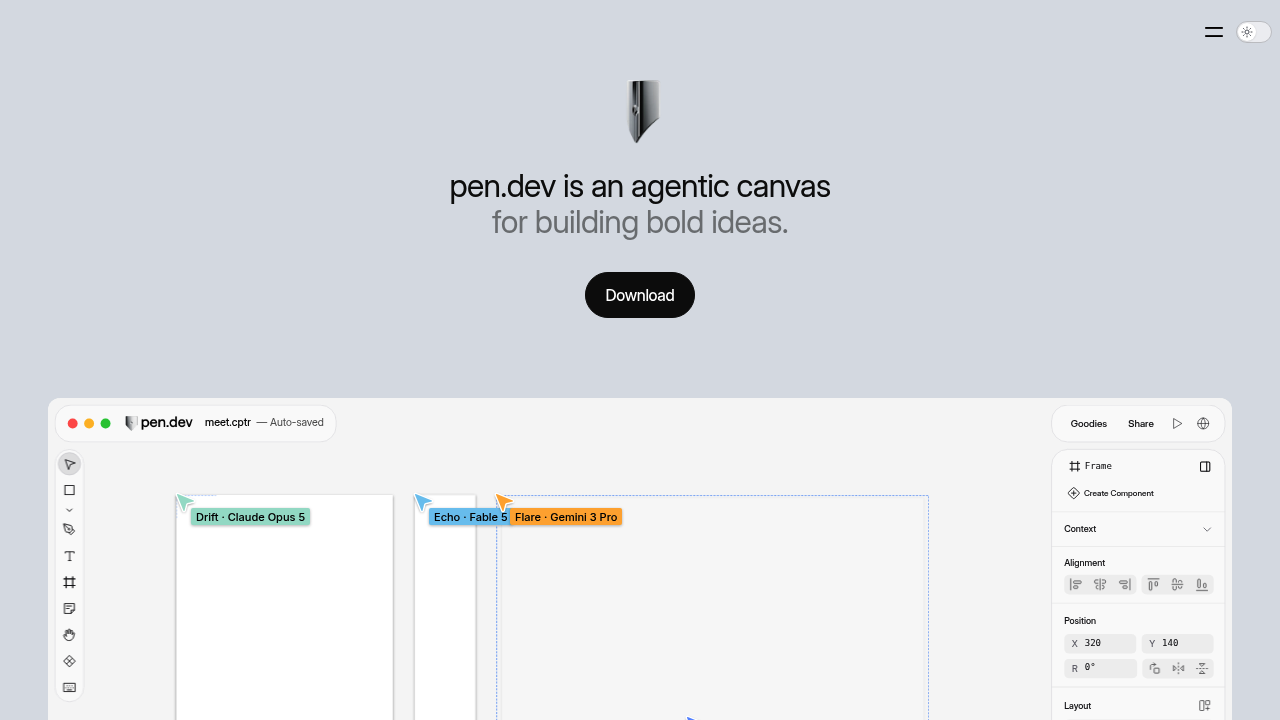
Pencil, now called pen.dev, is an agentic design canvas where designers and AI agents build interfaces together and ship the result back to code.

It runs on a custom WebGL pipeline and supports Figma import, HTML import through a built-in browser, components, variables, slots, gradients, shaders and a pen tool. Designs save in an open JSON-based format that…

Pencil screenshot

Pencil, now called pen.dev, is an agentic design canvas where designers and AI agents build interfaces together and ship the result back to code. It runs on a custom WebGL pipeline and supports Figma import, HTML import through a built-in browser, components, variables, slots, gradients, shaders and a pen tool. Designs save in an open JSON-based format that agents can read directly, and any frame exports as HTML with CSS or Tailwind. The Free plan costs nothing and the product stays free until plans launch, with Pro listed at $16 per user per month and Ultra at $48.

It fits product designers who want AI to draft screens while they refine details, front-end developers who prefer to move from design to code without a handoff, and teams already working with coding agents such as Codex or Cursor through MCP. Designers coming from Figma or Sketch will find familiar shortcuts, and agencies can share work by link so clients open the latest version in a browser. Founders without design staff can use built-in design skills to produce decent mockups. Pro and Ultra add parallel agents and shared usage for collaborative teams.

A designer can import a live webpage onto the canvas as editable layers, restyle it and export clean code. A team can bring a Figma file, build a component library with variables and slots, and share it across files. A developer can connect an agent over MCP or the CLI to generate screens headlessly. Marketers can build presentation decks in Slides view and present directly. Icon designers can draw with the AI Pen and snap to the pixel grid. Exports come as PDF, PNG, JPEG or WEBP at 1x, 2x or 3x sizes.

Pencil alternatives

See all →

Frequently asked

6 questions
What can I design in pen.dev?
You can design websites, mobile apps and social or marketing assets on a vector canvas. It supports components, variables, shaders, gradients and slides, and it exports HTML, CSS and Tailwind.
Who is Pencil (pen.dev) built for?
Product designers, front-end developers and teams that work with AI agents. Familiar Figma and Sketch shortcuts ease the move for existing designers.
How can I bring existing designs in?
Import Figma files (.fig), copy and paste from Figma, or capture any webpage as editable layers using the built-in browser or Chrome extension. Pages arrive as editable layers on the canvas.
What does pen.dev cost?
Pricing stays free until plans launch, and the Free plan includes 5 Agent days and 25 generations per month. Planned Pro is $16 per user per month and Ultra is $48 per user per month.
What are the limits of the Free plan?
Free runs one agent at a time and includes 5 Agent days per month. Pro and Ultra raise this to unlimited Agent days with 3 or 6 agents in parallel.
Can I use my own AI agent or model?
Bring your own subscriptions or API keys; connections to agents such as Codex and Cursor go through MCP, WebMCP or CLI. Plan limits apply to agent usage either way.

Reviews (0)

Write review

No reviews yet. Be the first to share your experience.