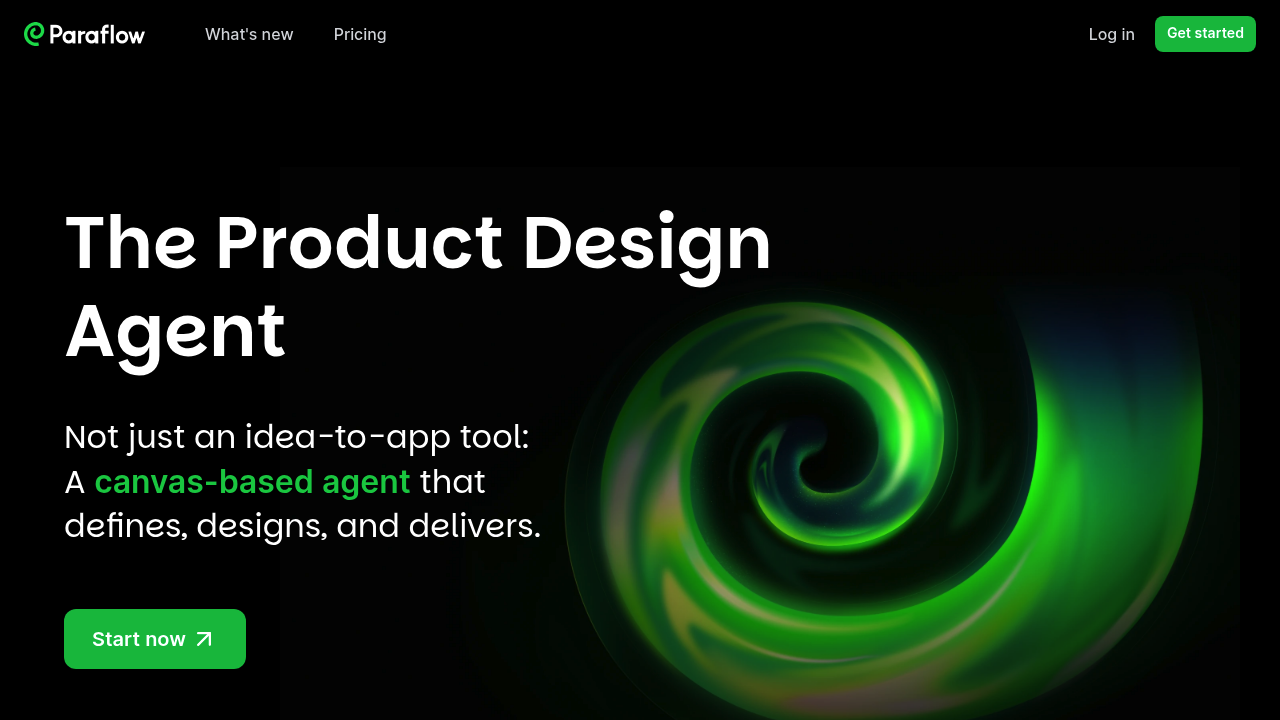
You start by throwing an idea onto the canvas. Paraflow immediately spins up an AI product manager that translates your concept into a proper product requirements document. Instead of staring at a blank Google Doc, you're watching structured requirements appear with feature breakdowns and user needs mapped out.
This platform doesn't stop at documentation. It generates user flows automatically, drawing connections between screens and showing how someone would actually move through your product. Each flow branches into a screen plan that lays out UI blueprints and module arrangements. You're not sketching wireframes manually.
Once the structure's there, the AI designer kicks in. You can customize design styles or let it generate high-fidelity interfaces based on the requirements. The canvas shows real UI components, not placeholder boxes. Colors, typography, spacing all get defined through a style guide that keeps everything consistent when you add more screens later.
Prototypes become interactive without linking screens yourself. Click through the design like it's already built. Need to restyle everything? Change the theme and watch the entire interface update. Want to add a feature? The AI extends the existing design rather than forcing you to start over.
The canvas approach means everything lives in one workspace. PRD sits next to user flows sits next to high-fidelity designs. When you're done, it exports frontend code for developer handoff.
The friction shows up when you want granular control over specific design decisions. The AI makes choices fast but sometimes those choices need manual correction. Agencies and startups use it to compress weeks of product definition into days, though designers coming from traditional tools might fight the AI-first workflow initially.