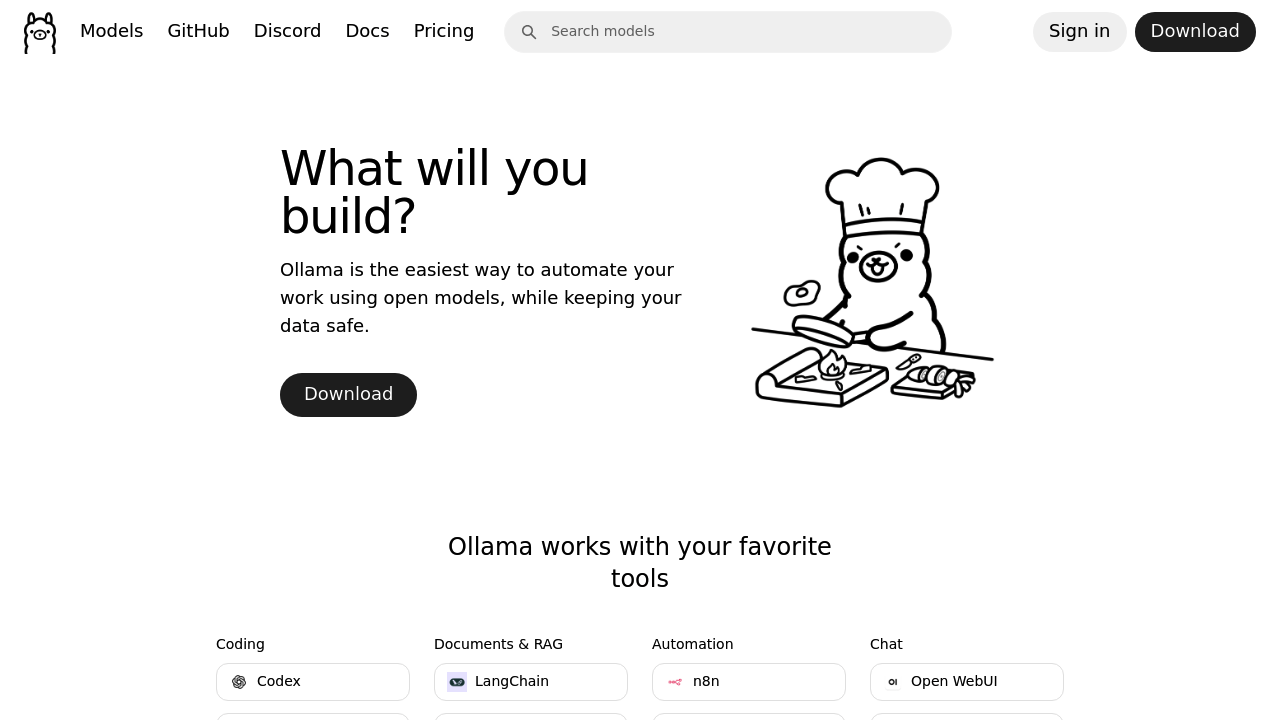
You get a command line interface for running open source AI models locally. No cloud dependency needed. Ollama connects over 40,000 integrations to models like Claude Code and OpenCode — all through one terminal tool.
Setup feels familiar if you know command line workflows. Type a command. Switch between AI models instantly. Want to test how Claude Code handles your Python script versus OpenCode's suggestions? Model comparison becomes straightforward with easy switching.
Backend developers building automation pipelines will find this useful. You can connect models to applications like LangChain or n8n without sending data to external servers. Sensitive code stays on your hardware.
Some applications show up as "not installed" which breaks workflows until you sort out dependencies. The terminal-only approach won't work for everyone either.
Ollama offers paid access to cloud hardware for running larger models your local machine can't handle. Free version runs whatever your hardware supports. Version 0.16.1 includes integrations with tools like Dify, Open WebUI, and AnythingLLM.
Real value comes from the unified interface. Instead of managing separate installations for different AI coding assistants, you launch everything through one tool. Local execution plus easy model switching makes it practical for developers who want control over their AI workflow without vendor lock-in.